
5 Common Android Auto Mistakes and How to Fix Them
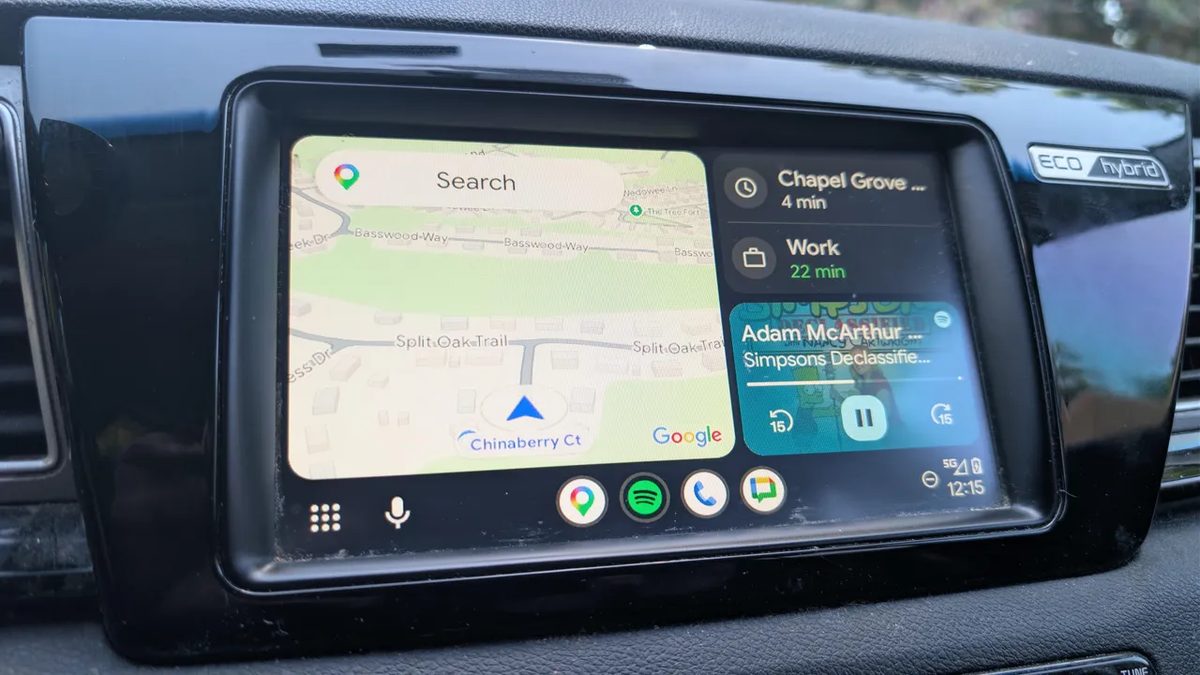
Photo: ZDNet
Quick answer
Android Auto превращает поездки в более удобный и безопасный процесс, но многие пользователи допускают типичные ошибки, которые мешают полноценно использовать возможности платформы. От выбора кабеля до настроек батареи — даже небольшие недочёты могут привести к сбоям, задержкам или потере функциональности. Эксперты выделили пять ключевых проблем и предложили решения, которые помогут избежать разочарований за рулём.
Android Auto is a convenient tool for integrating your smartphone with your vehicle, but its effectiveness depends on proper settings and accessories. One of the most frequent mistakes is using low-quality cables. Cheap or damaged wires may fail to provide sufficient data transfer speeds, leading to connection drops, delays, or complete system disconnections. Experts recommend choosing cables from trusted manufacturers like Anker and avoiding overly long wires, which can degrade connection stability.
Another common issue is over-reliance on wireless connections. While wireless mode is convenient, wired connections offer faster performance and lower power consumption. This is particularly important when using navigation or multiple apps simultaneously. Wireless mode also puts a heavier strain on your smartphone’s battery, which can be critical during long trips.
Proper power-saving settings are equally important. If battery optimization or power-saving modes are enabled, Android Auto may operate unstably. To prevent this, set the app’s battery mode to "Unrestricted" in your device settings. This ensures the system runs without artificial limitations that could interfere with its performance.
Lack of offline maps in Google Maps is another mistake that can cause issues in areas with poor mobile coverage. Downloading maps in advance guarantees navigation availability even without an internet connection. Finally, many users underutilize voice commands via Gemini, which significantly simplify system control. Modern versions of Android Auto support advanced voice control features, allowing you to manage music, navigation, or messages without taking your eyes off the road.
Common questions
- Common questions
- Android Auto превращает поездки в более удобный и безопасный процесс, но многие пользователи допускают типичные ошибки, которые мешают полноценно использовать возможности платформы. От выбора кабеля до настроек батареи — даже небольшие недочёты могут привести к сбоям, задержкам или потере функциональности. Эксперты выделили пять ключевых проблем и предложили решения, которые помогут избежать разочарований за рулём.
Dzen feed: /feed/dzen.xml · RSS: /feed.xml