
6 Non-Obvious Ways to Use macOS Spotlight More Effectively
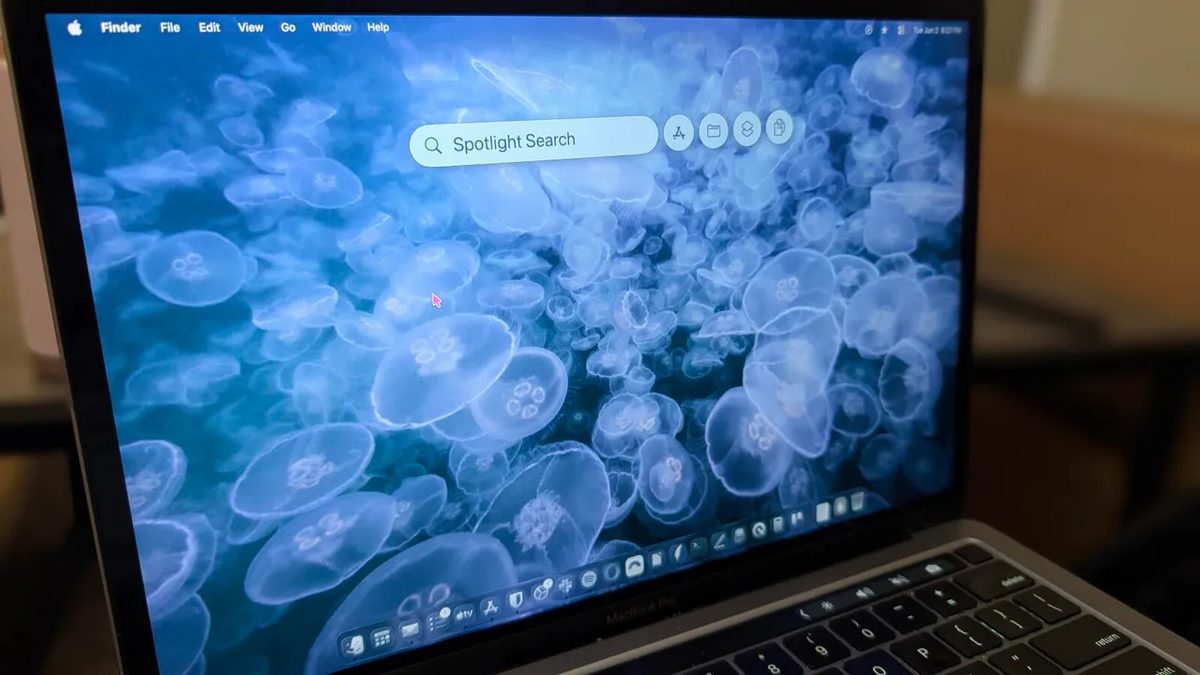
Photo: ZDNet
Quick answer
Spotlight в macOS давно перестал быть простым поисковиком по файлам. С релизом версии Tahoe этот инструмент превратился в полноценный клавиатурный лаунчер, способный значительно ускорить выполнение рутинных операций. Теперь пользователи могут не только искать документы, но и запускать приложения, управлять системными настройками, взаимодействовать с AI и даже подключаться к сетевым ресурсам — всё это без лишних кликов. Освоив Spotlight, можно заметно оптимизировать рабочий процесс и сэкономить время на повседневных задачах.
In macOS Tahoe, the Spotlight tool has undergone significant changes, evolving from a basic search utility into a powerful keyboard launcher. Previously, users often relied on third-party solutions like Alfred, but the built-in tool now offers similar capabilities integrated directly into the system.
One of its key features is quick access to network resources. For instance, connecting to an SMB server is as simple as entering its IP address in Spotlight, establishing the connection instantly. This eliminates the need to open Finder and manually input data, which is especially useful in time-sensitive situations.
Spotlight also simplifies document searches by content. If a user remembers a phrase from a file but not its name, entering it in the search bar will locate the document. Additionally, the tool supports timers, clipboard management, and even interaction with AI services like Perplexity, making it a versatile assistant for everyday tasks.
Other useful features include quick app launches, performing mathematical operations, and managing system settings. All of this is accessible through a simple interface that reduces steps and accelerates workflows. The more users rely on Spotlight, the more evident its value becomes for boosting productivity.
If you haven’t fully utilized Spotlight yet, now is the time to start. This tool can greatly simplify working with macOS and make it more efficient.
Common questions
- Common questions
- Spotlight в macOS давно перестал быть простым поисковиком по файлам. С релизом версии Tahoe этот инструмент превратился в полноценный клавиатурный лаунчер, способный значительно ускорить выполнение рутинных операций. Теперь пользователи могут не только искать документы, но и запускать приложения, управлять системными настройками, взаимодействовать с AI и даже подключаться к сетевым ресурсам — всё это без лишних кликов. Освоив Spotlight, можно заметно оптимизировать рабочий процесс и сэкономить время на повседневных задачах.
Dzen feed: /feed/dzen.xml · RSS: /feed.xml