
6 Hidden Google TV Features to Enhance Your Experience
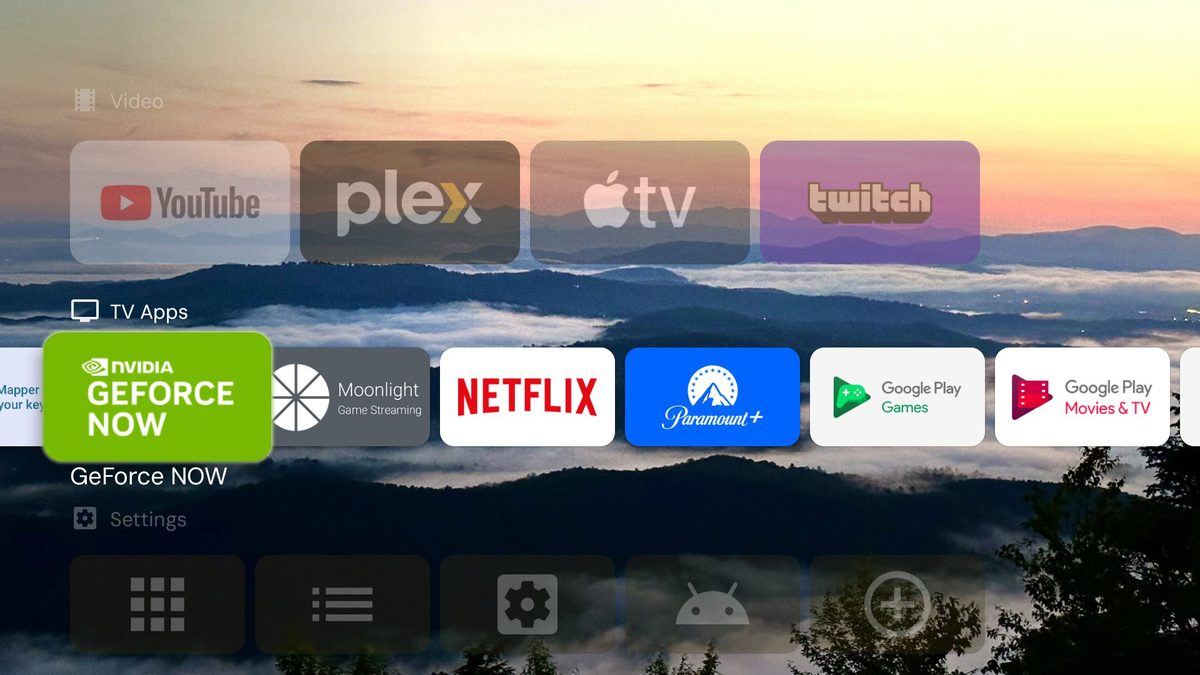
Photo: Android Authority
Quick answer
Google TV — популярная платформа для смарт-ТВ и медиаплееров, но многие пользователи не знают о её скрытых возможностях. Отключение назойливых рекомендаций, замена стандартного лаунчера и оптимизация производительности — эти и другие трюки помогут сделать использование устройства удобнее и быстрее. Даже опытные владельцы могут найти для себя что-то новое, чтобы настроить систему под свои нужды.
Google TV has long gained popularity due to its support for millions of apps and low system requirements. However, behind its standard interface lie features that can significantly enhance the user experience. For instance, the "Apps Only" mode removes recommendations and voice search, making the menu cleaner and faster.
If the default launcher doesn’t suit your needs, you can replace it with a third-party option like Projectivy Launcher. It offers flexible settings, including animated wallpapers and the ability to launch apps at system startup. Alternatives like AT4K or Arc are also worth considering if you prefer a more minimalist interface without ads.
To speed up your device, you can use the hidden developer menu. Disabling animations and limiting background processes noticeably improves system responsiveness. Owners of devices with USB-C can expand functionality with a hub, adding ports for flash drives or keyboards, though compatibility depends on the model.
Managing files and installing apps on Google TV is easier with a smartphone. The ATVTools app allows you to take screenshots, monitor system resources, and remotely install APKs. For transferring files over a local network, CX File Explorer is a great choice—it creates an FTP server, simplifying data exchange between your PC and TV.
Common questions
- Common questions
- Google TV — популярная платформа для смарт-ТВ и медиаплееров, но многие пользователи не знают о её скрытых возможностях. Отключение назойливых рекомендаций, замена стандартного лаунчера и оптимизация производительности — эти и другие трюки помогут сделать использование устройства удобнее и быстрее. Даже опытные владельцы могут найти для себя что-то новое, чтобы настроить систему под свои нужды.
Dzen feed: /feed/dzen.xml · RSS: /feed.xml