
6 Ways to Customize Android Auto to Your Needs
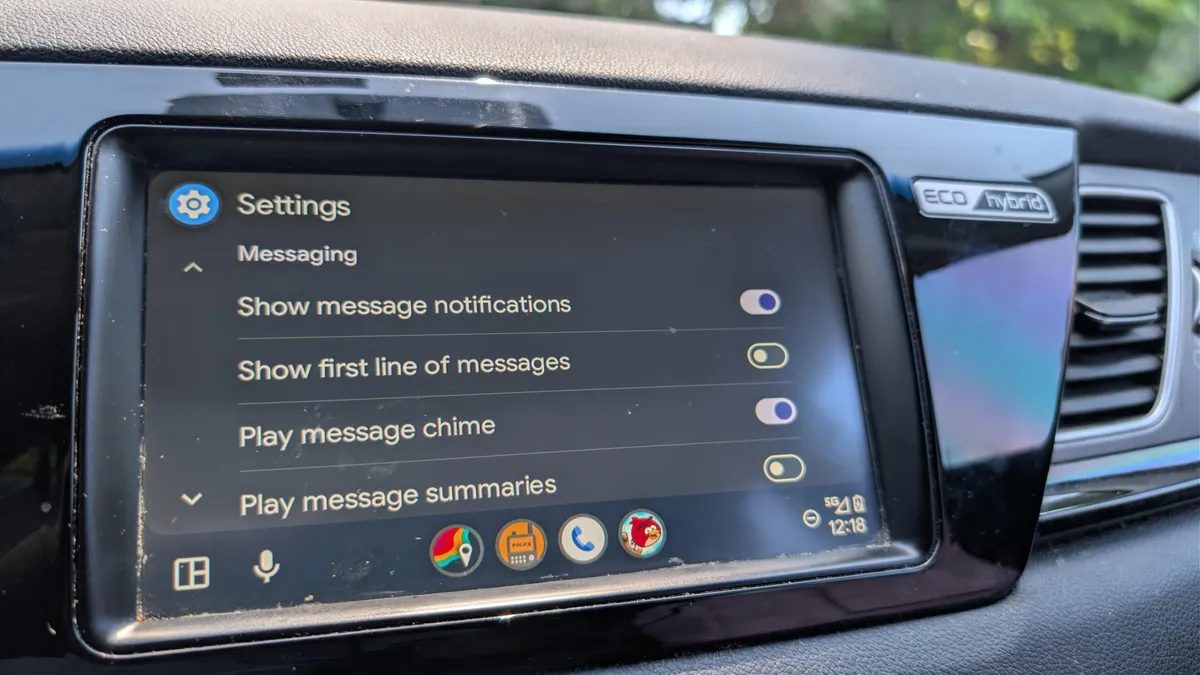
Photo: ZDNet
Quick answer
Android Auto — удобный инструмент для интеграции смартфона с автомобилем, но многие пользователи не подозревают, насколько гибко его можно настроить. Платформа позволяет менять не только внешний вид, но и функциональность: от сортировки приложений до создания голосовых команд с помощью Gemini. Эти настройки занимают всего пару минут, но заметно упрощают взаимодействие с системой за рулём. Даже опытные пользователи могут обнаружить новые возможности, которые сделают поездки комфортнее и безопаснее.
Android Auto offers more customization options than it may seem at first glance. Users can adapt the interface, notifications, and even automate routine actions while driving. All changes are available in the smartphone settings or directly in the Android Auto app and do not require special skills.
One of the most useful features is customizing the app panel. You can hide rarely used programs and arrange frequently opened ones in a convenient order. To do this, simply go to Android Auto settings and select the "Customize launcher panel" option. There, you can also switch the interface display mode: always light, dark, or synchronized with your phone’s settings.
Another interesting option is creating voice commands and automated scenarios. For example, you can set up a shortcut to send a message about returning home or activate smart home devices when approaching your house. With Gemini, you can even combine multiple actions into one command—like turning on a robot vacuum, adjusting the temperature, and turning off the lights with a single tap.
The system also allows detailed notification settings: mute sound alerts, hide group chats, or let Gemini analyze messages for brief summaries. For music lovers, there’s an option to rearrange media control elements on the screen for easier access while driving. And if the default background seems dull, you can sync it with your smartphone’s wallpaper.
Finally, Android Auto lets you manage auto-play for audio: disable it if you don’t want music to start playing when the system launches, or enable it for instant continuation of podcasts or playlists.
Common questions
- Common questions
- Android Auto — удобный инструмент для интеграции смартфона с автомобилем, но многие пользователи не подозревают, насколько гибко его можно настроить. Платформа позволяет менять не только внешний вид, но и функциональность: от сортировки приложений до создания голосовых команд с помощью Gemini. Эти настройки занимают всего пару минут, но заметно упрощают взаимодействие с системой за рулём. Даже опытные пользователи могут обнаружить новые возможности, которые сделают поездки комфортнее и безопаснее.
Dzen feed: /feed/dzen.xml · RSS: /feed.xml