
8 Experimental Chrome Flags That Solve the Browser’s Biggest Issues
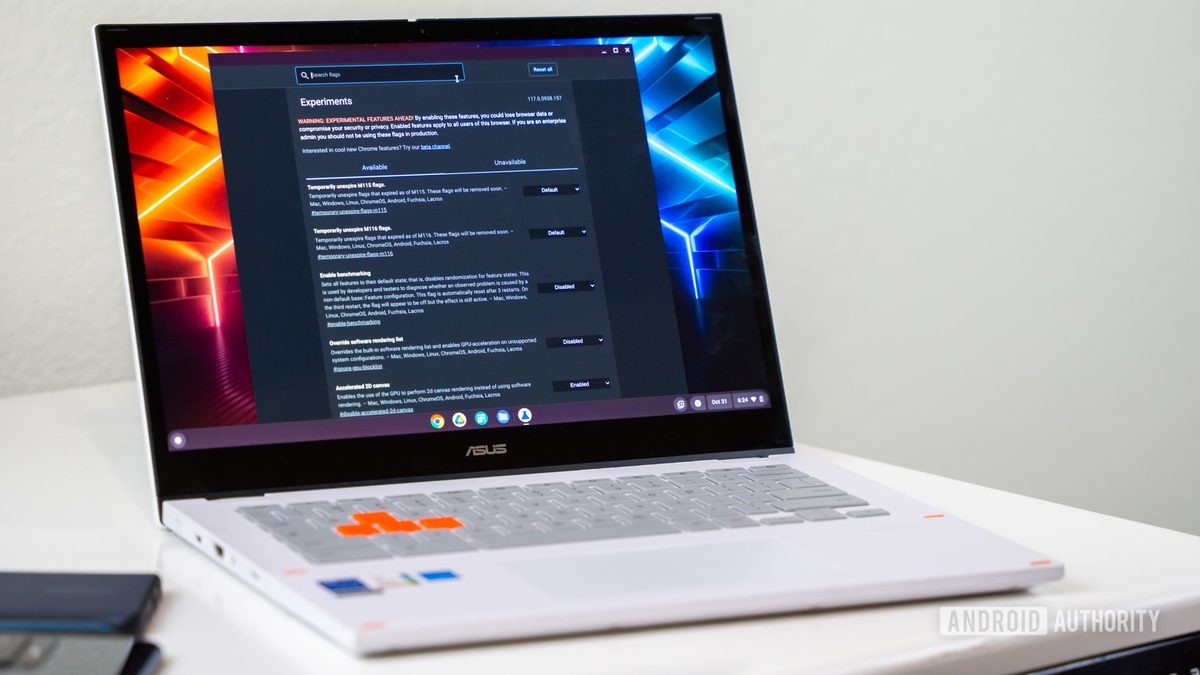
Photo: Android Authority
Quick answer
Experimental Chrome flags resolve key browser issues: accelerate file downloads, add dark mode for websites, improve scrolling, and optimize tab management.
Google Chrome remains one of the most popular browsers, yet many users are unaware of hidden features that can significantly improve their experience. These are called flags—experimental functions accessible via the chrome://flags menu. These tools address common issues, from cumbersome tab audio controls to slow file downloads.
One of the most useful flags is Tab audio muting UI control. It simplifies muting tabs: instead of two clicks, a single click on the sound icon suffices. Another example is Parallel downloading, which speeds up large file downloads by splitting them into parts and downloading them simultaneously. This is especially useful with slow connections or server limitations.
For dark mode enthusiasts, the Auto dark mode for web contents flag is invaluable. It automatically inverts light elements on websites while leaving images unchanged. Also worth noting are Smooth scrolling, which makes page scrolling smoother, and the Experimental QUIC protocol, which accelerates page loading by using UDP instead of TCP.
Enabling flags is straightforward: simply enter chrome://flags in the address bar, find the desired parameter, and select 'Enabled.' After restarting the browser, the changes take effect. However, keep in mind that experimental features may be unstable or disappear after Chrome updates. If issues arise, you can always reset all settings to default using the 'Reset all' button.
Common questions
- What are flags in Google Chrome?
- Chrome flags are experimental features that Google is testing but hasn’t yet included in the browser’s main release. They are accessible via a special menu and can enhance performance or usability.
- How do I enable flags in Chrome?
- Open the browser, type chrome://flags in the address bar, search for the desired flag, and select 'Enabled' from the dropdown menu. Restart Chrome to apply the changes.
- Which Chrome flags are worth trying?
- The most useful flags include Parallel downloading for faster downloads, Auto dark mode for website dark themes, Tab audio muting for quick sound control on tabs, and Smooth scrolling for seamless page navigation.
Dzen feed: /feed/dzen.xml · RSS: /feed.xml