
Alpine Linux: A Blazing-Fast Desktop OS with a Key Nuance
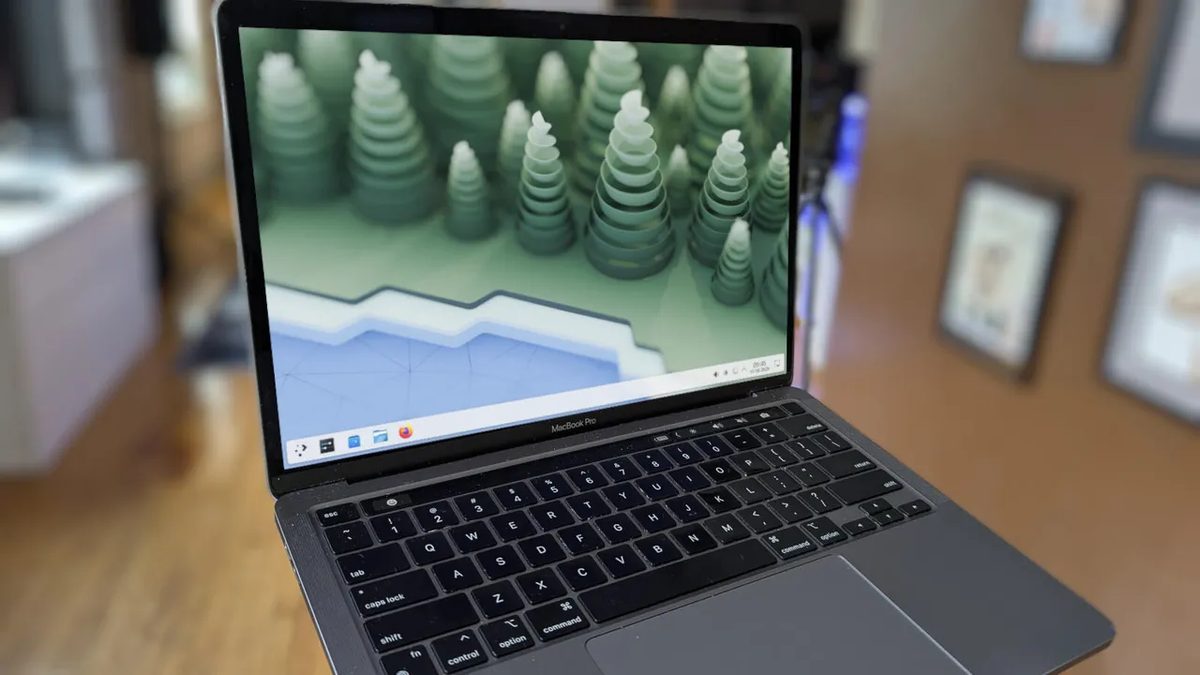
Photo: ZDNet
Quick answer
Alpine Linux is a minimalist Linux distribution that can be adapted for desktop use, but the process requires manual configuration.
Alpine Linux is a Linux distribution that stands out for its compactness and security focus. Originally designed for container use, its minimal image size (starting at 2.67 MB) and low vulnerability became its defining advantages. However, it can also be adapted for desktop use, though this requires additional effort.
Unlike most distributions, Alpine Linux does not come with preinstalled graphical shells, sudo, or even bash. This makes it unconventional for beginners but appealing to experienced users who value simplicity and system control. Installing Alpine Linux is straightforward in text mode if you follow the instructions: create a bootable drive, configure the network, select a mirror for updates, and install the system on the disk.
After installing the base system, you can begin configuring the desktop environment. For example, installing KDE Plasma requires adding a community repository, installing bash, sudo, and other necessary components. The process involves several stages, including configuring network services and installing additional packages like Flatpak to expand system capabilities. Despite its apparent complexity, the result is worth the effort: Alpine Linux runs incredibly fast and stably.
This distribution isn’t for everyone. Linux beginners may struggle to adapt to its minimalist architecture, but experienced users will appreciate its advantages. Additionally, working with Alpine Linux provides a deeper understanding of operating system principles. It’s worth noting that the distribution does not include a built-in firewall, but it can be installed separately, for example, using ufw.
Common questions
- What is Alpine Linux most commonly used for?
- Alpine Linux is widely used for containers due to its minimal image size and low vulnerability. Its compactness and security make it a popular choice for cloud environments and server solutions.
- Can Alpine Linux be used as a desktop OS?
- Yes, but it requires installing a graphical shell like KDE Plasma and manually configuring basic components. This process is suitable for users with Linux experience.
- What advantages does Alpine Linux offer on the desktop?
- Key benefits include high performance, minimal resource consumption, and enhanced security. The distribution is ideal for older or low-powered devices and those who prefer minimalist solutions.
Dzen feed: /feed/dzen.xml · RSS: /feed.xml