
Android 17 Fixes Wireless ADB Issues with New ADB Wi-Fi 2.0
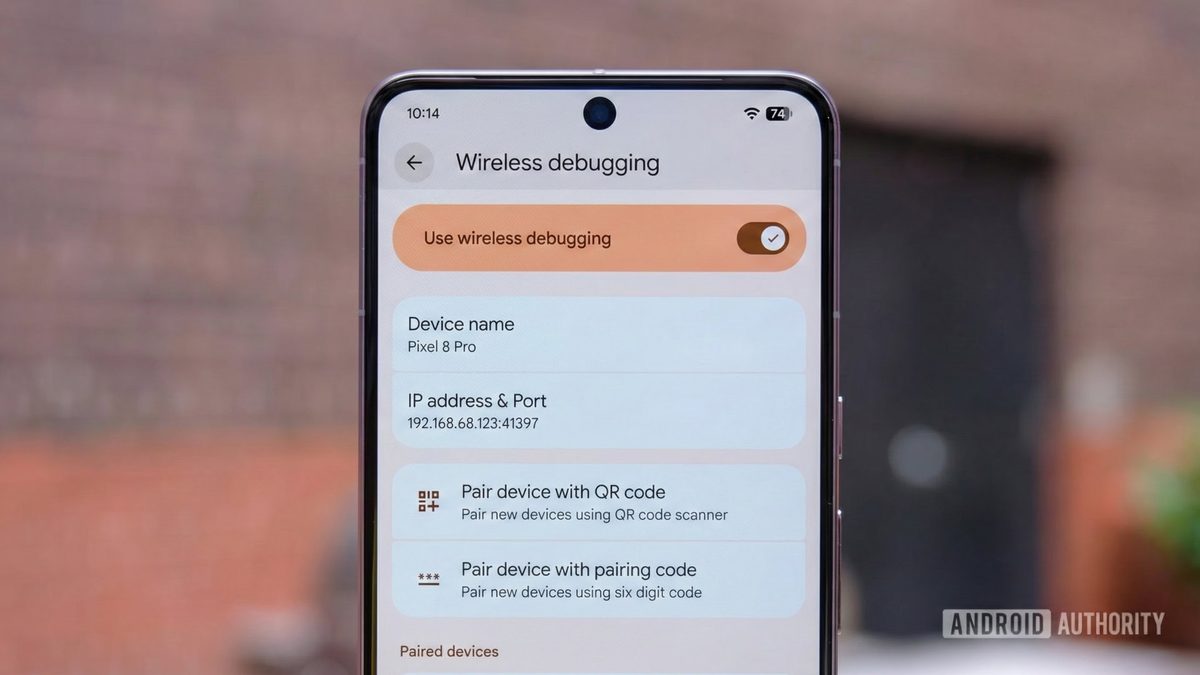
Photo: Android Authority
Quick answer
Android 17 introduces ADB Wi-Fi 2.0, an updated wireless debugging protocol that eliminates instability by replacing third-party libraries with a native Rust implementation.
In Android 17, Google has launched ADB Wi-Fi 2.0—a significant upgrade to the wireless debugging protocol that addresses critical flaws in its predecessor. The original wireless ADB, introduced with Android 11, relied on bulky third-party libraries like Apple’s mDNSResponder and Chrome’s Open Screen, leading to frequent failures when network conditions changed.
The new version eliminates all third-party dependencies in favor of a lightweight Rust-based library, just 4,000 lines of code. This enables automatic network state tracking: connections restore seamlessly when returning to trusted networks without user intervention. For enhanced reliability, Android 17 uses a combination of SSID and BSSID (MAC address) to identify networks, preventing issues in multi-access-point environments.
Developers will also benefit from an updated interface in Android Studio: instead of a static QR code, a dynamic list of available devices now appears, with customizable naming options. While Android 17 is required for full functionality, some improvements become available by updating ADB to version 37 and Android Studio on your computer.
Common questions
- What is ADB Wi-Fi 2.0?
- An upgraded wireless debugging protocol in Android 17 that replaces legacy third-party libraries with a lightweight Rust-based implementation, ensuring stable automatic reconnection to trusted networks.
- What issues does ADB Wi-Fi 2.0 resolve?
- It eliminates frequent connection failures during network changes, automatically restores connections, and simplifies device pairing via Android Studio.
- Is a device update required for ADB Wi-Fi 2.0?
- Full functionality requires Android 17, but some improvements are available by updating ADB to version 37 and Android Studio on your PC.
Dzen feed: /feed/dzen.xml · RSS: /feed.xml