
Apple Releases iOS 27 Public Beta: Installation Guide & New Features
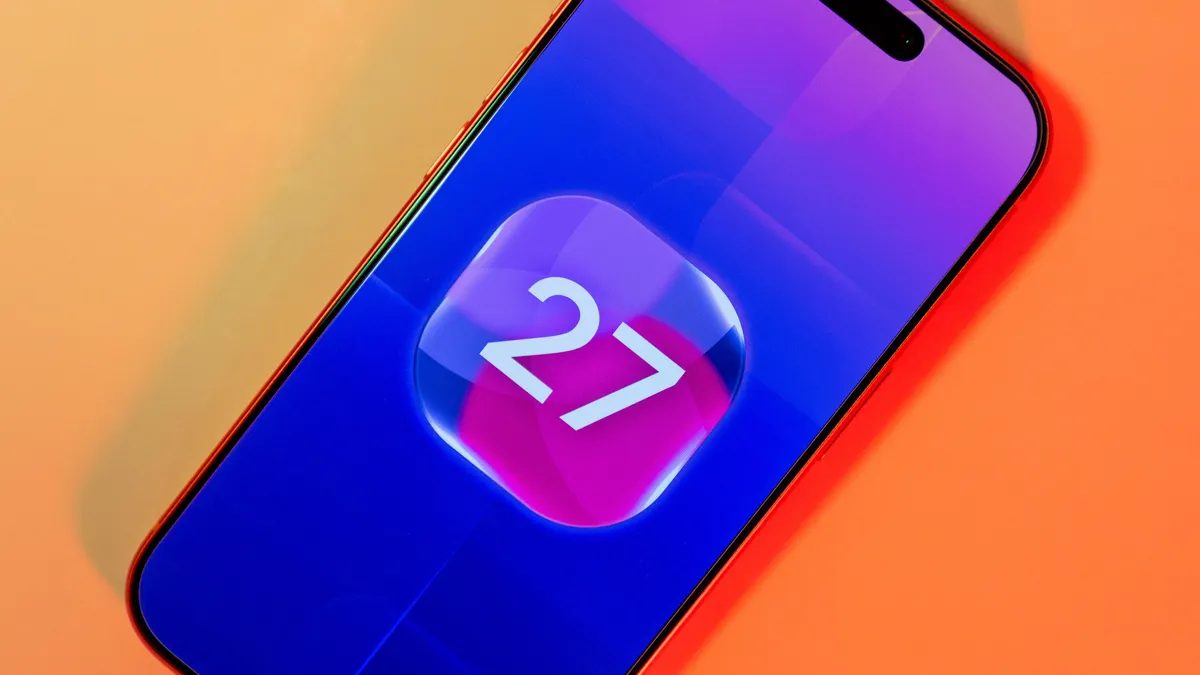
Photo: CNET
Quick answer
Apple released the iOS 27 public beta with an AI-enhanced Siri, new photo editing tools, faster app performance, and improved security features.
Apple has opened access to the iOS 27 public beta, giving iPhone users a chance to test new features before the official fall release. The standout update is the AI-powered Siri, which can now analyze on-screen content, pull data from multiple apps, and handle complex tasks without manual switching. However, Siri AI access is limited to supported devices, and some users may need to join a waitlist for testing.
Beyond Siri, iOS 27 introduces several enhancements, including advanced photo editing tools, smart message suggestions, automatic detection of weak or compromised passwords, and expanded child safety features. System performance has also improved: apps launch up to 30% faster, photos load 70% quicker, and AirDrop transfers are 80% more efficient.
Additional optimizations include smoother transitions between Wi-Fi and cellular networks, enhanced search in the Mail app, and refinements to core applications. As with any pre-release version, iOS 27 may contain bugs, reduce battery life, or cause instability in certain apps. Users are advised to back up data and avoid installing the beta on primary devices.
Installing the iOS 27 public beta is free and does not require a developer account. Simply register for the Apple Beta Software Program at beta.apple.com, link your device to your Apple ID, select iOS 27 Public Beta in settings, and download the update. The process takes a few minutes and requires a Wi-Fi connection and a power source.
Common questions
- Which iPhones support iOS 27?
- iOS 27 support is limited to compatible iPhone models. Apple will publish the full list closer to the official release, but typically includes recent-generation devices.
- What are the risks of installing iOS 27 beta?
- Beta versions may contain bugs, drain battery life, or cause app crashes. Install them only on secondary devices and back up data beforehand.
- How do I install the iOS 27 public beta?
- Register in the Apple Beta Software Program at beta.apple.com, link your device to your Apple ID, select iOS 27 Public Beta in settings, and download the update.
Dzen feed: /feed/dzen.xml · RSS: /feed.xml