
Blip: Free App for Fast File Sharing Between Devices
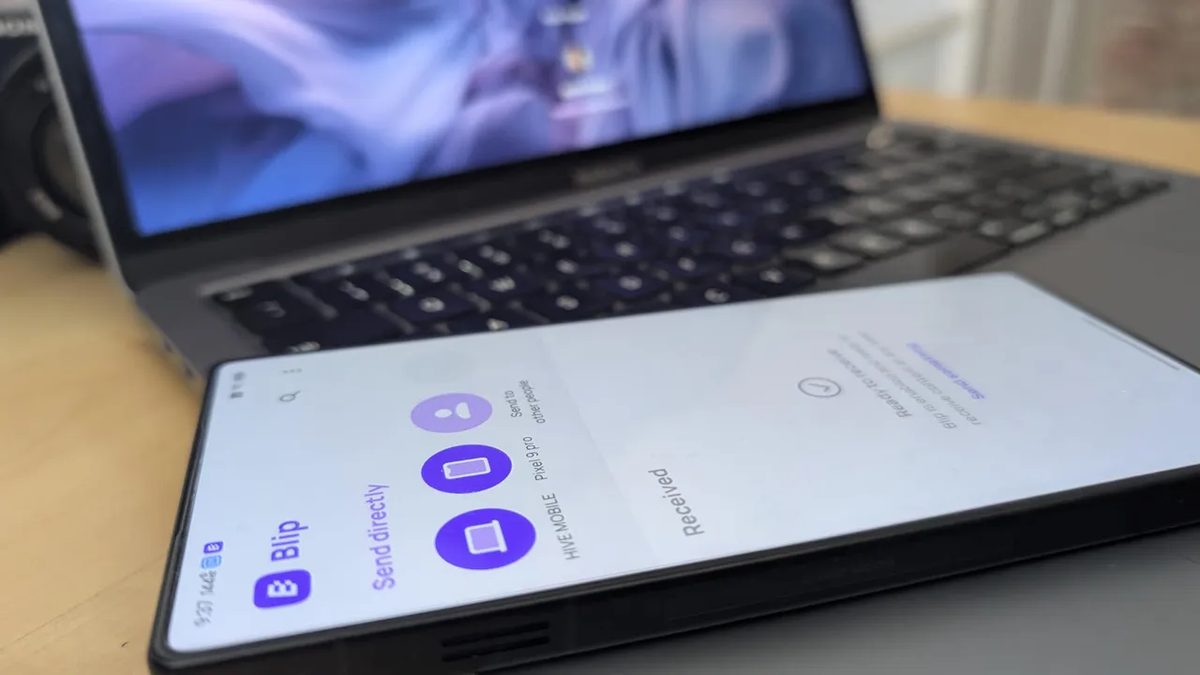
Photo: ZDNet
Quick answer
Blip is a free cross-platform app for fast and secure file sharing between devices. It supports Android, iOS, Windows, and macOS, uses end-to-end encryption, and has no file size restrictions.
Blip offers a simple and efficient solution for sharing files across devices on different platforms. Available for Android, iOS, Windows, and macOS, developers promise a Linux version soon. Blip stands out from competitors with its fast data transfer speeds and no file size limits, making it a convenient tool for handling large volumes of data.
Blip ensures data protection with end-to-end encryption, and users can track file transfer progress in real time. The app supports sending not only individual files but entire folders while preserving the original quality of images and videos. Personal use is free, while a business license costs $25 per user per month.
Installing Blip is straightforward: available on Google Play* for Android, and on the developer’s official website for macOS and Windows. After installation, users must register an email for account verification. The app’s minimalist interface and integration with the system’s “Share” menu on Android and macOS further streamline the file transfer process.
Common questions
- Which platforms does Blip support?
- Blip works on Android, iOS, Windows, and macOS, with a Linux version in development. It enables file sharing across different operating systems.
- Is Blip free to use?
- Personal use of Blip is free. A business license costs $25 per user per month for commercial use.
- What are Blip's advantages over other file-sharing apps?
- Blip stands out for its transfer speed, no file size limits, end-to-end encryption, and folder-sharing capability without quality loss. Its interface is simple and user-friendly.
Dzen feed: /feed/dzen.xml · RSS: /feed.xml