
Fish vs Bash: Which Linux Shell is More Convenient for Terminal Work
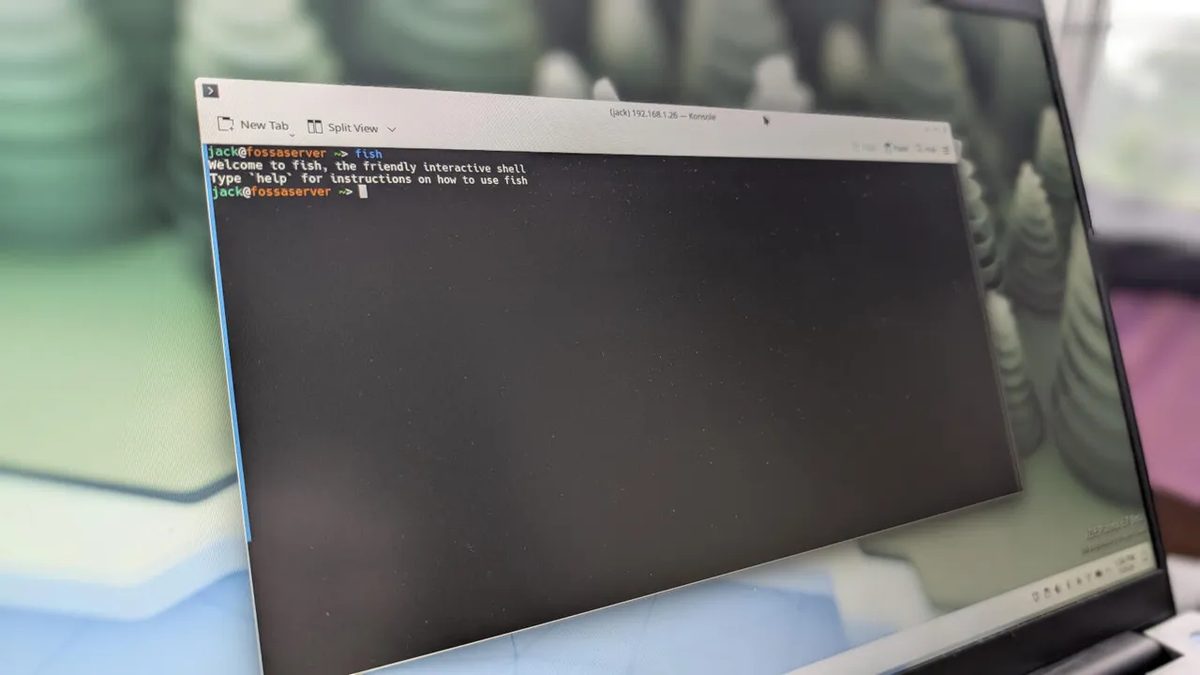
Photo: ZDNet
Quick answer
Fish — современная оболочка Linux с интерактивными подсказками, цветовой индикацией и сокращениями, превосходящая Bash по удобству для новичков и опытных пользователей.
Bash (Bourne Again Shell) is the classic Linux shell used by default in most distributions. It evolved from the original Bourne Shell and enables scripting for task automation. However, over the years, Bash has seen little evolution, maintaining a conservative approach to user interaction.
Fish (Friendly Interactive Shell) is a more modern alternative that makes terminal work more intuitive. Its key feature is interactive suggestions: as you type a command, the shell offers options from your history that can be accepted with a single keystroke. For example, typing "ssh" immediately displays saved host IP addresses. Color highlighting helps quickly identify command correctness: incorrect options appear in red, while valid ones are shown in blue.
Fish also simplifies working with variables and commands. Setting a variable only requires the set command, and nested commands use parentheses instead of backticks, as in Bash. Users can create shortcuts for frequently used commands, such as gco for git checkout, saving time. Another useful feature is the built-in calculator, allowing arithmetic operations directly in the terminal.
Fish can be installed from the standard repositories of most distributions. For Ubuntu, the command is sudo apt-get install fish -y; for Fedora, sudo dnf install fish -y; and for Arch Linux, sudo pacman -S fish. To set Fish as the default shell, run chsh -s $(which fish). To revert to Bash, simply enter chsh -s $(which bash).
Common questions
- Чем Fish отличается от Bash?
- Fish предлагает интерактивные подсказки, цветовую индикацию команд, встроенный калькулятор и удобные сокращения, в то время как Bash использует консервативный подход без таких функций.
- Как установить Fish на Ubuntu?
- Для установки Fish на Ubuntu выполните команду: sudo apt-get install fish -y.
- Как сделать Fish оболочкой по умолчанию?
- Чтобы сделать Fish оболочкой по умолчанию, выполните команду: chsh -s $(which fish).
- Можно ли вернуть Bash после установки Fish?
- Да, чтобы вернуться к Bash, введите команду: chsh -s $(which bash).
Dzen feed: /feed/dzen.xml · RSS: /feed.xml