
Galaxy S26 and DeX: A Week Without a Laptop – Usage Experience
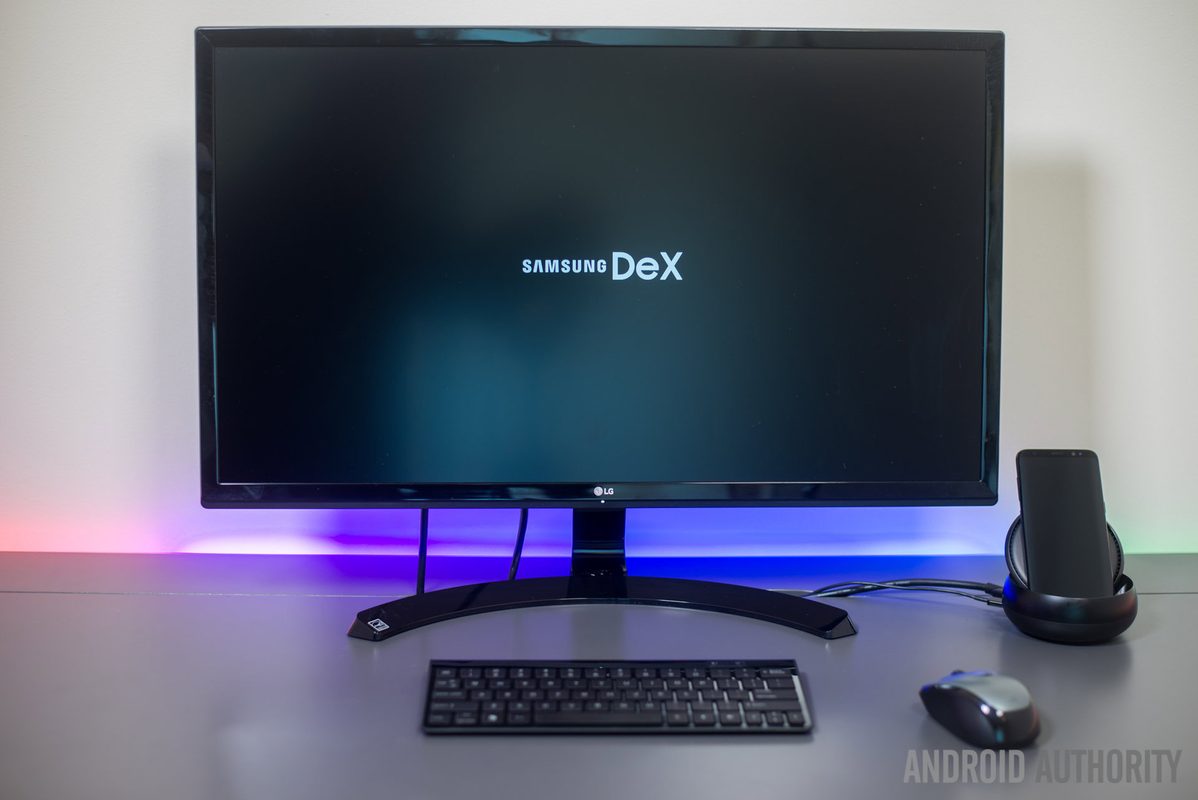
Photo: Android Authority
Quick answer
Galaxy S26 с Samsung DeX может заменить ноутбук на неделю: удобный интерфейс, синхронизация с телефоном, но ограничения в браузере и многозадачности. Альтернатива для офисной работы без тяжёлых задач.
An Android Authority journalist spent a week using only the Galaxy S26 with a connected monitor and accessories instead of a laptop. Expecting disappointment, he found that Samsung DeX handled most work tasks better than anticipated. The interface resembles a familiar desktop OS, featuring a taskbar, windowed mode support, gestures, and hotkeys similar to Windows.
The main advantage of DeX is seamless synchronization with the phone. All apps, files, browser tabs, and accounts are instantly accessible after switching to desktop mode, eliminating the need to transfer data between devices. However, the lack of browser extension support (such as Grammarly or Bitwarden) proved to be a notable drawback for users accustomed to desktop tools.
Apps in DeX run as enlarged versions of their mobile counterparts, which sometimes causes inconvenience. For example, Slack in this mode is not optimized for large screens, unlike WhatsApp*, which closely resembles its desktop version. Multitasking limitations also became apparent: opening numerous tabs or apps led to slowdowns, an unfamiliar experience for PC users.
Portability was a mixed factor. In theory, DeX allows for lightweight travel, but in practice, comfortable use requires a keyboard, mouse, and hub—essentially the same accessories as a laptop. Nonetheless, for office work or remote tasks, the solution proved to be a viable alternative to traditional computers, especially for those whose work doesn’t demand high-performance computing or specialized software.
Common questions
- Что такое Samsung DeX и как он работает на Galaxy S26?
- Samsung DeX превращает смартфон в настольный компьютер с интерфейсом, похожим на Windows. Подключается к монитору, поддерживает оконный режим, горячие клавиши и синхронизацию с телефоном.
- Можно ли использовать Galaxy S26 с DeX вместо ноутбука?
- Да, для большинства офисных задач решение удобно, но есть ограничения: отсутствие расширений браузера, замедления при многозадачности и необходимость аксессуаров (клавиатура, мышь).
- Какие приложения работают в DeX лучше всего?
- Приложения с адаптированным интерфейсом (например, WhatsApp) выглядят почти как десктопные версии. Slack и другие не всегда оптимизированы под большой экран.
- Какие основные недостатки Samsung DeX?
- Отсутствие поддержки браузерных расширений (Grammarly, Bitwarden), замедления при открытии множества вкладок/приложений и необходимость дополнительных аксессуаров для комфортной работы.
Dzen feed: /feed/dzen.xml · RSS: /feed.xml