
Gboard Testing Auto-Space Toggle After Autocorrect Suggestions
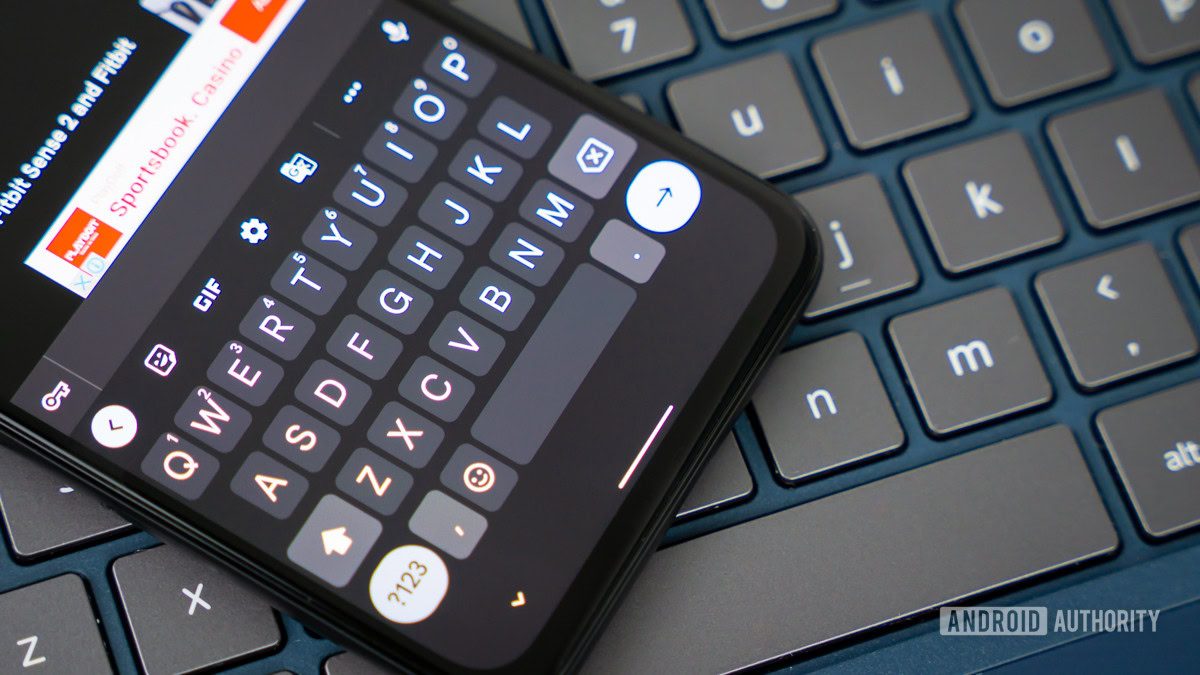
Photo: Android Authority
Quick answer
Google is testing a Gboard feature to disable automatic spaces after selecting autocorrect suggestions. This option will help users avoid unwanted spaces when adding punctuation or symbols.
The Android Authority team analyzed Gboard’s code and uncovered a new setting that lets users disable automatic spaces after selecting autocorrect suggestions. In the current version of Google’s keyboard, a space is inserted automatically, which aids typing but can cause issues when adding punctuation or other symbols.
The new 'Auto-space After Suggestions' option will be available in the 'Corrections & Suggestions' section of Gboard’s settings. During testing, the feature worked as expected: disabling it prevented automatic spaces, while enabling it restored the keyboard’s default behavior.
Currently, the setting is not available in public Gboard releases, and its public availability timeline remains unclear. However, given its simplicity and user demand, the likelihood of a stable release is high. Earlier, Google announced another Gboard feature—gesture-based sign language recognition via smartphone cameras—which could further expand the keyboard’s capabilities.
Common questions
- Why is Google adding an auto-space toggle to Gboard?
- The new option allows users to disable automatic spaces after selecting autocorrect suggestions, which is useful when typing with punctuation or attaching symbols without extra spaces.
- Where will the auto-space setting be located in Gboard?
- The option will appear in the 'Corrections & Suggestions' section of Gboard’s settings. Users can enable or disable it as needed.
- When will the new setting be available to all users?
- The feature is currently in APK testing, and there’s no guarantee it will reach stable release. However, given its simplicity, adoption is highly likely.
Dzen feed: /feed/dzen.xml · RSS: /feed.xml