
Google Drive Introduces AI-Powered Tool for File Organization
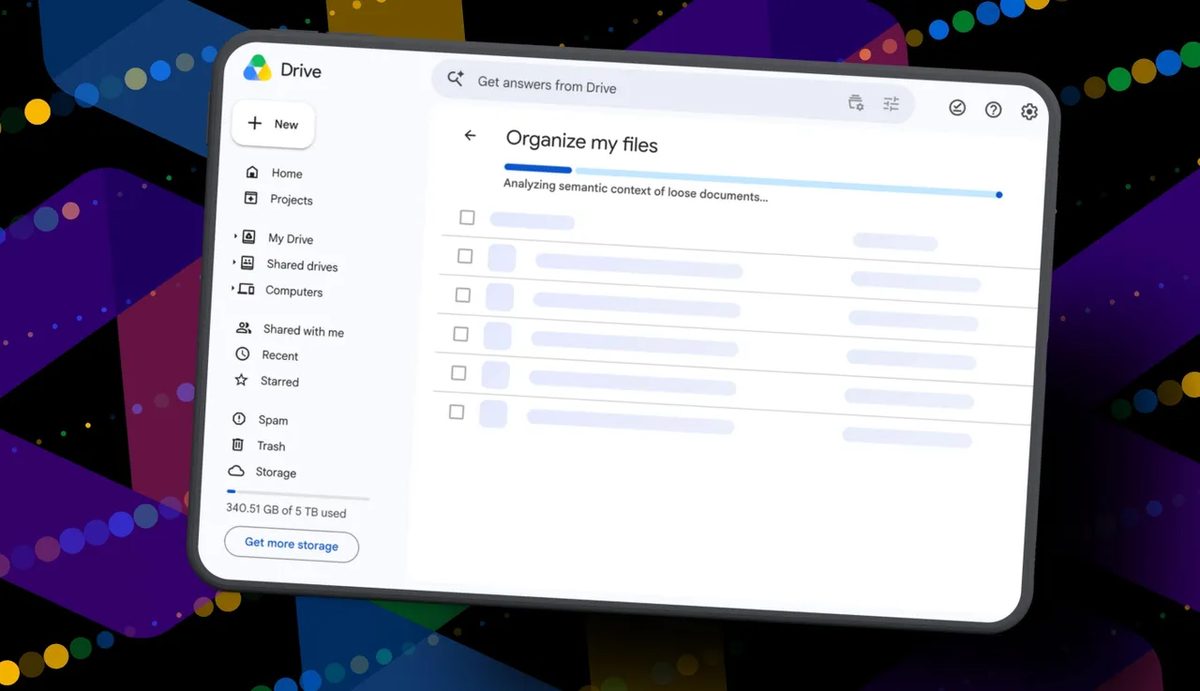
Photo: ZDNet
Quick answer
Google представил инструмент на базе искусственного интеллекта, который помогает пользователям навести порядок в Google Drive. Функция «Organize My Files» анализирует разрозненные файлы и предлагает переместить их в существующие или новые папки. Однако, как показал тест, возможности инструмента пока ограничены: он справляется лишь с базовой сортировкой недавно добавленных документов, не затрагивая глубокий архив данных. Пользователям доступна предварительная проверка всех изменений перед их применением, что снижает риск случайных ошибок.
Google has added a new "Organize My Files" feature to its cloud service Drive, leveraging the Gemini AI model for automatic file organization. The tool is available to Google Workspace users and Google AI subscribers but requires enabling "smart features" in settings.
Once activated, Gemini provides two types of recommendations: moving files into existing folders or creating new ones to group related documents. Users can review and edit all suggestions before confirming changes. However, testers note that the tool currently falls short of large-scale cleanup—it focuses on recently added files and ignores outdated data or obvious clutter.
During testing, the feature suggested only 19 changes, most involving recent documents. For example, the AI correctly grouped resumes into one folder and created separate directories for real estate documents and travel planning. However, it failed to recognize a file named "Delete," which should have been removed rather than sorted.
Developers position "Organize My Files" as a first step toward automating storage management, but users with large data volumes won’t see significant improvements yet. Future updates may expand AI capabilities to analyze older files and improve filtering of unnecessary documents.
Common questions
- Common questions
- Google представил инструмент на базе искусственного интеллекта, который помогает пользователям навести порядок в Google Drive. Функция «Organize My Files» анализирует разрозненные файлы и предлагает переместить их в существующие или новые папки. Однако, как показал тест, возможности инструмента пока ограничены: он справляется лишь с базовой сортировкой недавно добавленных документов, не затрагивая глубокий архив данных. Пользователям доступна предварительная проверка всех изменений перед их применением, что снижает риск случайных ошибок.
Dzen feed: /feed/dzen.xml · RSS: /feed.xml