
Google Photos Loses Drag-to-Select Feature for Photo Selection
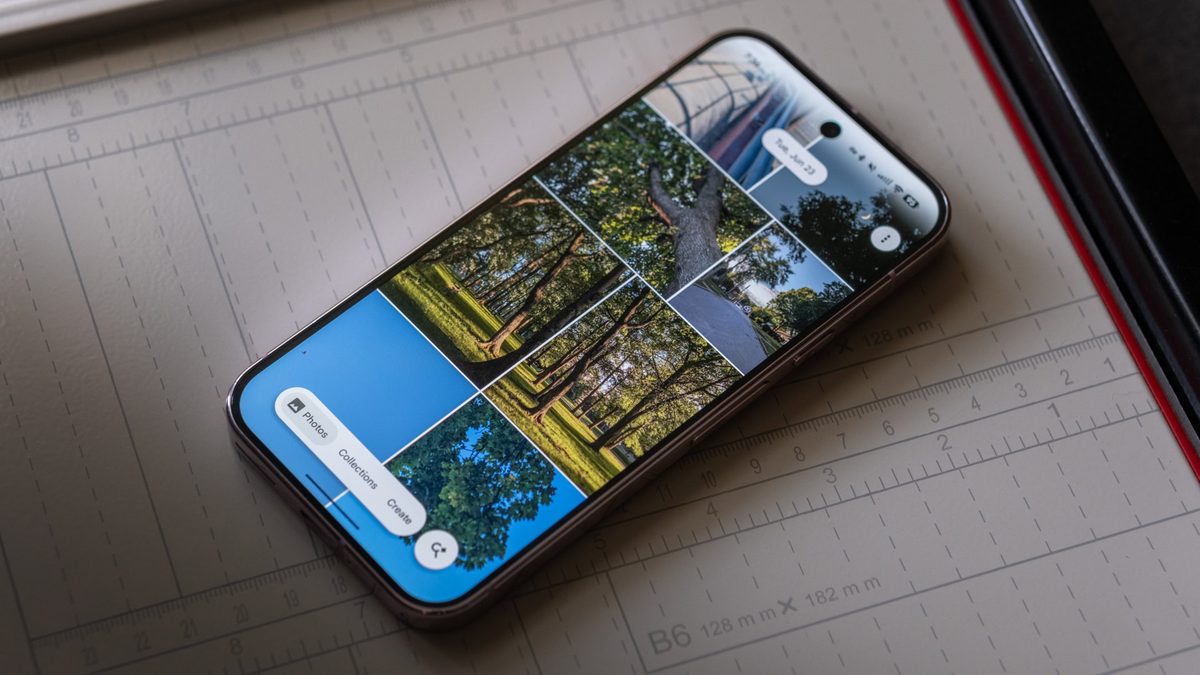
Photo: Android Authority
Quick answer
Google Photos has lost the drag-to-select feature for bulk photo selection. The issue affects Pixel, Samsung Galaxy, and OnePlus devices, though some gadgets retain the function.
Google Photos users are reporting the disappearance of the drag-to-select feature, which allowed selecting multiple photos by swiping across the screen. Earlier, the app introduced restrictions on searches for content related to regulated substances, but the loss of drag-to-select seems like a technical error.
The issue affects owners of Pixel, Samsung Galaxy, and OnePlus smartphones. While long-pressing a photo activates multiple selection mode, swiping across the screen only scrolls the view. Users now must select photos individually, slowing down workflows in the app.
On some devices, including tablets and older Pixel models, the feature continues to work. This indirectly supports the bug theory rather than intentional removal. Google has not yet issued an official statement, but experts expect a fix in upcoming updates.
In a survey by Android Authority, most users prioritized the return of content search and duplicate removal over restoring drag-to-select. However, many still consider the feature essential for efficient photo management.
Common questions
- What is drag-to-select in Google Photos?
- A feature allowing users to select multiple photos by swiping their finger across the screen after long-pressing an image. It simplifies bulk operations with photos.
- Which devices are affected by this issue?
- The problem has been reported on Google Pixel, Samsung Galaxy, and OnePlus smartphones. Some tablets and older Pixel models still support the feature.
- Is this a bug or intentional removal?
- Most likely a bug. Google frequently updates its apps, and the disappearance of drag-to-select appears accidental rather than a planned change.
Dzen feed: /feed/dzen.xml · RSS: /feed.xml