
Google Home Simplifies Smart Home Automation for Beginners
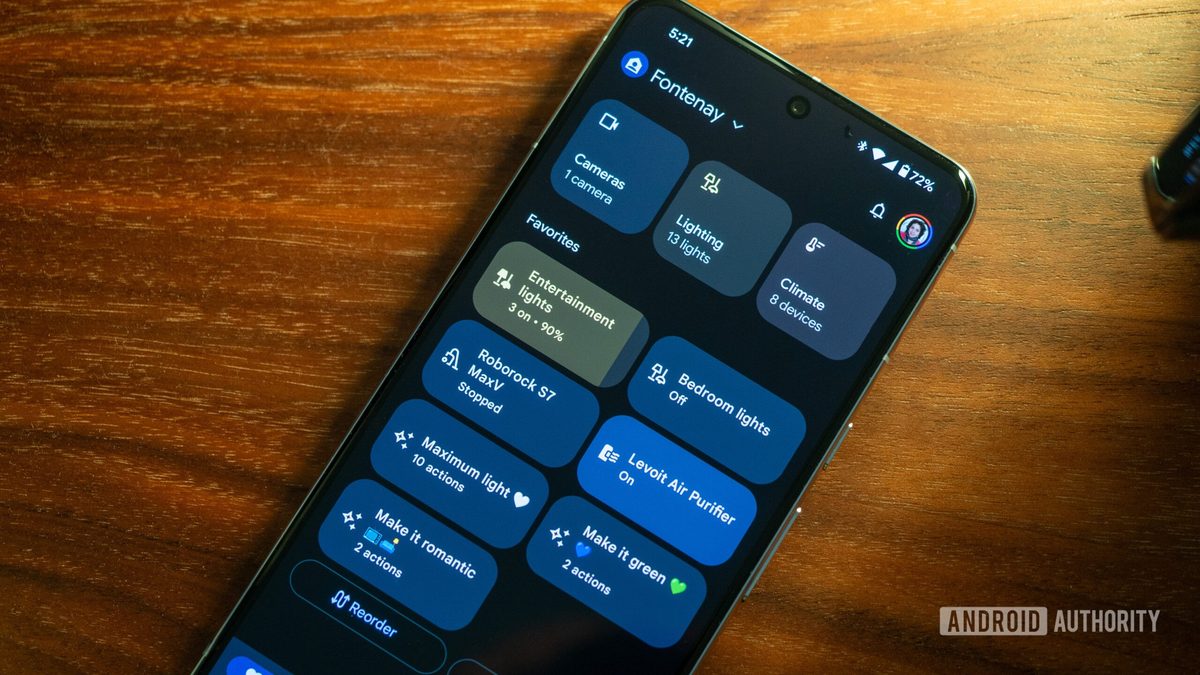
Photo: Android Authority
Quick answer
Google Home now offers 'Suggested Automations'—pre-built smart home scenarios that can be configured in just a few clicks.
Google Home has introduced an update that simplifies the setup of automations for smart home users. The app now features 'Suggested Automations'—ready-made scenarios that can be applied in just a few clicks. These solutions are available in the 'Automations' section and can be adapted to specific tasks, such as lowering speaker volume before bedtime or activating security cameras at dusk.
The new scenarios do not replace custom settings but instead offer a convenient starting point for beginners. Experienced users can still create automations manually, though the system now suggests useful solutions for everyday use. All suggested scenarios can be edited before application to match individual preferences.
Additionally, Google has improved camera management within its ecosystem. Quick-access buttons for built-in lighting have been added to Onn Outdoor Camera Plug-in and Floodlight Camera Hardwired devices. Older Nest cameras now feature simplified setup processes. All changes are available in Google Home app version 4.20, which has begun rolling out to users.
Common questions
- What are 'Suggested Automations' in Google Home?
- These are pre-built smart home scenarios that Google Home recommends for quick setup. Users can edit them before applying.
- What automation examples does Google Home provide?
- The system may suggest lowering speaker volume before sleep, activating security cameras at sunset, or turning on outdoor lighting. All scenarios are customizable to user needs.
- Do I need to update the Google Home app to access these features?
- Yes, the new features are available in Google Home app version 4.20, which is gradually rolling out to users.
Dzen feed: /feed/dzen.xml · RSS: /feed.xml