
Google and Apple Simplify Smartwatch Task Automation with AI
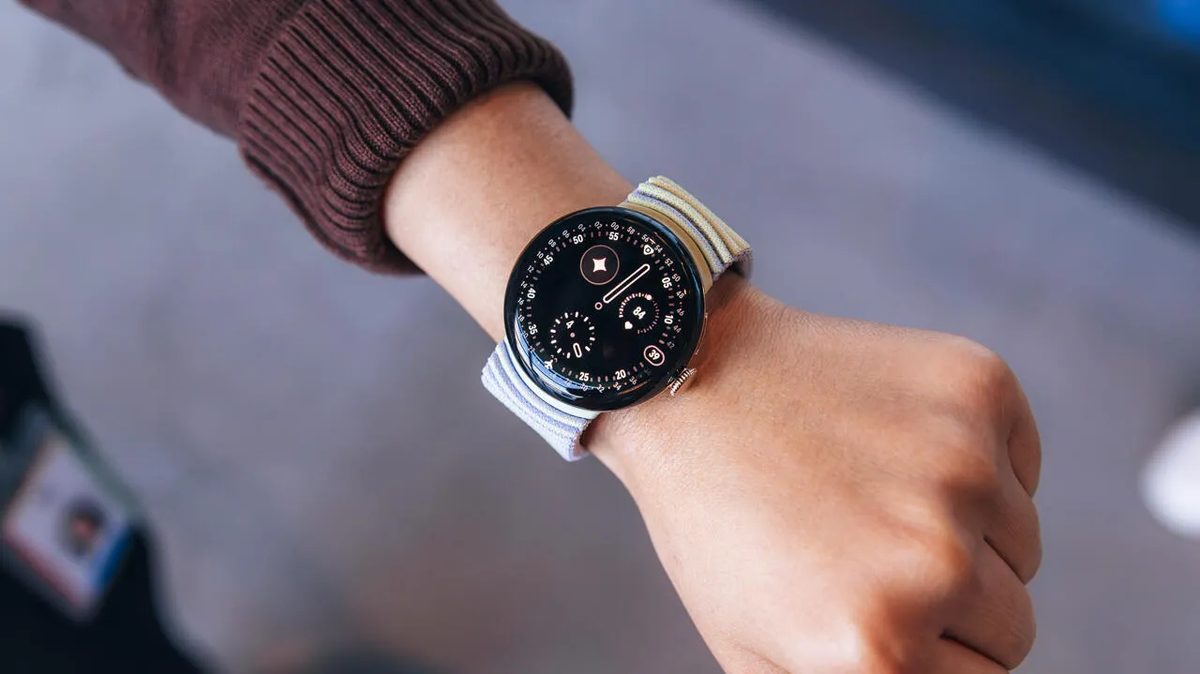
Photo: ZDNet
Quick answer
Google and Apple have integrated AI tools for smartwatch task automation: Google’s 'Create My Widget' in Wear OS 7 and Apple’s 'Describe a Shortcut' in iOS 27 allow users to generate widgets and shortcuts simply by…
Google and Apple have introduced new features for their smartwatch platforms, simplifying the automation of everyday tasks. Google’s Wear OS 7 now includes the 'Create My Widget' tool, which lets users generate widgets on their watch screens by entering simple text descriptions. For example, users can order their favorite drink from a café or reserve a bike for a workout without manually opening the app.
Apple, in turn, announced the 'Describe a Shortcut' feature for iOS 27, which operates on a similar principle. Users can now create shortcuts by describing tasks in words, and AI automatically builds the required action sequence. This update complements the enhanced Siri voice assistant, which will become more functional and responsive.
Both companies are focusing on developing 'agentic AI'—technologies capable of handling multi-step tasks without direct user input. Wear OS 7 also promises a 10% improvement in battery life and expanded integration with headphones and smart glasses. These changes aim to transform smartwatches from mere accessories into essential tools for managing daily routines.
Common questions
- What is Google’s 'Create My Widget' feature?
- This tool in Wear OS 7 lets users create smartwatch widgets by describing the desired action. Powered by Gemini Intelligence, AI automatically configures the necessary settings.
- How does 'Describe a Shortcut' work in iOS 27?
- The feature enables users to create shortcuts on iPhones and Apple Watches by describing tasks in plain language. AI automatically generates the action sequence, eliminating manual setup.
- What are the benefits of these new automation tools?
- They reduce time spent on routine tasks, make devices more intuitive for non-technical users, and improve cross-device and app integration.
Dzen feed: /feed/dzen.xml · RSS: /feed.xml