
Google Integrates Gemini into Chrome for Android: New AI Capabilities
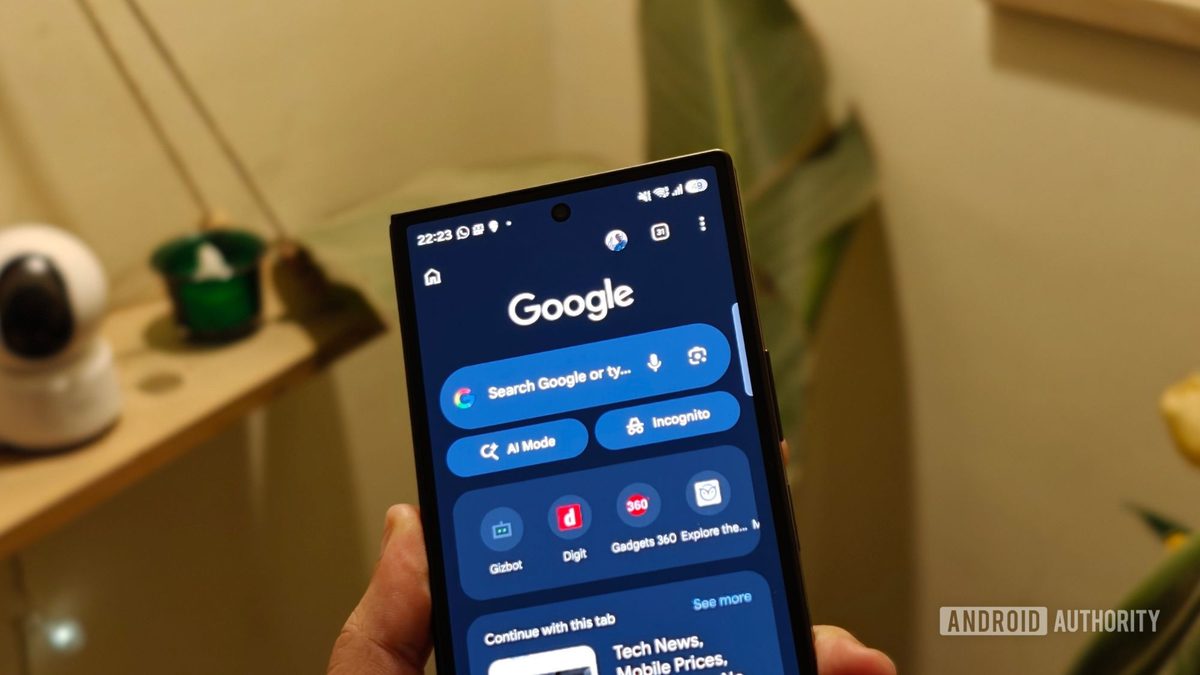
Photo: Android Authority
Quick answer
Google has integrated the Gemini AI assistant into Chrome for Android, offering US users tools for content summarization, contextual responses, and web task automation.
Google has expanded the availability of its AI assistant, Gemini, to Android users in the US by integrating it directly into the Chrome browser. The mobile version of the browser now includes built-in AI-powered tools that analyze page content and streamline web interactions.
Key features include quick summarization of long articles, contextual answers to page content, and seamless integration with Google services like Calendar and Keep. The Nano Banana tool allows users to generate and edit images directly while browsing. Subscribers to AI Pro and AI Ultra plans can access the Auto Browse mode, which automates complex tasks such as comparing product prices or booking services.
Security has been a priority in development: Gemini is protected against prompt-injection attacks, and the system requests user confirmation before performing potentially hazardous actions. The feature is now available in Chrome for Android and can be activated via the Gemini icon in the browser's top toolbar or through the settings menu.
Common questions
- What features does Gemini offer in Chrome for Android?
- Users can summarize pages, ask content-related questions, interact with Google Calendar and Keep, and edit images using Nano Banana. AI Pro and AI Ultra subscribers also get Auto Browse for task automation.
- How does Auto Browse work in Gemini?
- Auto Browse enables Gemini to perform multi-step tasks on websites, such as booking hotels, comparing prices, or planning trips. User confirmation is required for sensitive actions to ensure security.
- What security measures are implemented in Gemini for Chrome?
- Google has added protection against prompt-injection attacks and requires user confirmation before executing potentially risky operations.
Dzen feed: /feed/dzen.xml · RSS: /feed.xml