
Google Resolves False Pixel Watch First-Gen Support Termination Alert
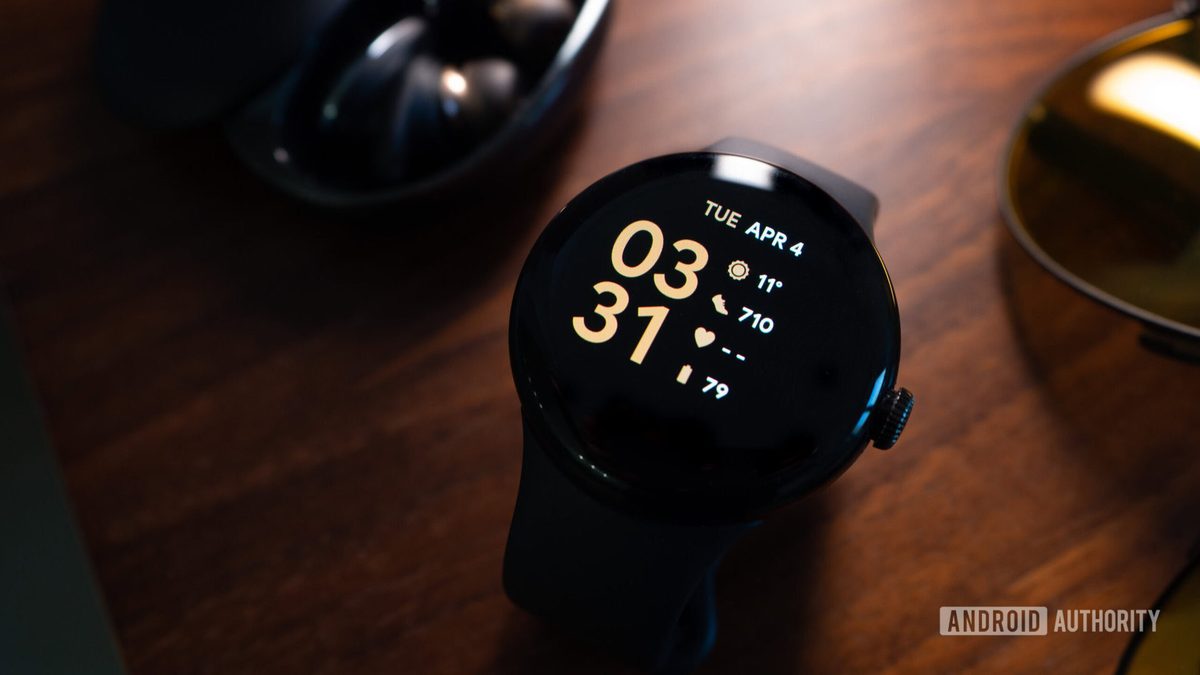
Photo: Android Authority
Quick answer
Google confirmed that a false alert about the end of support for first-gen Pixel Watch was caused by a system bug. Devices continue to work with Google Health if running Wear OS 4 or later.
Owners of the original Google Pixel Watch received an unexpected notification warning about the imminent end of data synchronization support with Google Health. The alert sparked concern among users, many of whom sought clarification on Reddit*. However, Google responded swiftly to the situation.
A Google representative confirmed the notification was erroneous and linked to a system bug. Support for first-gen Pixel Watch devices, as well as Fitbit devices, remains fully intact. The error has been resolved, and users need not fear losing functionality on their devices.
Nevertheless, for Google Health to function correctly on Pixel Watch and other Wear OS devices, the software version must be Wear OS 4 or later. The first-gen Pixel Watch supports this version, and users can check their current version in the device settings. Updates can be installed via the System updates menu or the Play Store for Wear OS.
Common questions
- Why did first-gen Pixel Watch owners receive an alert about support termination?
- The alert was triggered by a bug in Google's system. The company confirmed it was an error, and device support is not ending.
- What software requirements are needed for Google Health on Pixel Watch?
- Google Health sync requires Wear OS 4 or later. The first-gen Pixel Watch supports this version.
- How to check the Wear OS version on Pixel Watch?
- Version details can be found in device settings: Settings > System > About > Versions. Updates are available in System updates.
Dzen feed: /feed/dzen.xml · RSS: /feed.xml