
Google Fixes Sensor Permission Bug on Pixel Watch
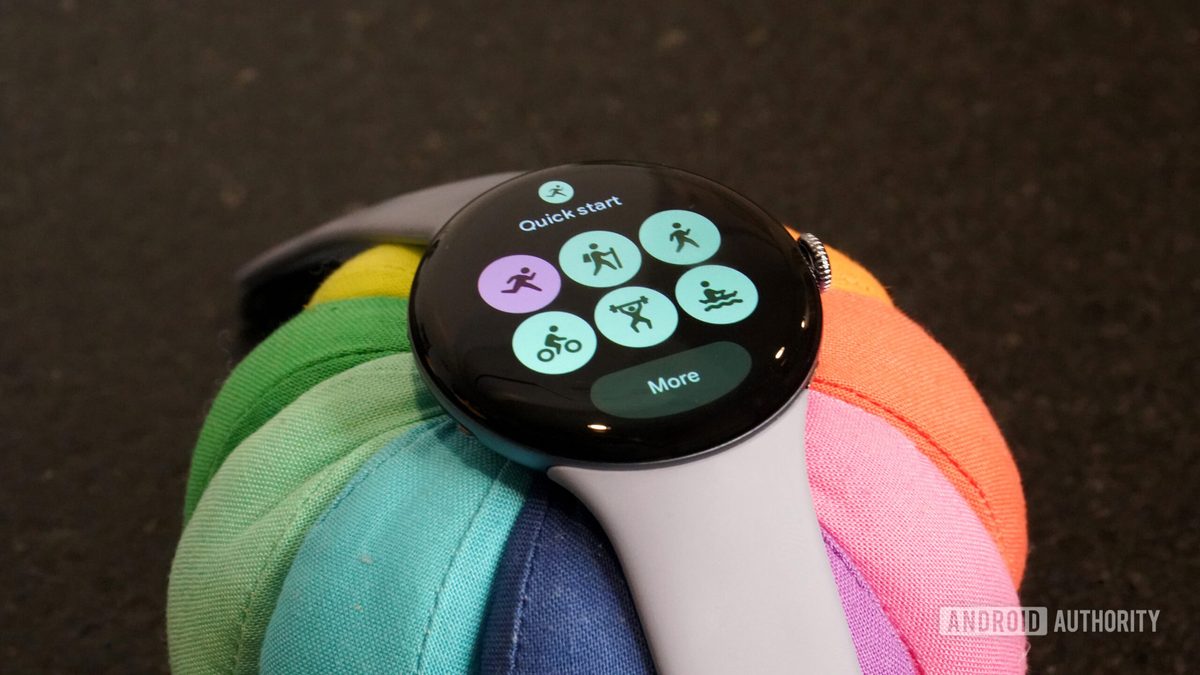
Photo: Android Authority
Quick answer
Google has confirmed a bug in Pixel Watch's health sensors, preventing users from tracking physical metrics. The company is actively developing a fix, but no release date has been announced.
Owners of Google’s Pixel Watch are experiencing a technical glitch that disrupts the functionality of health sensors. Despite attempts to modify permission settings or perform a factory reset, the device continues to display access error messages. This issue directly impacts core features, preventing users from tracking physical activity and other health metrics.
According to a survey by Android Authority, nearly half of Pixel Watch users have encountered this error. The widespread nature of the problem suggests it may stem from a recent software update or an internal system malfunction.
Google has acknowledged the issue and confirmed that its engineering team is actively working on a solution. However, the company has not provided a specific timeline for the patch release or any temporary workarounds to mitigate the error.
Google’s next major event, where new devices like the Pixel Watch 5 may be unveiled, is scheduled for August 12. The company is expected to prioritize resolving this issue before the new model’s launch to avoid potential negative impacts on sales.
Common questions
- What is the issue with Pixel Watch?
- Users report a bug where Pixel Watch cannot access health sensor data, displaying access errors even after adjusting permissions or performing a factory reset.
- How is Google addressing the problem?
- Google has confirmed that its engineers are working on a fix, but no update release date has been disclosed.
- Will resetting Pixel Watch fix the error?
- No, some users report that the error persists even after a factory reset.
Dzen feed: /feed/dzen.xml · RSS: /feed.xml