
Google Updates App Icons for Pixel Watch on Wear OS
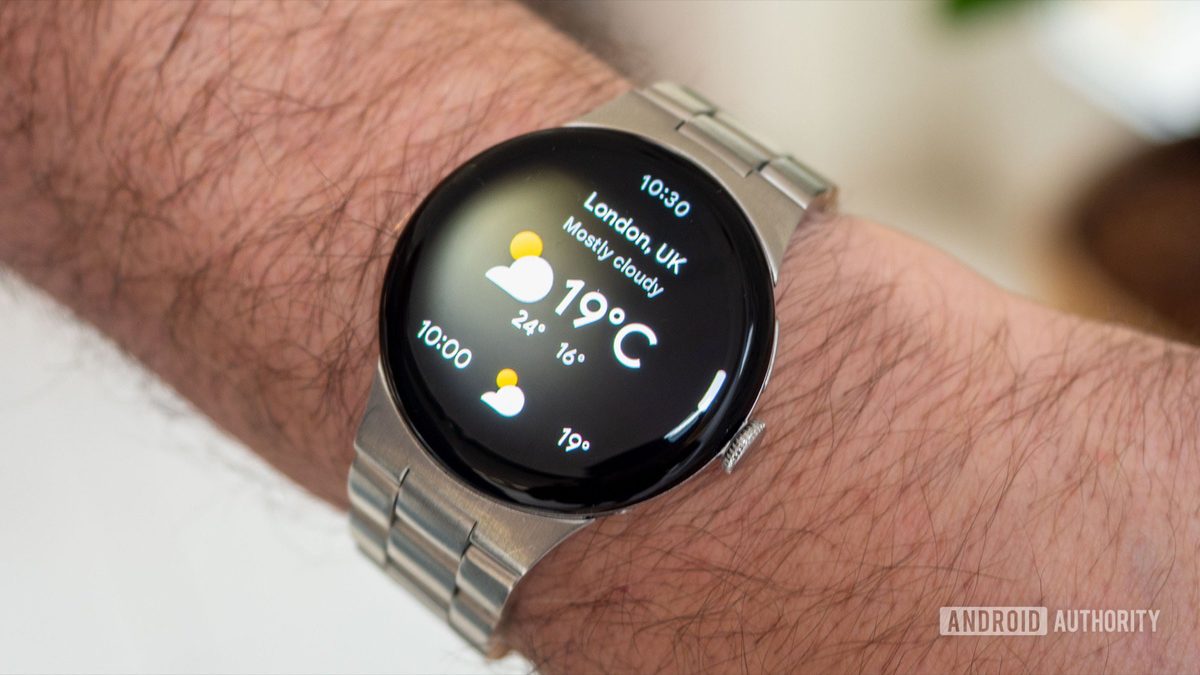
Photo: Android Authority
Quick answer
Google updated the Clock and Stopwatch app icons for Pixel Watch on Wear OS, improving both design and color schemes.
Google continues to enhance the user experience for Pixel Watch owners by updating the app icons for two key Wear OS applications: Clock and Stopwatch. These changes are part of the company’s preparations for the upcoming launch of its next-generation smartwatch, with the announcement expected in the coming days.
Significant updates were made to the Clock app icon, which now appears more contemporary. The alarm elements have been minimized, and the clock hands are set to the classic 10:10 position. The color palette has also been refreshed, giving the icon a more subdued and elegant look. While the Stopwatch app icon received less dramatic changes, its new color scheme gives it a fresher appearance.
This follows Google’s June update to the ECG app icon, further demonstrating the company’s commitment to refining the visual design of its wearable ecosystem. With the Pixel Watch 5 announcement on the horizon, additional updates are likely to follow soon.
Common questions
- Which Pixel Watch apps received updated icons?
- The Clock and Stopwatch apps received updated icons, with changes to both design and color palette.
- When is the new Pixel Watch generation expected to launch?
- The official announcement for Pixel Watch 5 is scheduled for next week, coinciding with the Pixel 11 smartphone launch.
- What changes were made to the Clock app icon?
- The Clock app icon now features a more modern design with reduced alarm elements and classic 10:10 hand positioning. The color scheme has also been updated.
Dzen feed: /feed/dzen.xml · RSS: /feed.xml