
Google Play Now Supports Venmo Payments
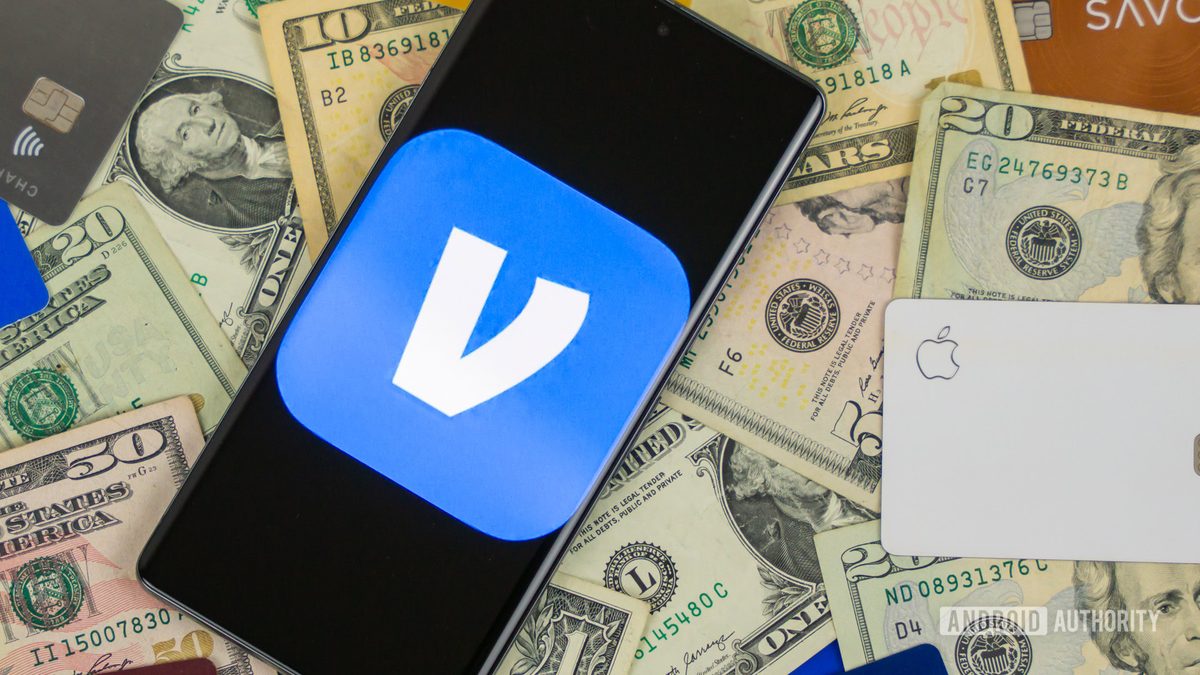
Photo: Android Authority
Quick answer
Google Play now supports Venmo payments, allowing users to purchase apps and in-game items using their Venmo balance or linked cards.
Google has expanded the list of available payment methods in the Google Play Store by adding support for Venmo. Users can now pay for app purchases and in-game items using their Venmo balance or bank cards linked to their accounts. This feature became available to all users on July 17, though initial mentions of it appeared as early as last week.
Venmo now joins existing payment systems like PayPal and Cash App Pay, which are already integrated into Google Play. This new option may be particularly convenient for users who frequently use Venmo, as it allows them to avoid directly sharing payment details with Google. Instead, they can pay through the familiar service.
To link Venmo to Google Play, open the Play Store app, go to your profile, select 'Payments & subscriptions,' then 'Payment methods,' and add Venmo. The process requires no complex setup and takes minimal time. Google confirms that the feature is now available to all users.
Common questions
- How do I link Venmo to Google Play?
- Open the Google Play app, go to 'Payments & subscriptions' in your profile, select 'Payment methods,' and add Venmo. The process is straightforward and requires minimal setup.
- What are the benefits of paying with Venmo in Google Play?
- Users can utilize their Venmo balance or linked cards without directly sharing payment details with Google. This is convenient for frequent Venmo users.
- Which other payment systems does Google Play support?
- In addition to Venmo, Google Play supports PayPal and Cash App Pay. These options provide users with more payment flexibility.
Dzen feed: /feed/dzen.xml · RSS: /feed.xml