
Google Sheets Introduces Interactive Canvas Powered by Gemini AI
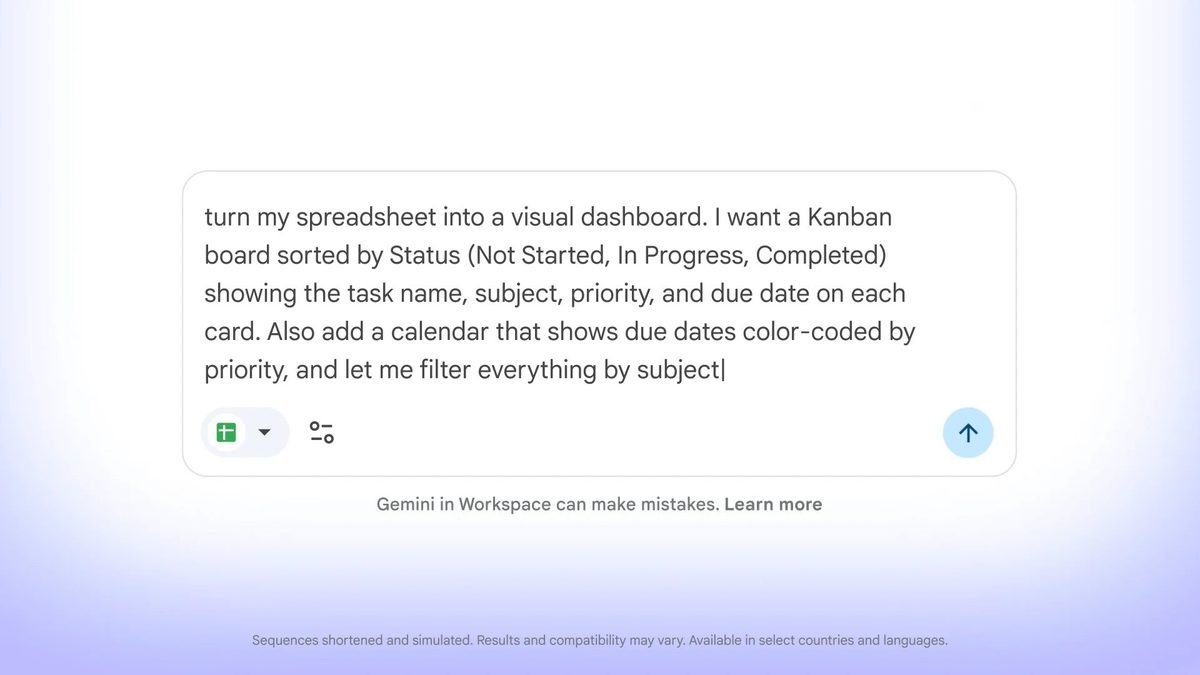
Photo: Android Authority
Quick answer
Google Sheets launches Canvas, an AI-driven feature powered by Gemini, enabling users to turn static spreadsheets into interactive mini-apps without writing code.
Google is expanding the capabilities of its popular Google Sheets service by introducing the Canvas feature, powered by the Gemini artificial intelligence system. This new tool enables users to transform static spreadsheets into interactive mini-applications without requiring programming skills or formula expertise.
Sheets Canvas operates through the Gemini panel, where users describe their desired outcome. For example, you can create a visual dashboard to track study assignments or an interactive seating chart for a wedding. The system automatically generates the interface based on the spreadsheet data while maintaining real-time synchronization.
The feature is available to Google AI Pro and Ultra subscribers using Sheets in English. To get started, open a data-filled spreadsheet, access the Gemini panel, and select the 'Create canvas' option. You can then refine the design, layout, and functionality of the generated interface.
Google has also unveiled an updated Sheets icon design, flipping the logo 180 degrees. This change is already appearing in some of the company’s materials, including the Sheets Canvas announcement.
Common questions
- What is Sheets Canvas in Google Sheets?
- Sheets Canvas is a new Google Sheets feature that uses Gemini AI to create interactive mini-apps from spreadsheet data. It allows users to visualize and interact with information without programming.
- Do I need programming skills to use Sheets Canvas?
- No, Sheets Canvas requires no programming knowledge or Google Sheets formulas. Simply describe your desired outcome in the Gemini panel, and the system will automatically generate an interactive interface.
- Do changes in Canvas sync with the original spreadsheet?
- Yes, all updates in Sheets Canvas sync with the original spreadsheet in real time, ensuring data consistency across both tools.
Dzen feed: /feed/dzen.xml · RSS: /feed.xml