
Google Vids Upgraded with Gemini Omni for AI-Powered Video Creation
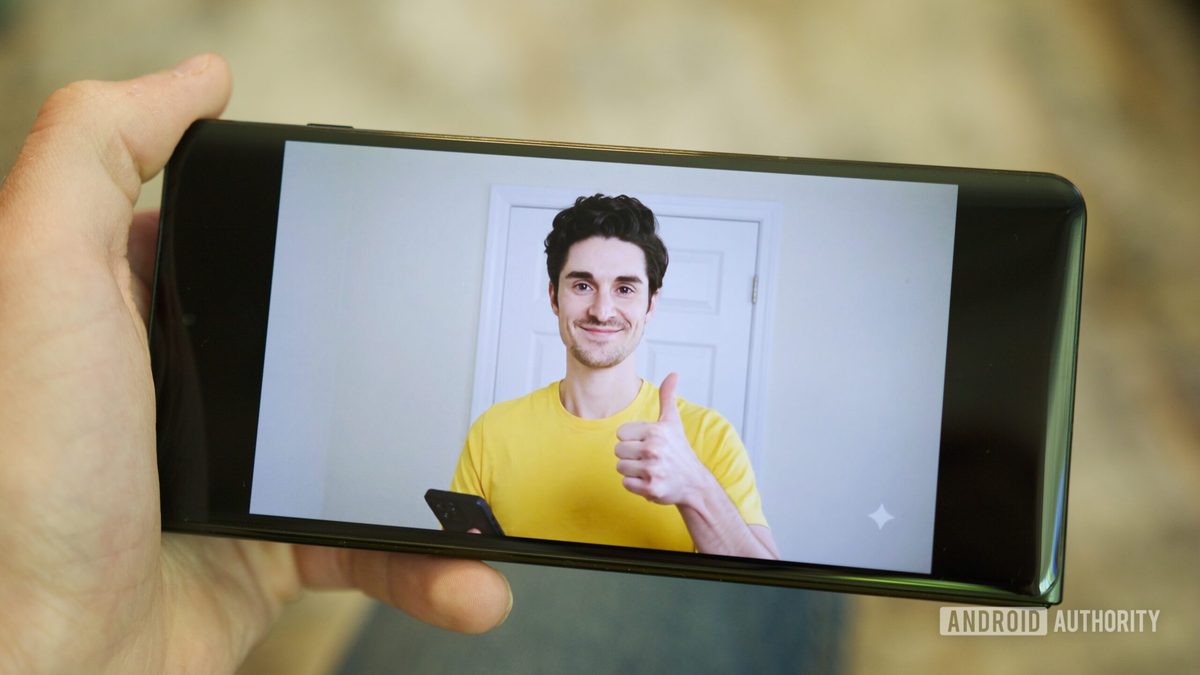
Photo: Android Authority
Quick answer
Google Vids has been upgraded with the multimodal AI model Gemini Omni, enabling users to create and edit videos using text-based commands.
Google has upgraded its video creation service, Vids, by integrating the AI model Gemini Omni. Users can now generate videos from scratch or edit existing footage by simply describing their requirements in natural language. For example, asking the AI to change the background, improve lighting, or add visual effects will be executed automatically without manual timeline adjustments.
A standout feature is the introduction of personalized avatars. To create one, users must upload a selfie and a short voice recording. The AI generates a digital replica capable of delivering any scripted text. This feature is restricted to users aged 18 and older, and all generated videos include an invisible SynthID watermark to verify their origin.
Voiceover management has also been enhanced. Users can now embed bracketed commands in scripts, such as "[joyfully]" or "[slowly]," to adjust emotional tone or pacing. The system automatically suggests relevant tags during text input. The update is now available for Google Workspace Business, Enterprise, Education Plus users, as well as individual accounts and subscribers of Google AI Pro and Ultra.
Common questions
- What is Gemini Omni in Google Vids?
- Gemini Omni is Google's multimodal AI model integrated into Vids for generating and editing videos via text prompts. It allows users to modify backgrounds, lighting, and add effects without complex manual adjustments.
- How do I create a personalized avatar in Google Vids?
- Upload a selfie and a short voice recording. The AI generates a digital replica of the user that can deliver any scripted text. This feature is restricted to users aged 18 and older.
- What new voiceover capabilities are available in Google Vids?
- Users can now add bracketed commands (e.g., "[enthusiastically]") to adjust speech emotions, pacing, and sound effects. The AI suggests relevant tags as you type.
Dzen feed: /feed/dzen.xml · RSS: /feed.xml