
Google Wallet Now Tracks Online Orders
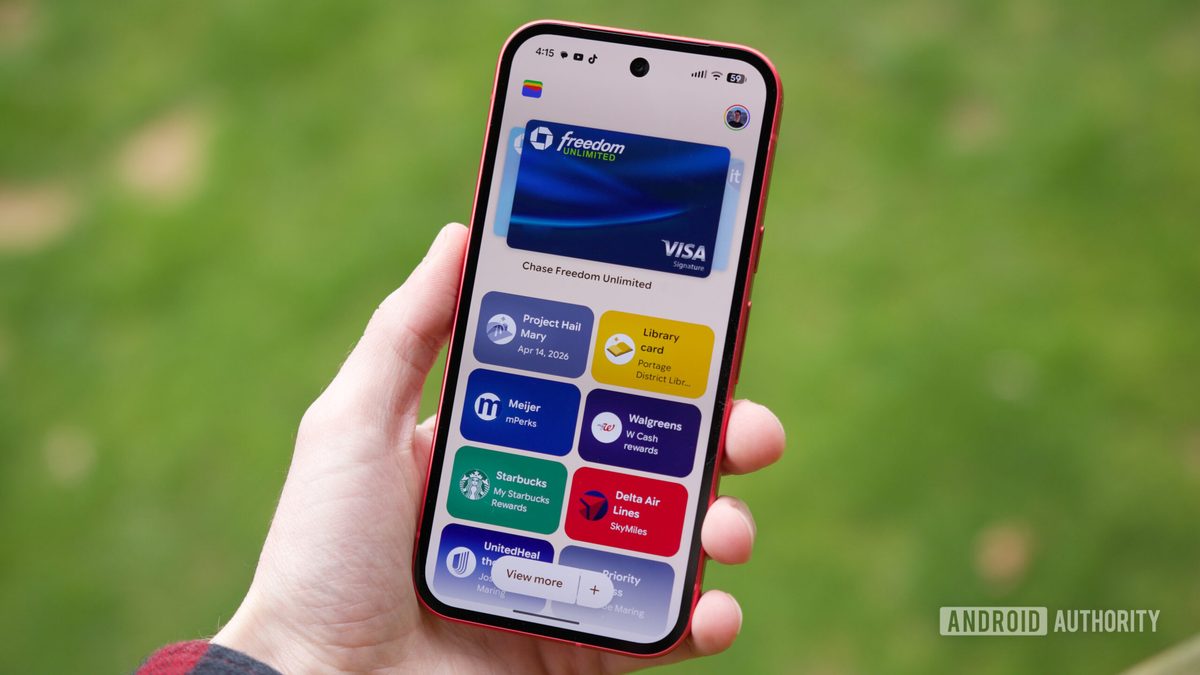
Photo: Android Authority
Quick answer
Google Wallet now supports tracking online orders by syncing data from Gmail*, including receipts, tracking numbers, and delivery statuses directly in the app.
Google has expanded the functionality of its Wallet app by adding online order tracking. Users can now view delivery statuses, tracking numbers, and receipts directly within the service’s interface. Data syncs automatically from Gmail*, eliminating the need to search through emails for order details.
To activate this feature, enable package tracking in Gmail* settings. Once enabled, Google Wallet’s home screen will display upcoming deliveries. Clicking "Show more" reveals orders arriving today or in transit. Accessing the full transaction list may require identity verification.
On the web version of Wallet, order information is available under the "Transactions" tab. To track a package, locate the order and click "Track package." Google also allows users to remove orders from Wallet, though the data remains in Gmail*. Currently, this feature is exclusive to US users, with no confirmed timeline for global rollout.
Common questions
- How does order tracking work in Google Wallet?
- The app automatically extracts order details from Gmail* emails, including receipts and tracking numbers. Delivery status is displayed in the transactions section.
- Do I need to configure anything for this feature?
- Yes, you must enable package tracking in Gmail* settings. Without this, Google Wallet cannot retrieve order data.
- Where is this feature available?
- The feature is currently limited to users in the US. Google has not announced plans for global expansion yet.
Dzen feed: /feed/dzen.xml · RSS: /feed.xml