
How to Use RS-232 in Smart Homes: Hidden TV Port Capabilities
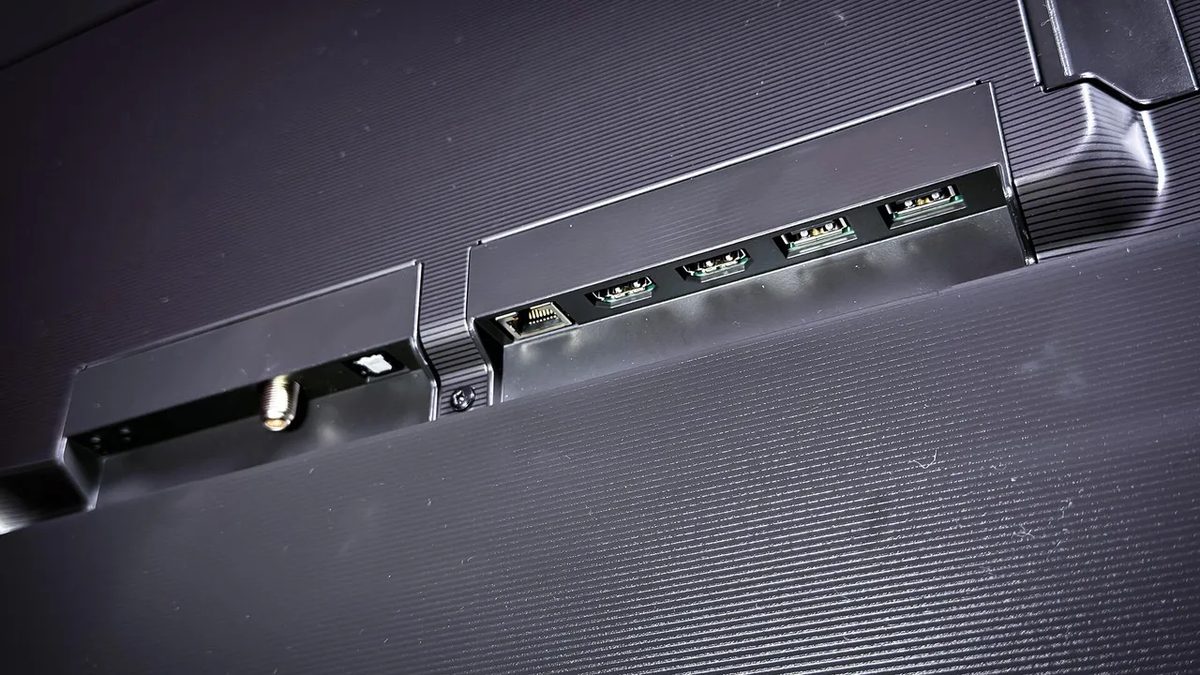
Photo: ZDNet
Quick answer
Многие пользователи не обращают внимания на RS-232 порт в телевизорах, хотя он открывает широкие возможности для автоматизации и диагностики. Этот интерфейс, знакомый по старым принтерам, позволяет синхронизировать трансляции на нескольких экранах, настраивать расписание контента и даже тестировать оборудование. Чаще всего его используют в коммерческих системах — например, в аэропортах или медицинских учреждениях, где требуется одновременный показ рекламы или объявлений на множестве дисплеев. Однако и в домашних условиях RS-232 может стать мощным инструментом для создания умного дома.
Many premium modern TVs feature an RS-232 port—a rarely used nine-pin connector—on their rear panels. Originally designed for professional calibration and diagnostics, this interface was once limited to factory testing or service center troubleshooting. However, its applications extend far beyond maintenance.
In commercial environments, RS-232 has long powered multi-room systems, enabling synchronized ad or informational broadcasts across multiple displays in malls, airports, or offices. At home, this port allows similar functionality: setting up simultaneous content playback across rooms, creating playlists for kids’ zones or home theaters, and automating video launches via schedules. To achieve this, you’ll need an RS-232 cable or Bluetooth adapter, a computer, and an HDMI matrix—a central hub for managing multiple screens.
Configuring the system requires technical expertise, as RS-232 control involves writing code. Interaction protocols vary by manufacturer and model, with programming languages ranging from Python and C# to HTML and Java. GitHub hosts pre-built solutions for popular brands, simplifying integration. For diagnostics, affordable signal testers compatible with Windows, macOS, and Linux help identify connection or data transmission issues.
RS-232 stands out from alternatives like IR remotes or CEC due to its reliability and stability. However, setup isn’t beginner-friendly—it demands time, patience, and a willingness to dive into technical details. For smart home enthusiasts or business owners seeking flexible screen management, this port is a valuable tool.
Common questions
- Common questions
- Многие пользователи не обращают внимания на RS-232 порт в телевизорах, хотя он открывает широкие возможности для автоматизации и диагностики. Этот интерфейс, знакомый по старым принтерам, позволяет синхронизировать трансляции на нескольких экранах, настраивать расписание контента и даже тестировать оборудование. Чаще всего его используют в коммерческих системах — например, в аэропортах или медицинских учреждениях, где требуется одновременный показ рекламы или объявлений на множестве дисплеев. Однако и в домашних условиях RS-232 может стать мощным инструментом для создания умного дома.
Dzen feed: /feed/dzen.xml · RSS: /feed.xml