
How to Extract Files from an Android Smartphone with a Broken Screen
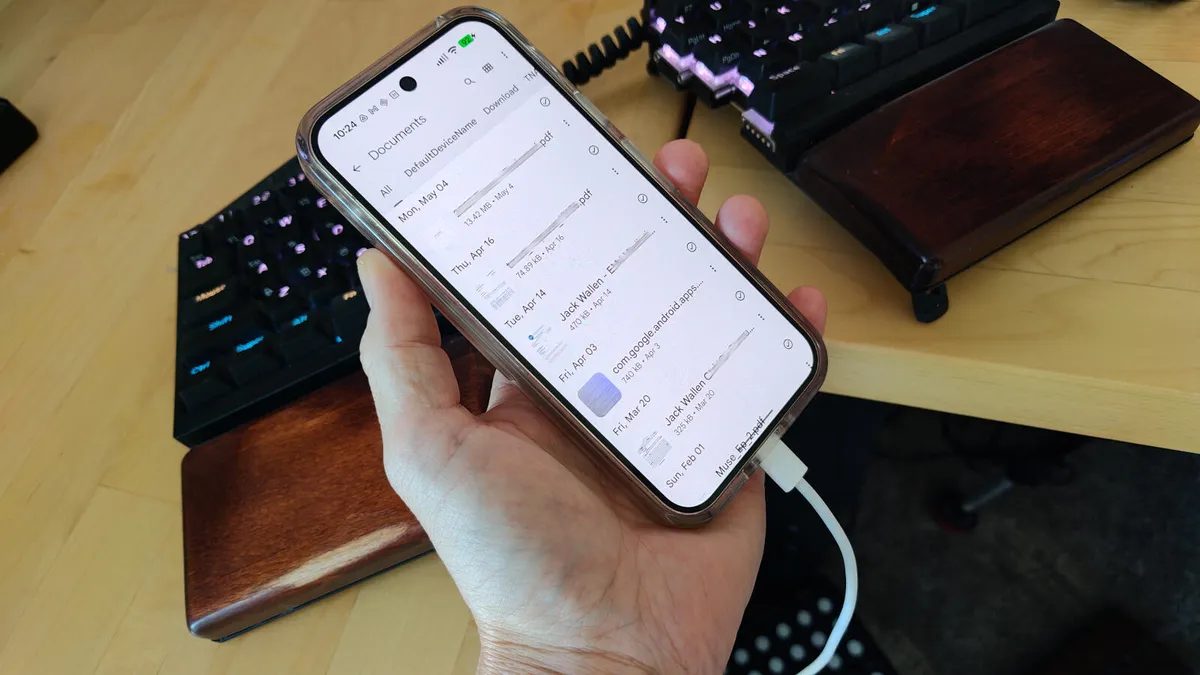
Photo: ZDNet
Quick answer
Повреждённый экран смартфона — не приговор для хранящихся на нём данных. Если устройство ещё включается, но сенсор не реагирует, можно извлечь файлы с помощью утилиты Android Debug Bridge (ADB). Этот инструмент командной строки позволяет управлять устройством через компьютер и работает на Windows, macOS и Linux. Метод подходит для экстренного доступа к документам, фотографиям или другим важным данным, когда ремонт или замена телефона откладываются.
A familiar scenario for many: a smartphone takes a fall, the screen cracks, and the touchscreen stops responding. Accessing files seems impossible, especially if the device lacks repair mode or there’s no time to visit a service center. However, if the phone still powers on, data can be rescued using Android Debug Bridge (ADB).
ADB is a free command-line utility that allows interaction with an Android device via a computer. It’s part of the Android SDK and supports all major operating systems: Windows, macOS, and Linux. To use it, Developer Mode and USB debugging must be enabled on the smartphone—possible even with a broken screen if these settings were activated beforehand.
The file extraction process begins with installing ADB on your computer. On Linux systems, for example, simply run the command sudo apt-get install adb android-tools-adb android-tools-fastboot. After connecting the smartphone via USB, verify detection with the command adb devices. If the device appears in the list, you can proceed to copy data.
To extract a file, you only need to know its path on the device. For instance, to copy resume.pdf from the Documents folder to your computer, use the command adb pull /storage/emulated/0/Documents/resume.pdf ~/Documents. If the path is unknown, you can browse directories sequentially using adb shell ls until the desired file is found. ADB provides full control over the device’s file system, making it an indispensable tool in critical situations.
Common questions
- Common questions
- Повреждённый экран смартфона — не приговор для хранящихся на нём данных. Если устройство ещё включается, но сенсор не реагирует, можно извлечь файлы с помощью утилиты Android Debug Bridge (ADB). Этот инструмент командной строки позволяет управлять устройством через компьютер и работает на Windows, macOS и Linux. Метод подходит для экстренного доступа к документам, фотографиям или другим важным данным, когда ремонт или замена телефона откладываются.
Dzen feed: /feed/dzen.xml · RSS: /feed.xml