
How to Customize Your New Roku Home Screen to Fit Your Preferences
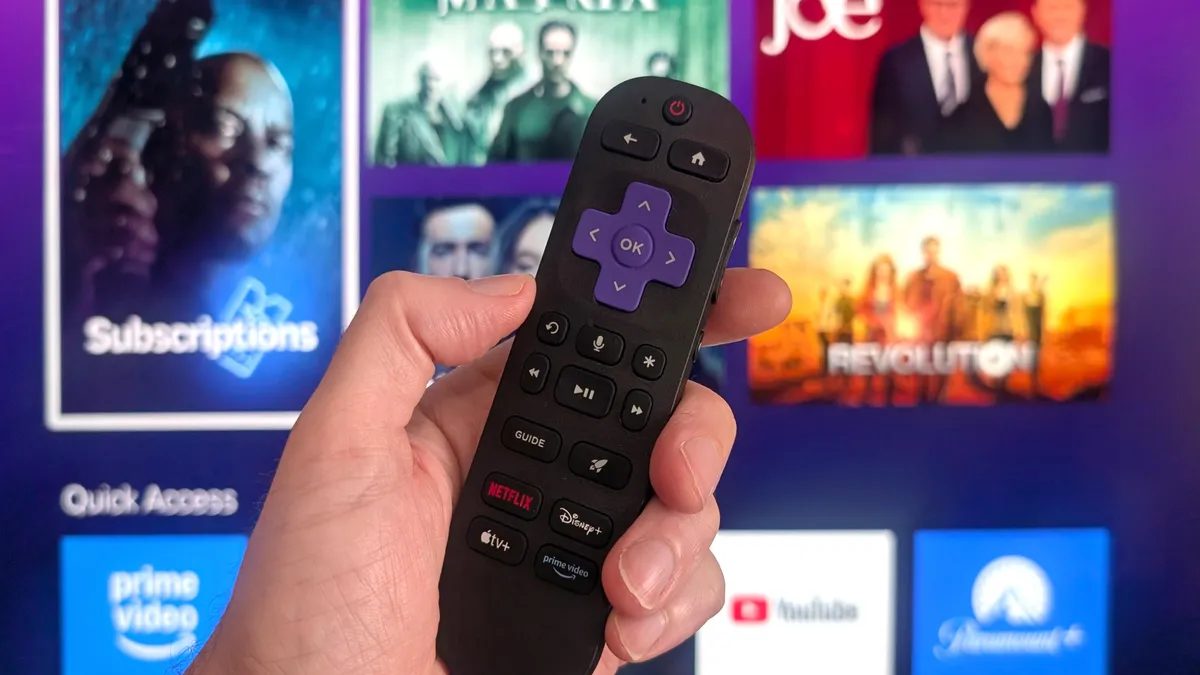
Photo: CNET
Quick answer
Компания Roku впервые за 10 лет обновила домашний экран своих устройств, добавив раздел «Для вас» и рекламный баннер. Однако не всем пришлись по душе изменения — некоторые пользователи предпочитают более привычный интерфейс. К счастью, настройка нового экрана занимает всего пару минут и позволяет адаптировать его под свои нужды. Например, можно скрыть нерелевантные рекомендации или добавить ярлык для быстрого доступа к недавно просмотренным шоу. Эти простые шаги помогут сделать работу с устройством удобнее и эффективнее.
Roku has rolled out a long-awaited update to its home screen, marking the first structural change in a decade. The new version introduces a "For You" section designed to simplify content discovery, though it doesn’t always deliver. For instance, if you know exactly what you want to watch, the system may not immediately suggest the right service. Users have also noted that recommendation algorithms sometimes offer unexpected content, such as religious films or projects by specific directors, even if they don’t align with the owner’s preferences.
For those dissatisfied with the new recommendations, several customization options are available. You can remove individual suggestions by highlighting them, pressing the "*" button on the remote, and selecting "I don’t like this show/movie." However, changes may not take effect immediately—rebooting the device might be necessary. If recommendations aren’t useful at all, the "For You" section can be hidden entirely via the home screen settings by selecting "Hide" under "Recommendations."
To enhance convenience, Roku also allows users to add a "Continue Watching" shortcut to the quick-access section. This is particularly useful if you frequently switch between multiple series or films. To add the shortcut, scroll to the "Go To" section on the home screen, select the "Continue Watching" tile, press "*", and choose "Add to Quick Access." Note that the shortcut may disappear after updates, requiring re-addition. If you prefer a minimalist interface, the quick-access section can also be hidden through settings.
Common questions
- Common questions
- Компания Roku впервые за 10 лет обновила домашний экран своих устройств, добавив раздел «Для вас» и рекламный баннер. Однако не всем пришлись по душе изменения — некоторые пользователи предпочитают более привычный интерфейс. К счастью, настройка нового экрана занимает всего пару минут и позволяет адаптировать его под свои нужды. Например, можно скрыть нерелевантные рекомендации или добавить ярлык для быстрого доступа к недавно просмотренным шоу. Эти простые шаги помогут сделать работу с устройством удобнее и эффективнее.
Dzen feed: /feed/dzen.xml · RSS: /feed.xml