
How to Limit Data Collected by Gemini via Android Auto
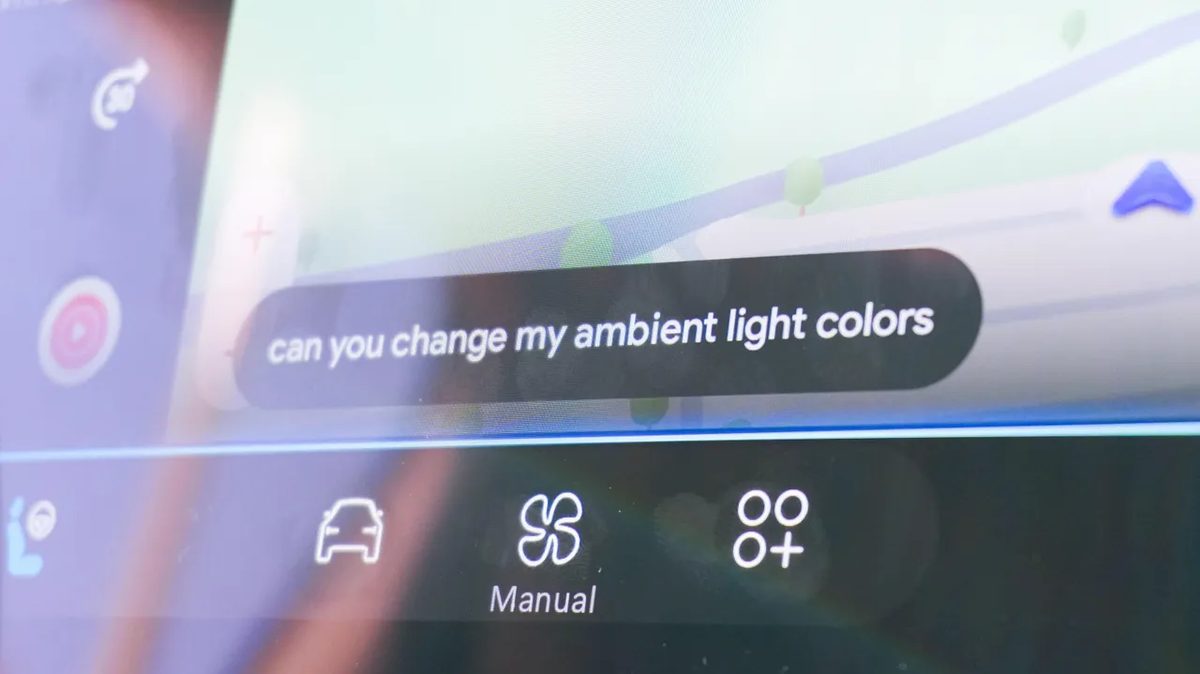
Photo: ZDNet
Quick answer
Android Auto now allows users to restrict Gemini's access to personal data by disabling continuous microphone listening, blocking message and call analysis, and preventing manual activity reviews.
The integration of Google’s AI assistant, Gemini, into Android Auto has introduced new driver-friendly features but also raised privacy concerns. The system can now track travel routes, analyze text messages, and even record audio via a continuously active microphone. While completely disabling Gemini in Android Auto isn’t possible, users can adjust settings to minimize data collection.
A key issue is the constant microphone listening for the “Hey Google” command. Although Google claims audio recordings are only sent to servers after the wake phrase is activated—and failed attempts are immediately deleted—many users prefer to disable this feature. To do so, navigate to Gemini settings and turn off “Gemini Apps Activity,” enabling activation only via the steering wheel button.
As Android Auto acts as a bridge between smartphones and in-car infotainment systems, controlling which data is transmitted is critical. In the app settings, users can individually restrict access to call history, contacts, and messages. This won’t impair core functionality but reduces the risk of sensitive data leaks.
Another useful option is disabling automatic summarization of long messages and group chats. In Android Auto’s “Messages” settings, turn off “Notifications with Assistant” while keeping the ability to have incoming messages read aloud. This prevents AI analysis of texts without sacrificing convenience.
Finally, note that Gemini command recordings may be reviewed by real people to improve AI performance. To opt out, go to Gemini settings, select “Gemini Apps Activity,” and disable history saving. Users can also delete accumulated data or reduce storage duration from 18 to 3 months.
Common questions
- Can I completely disable Gemini in Android Auto?
- No, full disabling of Gemini in Android Auto isn't possible. However, you can limit access to personal data through system and app settings.
- What data does Gemini collect via Android Auto?
- Gemini may track travel routes, analyze text messages, call history, and record audio via the car's microphone. This data is used to improve AI performance.
- How can I prevent Gemini from analyzing my messages?
- In Android Auto settings, disable the automatic message summarization feature while retaining the ability to have messages read aloud by the system.
Dzen feed: /feed/dzen.xml · RSS: /feed.xml