
How to Turn a Google Pixel Smartphone into the Ultimate Smart Home Control Hub
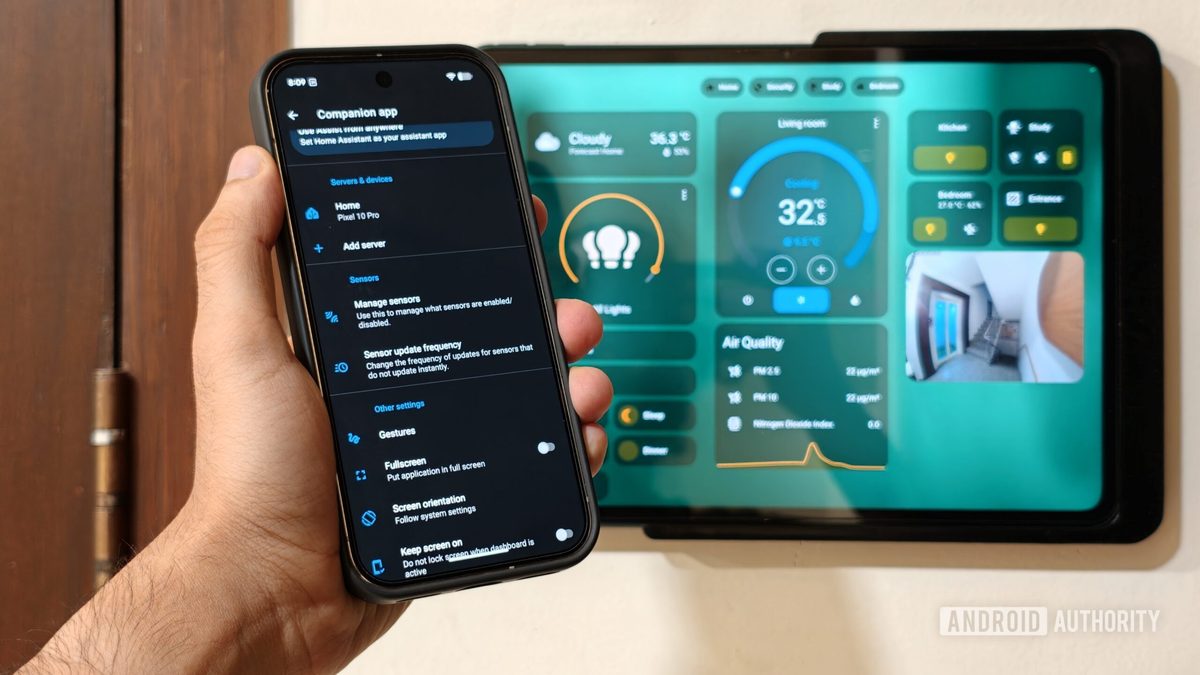
Photo: Android Authority
Quick answer
A Google Pixel smartphone running Home Assistant replaces cloud-based platforms for smart home control. Local integration leverages phone sensors (geolocation, battery status, Wi-Fi) to automate lighting, security, and…
Cloud platforms like Google Home or Amazon Alexa often introduce delays and instability in smart home operations. Switching to the local Home Assistant system resolves these issues, and a Google Pixel smartphone becomes the central hub for automation.
The key advantage of this integration lies in the phone's built-in sensors. Geolocation and home Wi-Fi connectivity allow the system to detect the owner's presence. When leaving home, lights, air purifiers, and security systems automatically turn off. Upon return, the reverse scenario activates, including lighting adjustments based on darkness.
Another useful feature involves battery status triggers. For example, placing the Pixel on a wireless charger after 10 PM initiates night mode: unnecessary devices power down, white noise activates, and security systems engage. The Android Home Assistant app also provides quick-access controls via notification panels and home screen widgets.
Home Assistant's open ecosystem eliminates the need for proprietary devices. Any modern Android smartphone can integrate seamlessly, utilizing the same sensor capabilities and control features. This makes the solution flexible and accessible for users seeking full automation without cloud dependencies.
Common questions
- What are the benefits of local smart home management via Home Assistant?
- Local control eliminates cloud-induced delays, enhances reliability, and ensures privacy. Data stays within the home network, and automations function even without internet access.
- Which smartphone sensors can be used for home automation?
- Home Assistant supports geolocation, Wi-Fi connectivity, battery level, device orientation, and audio playback activity as triggers for automations.
- Are additional devices required to integrate Pixel with Home Assistant?
- No special hardware is needed. Simply install the Home Assistant app on your Pixel and configure the platform server. The phone's built-in sensors handle the rest.
Dzen feed: /feed/dzen.xml · RSS: /feed.xml