
How to Turn Your Smartphone into a Universal Remote for Android TV for Free
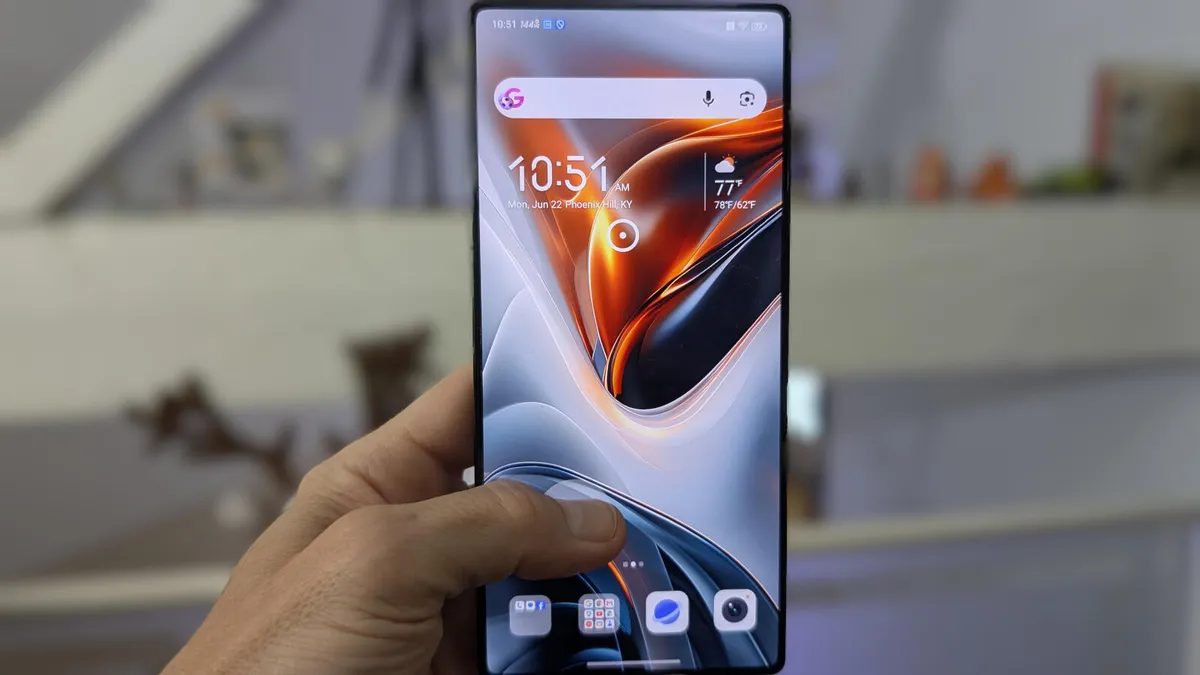
Photo: ZDNet
Quick answer
The Bluetooth Remote app allows users to control Android TV from a smartphone via Bluetooth. It connects automatically to the TV, supports touch-based navigation with a cursor, a virtual keyboard, and basic remote…
Standard Smart TV remotes often cause frustration due to uncomfortable buttons, dead batteries, or their complete absence. The Bluetooth Remote app offers a solution by transforming an Android smartphone into a full-featured remote with advanced capabilities. It automatically detects the TV, connects via Bluetooth, and provides touch-based control with a cursor, simplifying navigation through menus and apps.
Setting up the app takes just a few minutes. Simply download it from the Google Play Store, grant the necessary permissions, and select your TV from the list of available devices. Once connected, the smartphone screen displays a remote interface with volume and channel controls, as well as a virtual keyboard for text input. The touchpad feature is particularly convenient, allowing users to move the cursor across the TV screen with finger gestures, similar to a laptop.
The developers have kept the app streamlined, focusing only on essential functions. This makes it user-friendly, even for those unfamiliar with such solutions. Bluetooth Remote operates reliably without requiring additional configurations, setting it apart from competitors. The only limitation is its compatibility with Android TV only, so users of other platforms will need to explore alternatives.
The app is free and ad-free, making it an appealing option for replacing a physical remote. It is especially useful when the standard remote is lost or malfunctioning. Bluetooth Remote not only saves time but also eliminates the need to purchase spare batteries or replace a broken device.
Common questions
- Which TVs are compatible with Bluetooth Remote?
- The app works with Android TV-based televisions. Both the TV and smartphone must have Bluetooth enabled for pairing.
- Is Bluetooth Remote a paid app?
- No, the app is completely free and available on the Google Play Store. It has no paid features or advertisements.
- Can I use Bluetooth Remote on an iPhone?
- No, the app is designed exclusively for Android devices. iPhone users may explore manufacturer-specific apps for similar functionality.
- What features does Bluetooth Remote support?
- The app replaces a standard remote with cursor control, a virtual keyboard, volume adjustment, channel switching, and essential buttons like Home and Play.
Dzen feed: /feed/dzen.xml · RSS: /feed.xml