
How to Turn an Old Android Smartphone into a Raspberry Pi Alternative
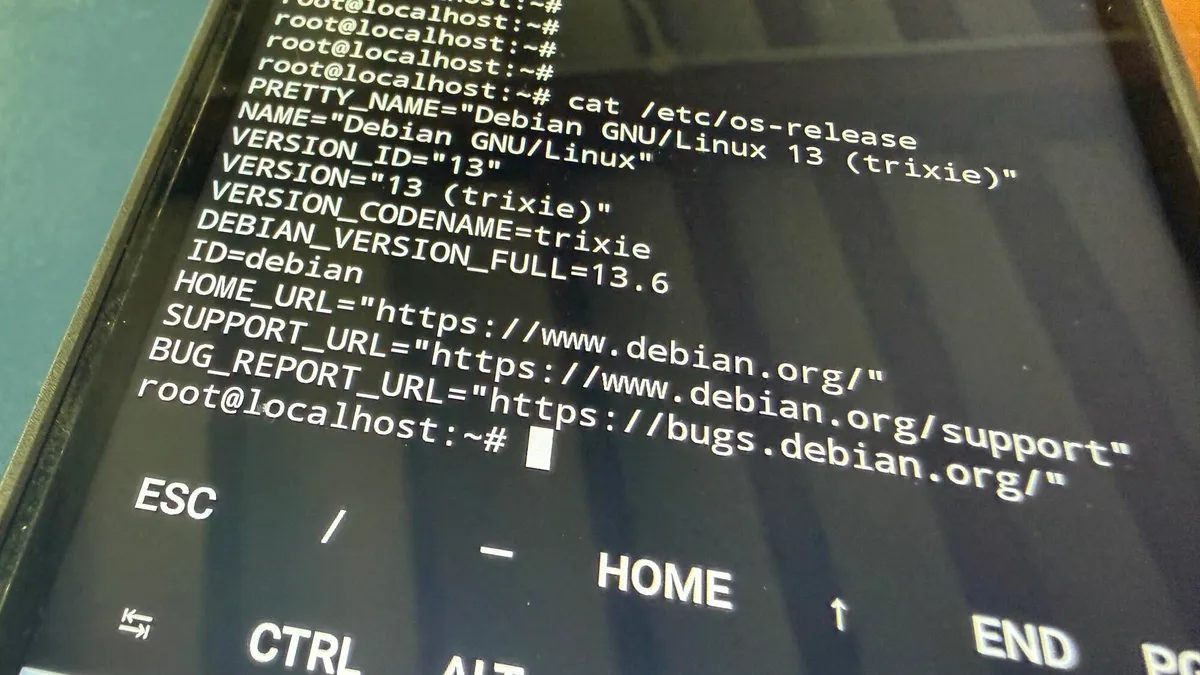
Photo: ZDNet
Quick answer
An old Android smartphone can serve as a Raspberry Pi alternative for running Linux projects via Termux and proot-distro.
The surging demand for Raspberry Pi single-board computers in AI data centers has driven up prices, prompting many to look for alternatives. One option is repurposing an old Android smartphone, often gathering dust. Built-in Wi-Fi, Bluetooth, battery, and powerful processors make it an appealing solution for portable projects.
However, this approach has significant limitations. Unlike Raspberry Pi, smartphones lack GPIO pins, making it impossible to connect sensors and peripherals without complex workarounds. They also lack Ethernet ports and multiple USB slots, requiring docks or adapters. Running Linux distributions demands the Termux app, which imposes restrictions on storage and network port access.
Setup begins with installing Termux via F-Droid. After updating packages and configuring storage access, you can install proot-distro and deploy Debian. This enables running projects like media or web servers, but tasks such as installing Pi-hole may require rooting the device. Overall, an Android smartphone can serve as a temporary solution but not a full replacement for Raspberry Pi.
Common questions
- Can an old Android smartphone replace a Raspberry Pi?
- Yes, but with limitations. It works well for Linux projects through Termux, yet the absence of GPIO pins and network port restrictions make it less versatile.
- What advantages does an Android smartphone offer over Raspberry Pi?
- Built-in connectivity modules, battery, display, and higher CPU performance. No need to purchase additional components.
- What issues may arise when using Android instead of Raspberry Pi?
- Lack of GPIO pins, Termux restrictions on network ports, the need for rooting for certain tasks, and potential instability.
Dzen feed: /feed/dzen.xml · RSS: /feed.xml