
How to Turn an Old Android Smartphone into a Local Server
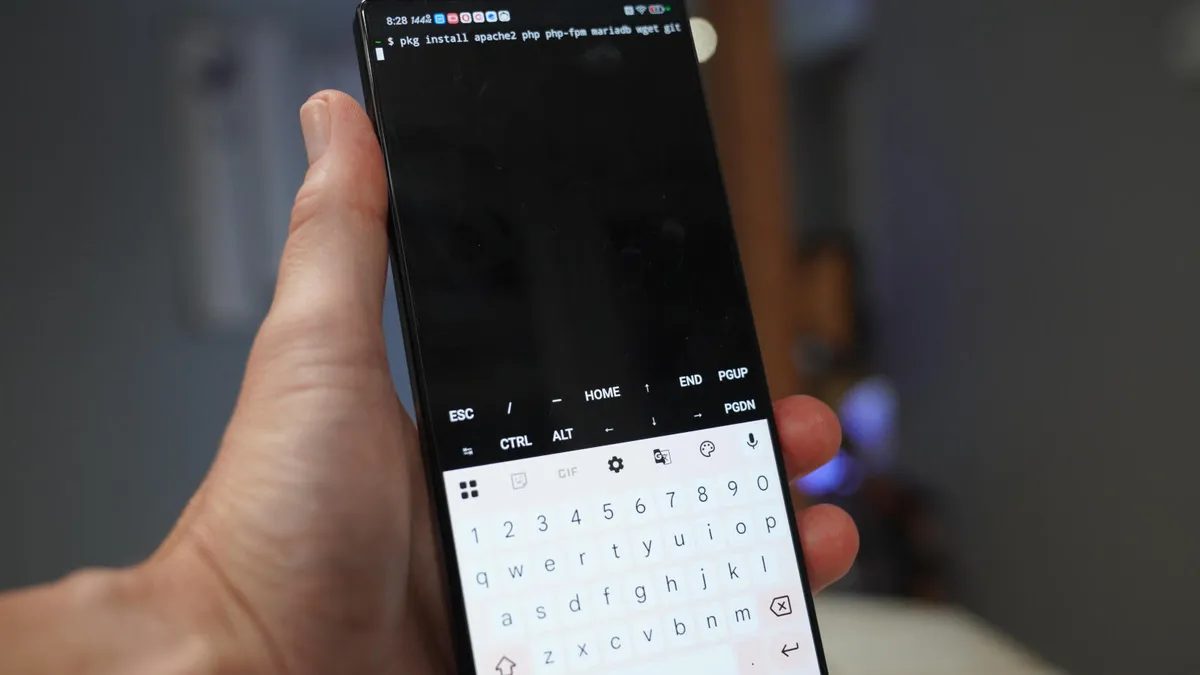
Photo: ZDNet
Quick answer
An old Android smartphone can be turned into a local server using Termux—a Linux terminal emulator for Android. Installing Apache, PHP, and MariaDB allows deploying a test site or internal service without hardware costs.
Old Android smartphones and tablets often sit unused, yet they can function as servers for local networks. One method is installing Termux, a free Linux terminal emulator for Android. With Termux, the device becomes a full-fledged server capable of hosting websites, databases, and other services.
Termux is best installed via F-Droid, as the Google Play version is outdated. After installation, users gain access to a Linux environment where packages can be installed via the built-in package manager. For example, deploying a web server requires installing Apache, PHP, and MariaDB, which can then be launched via the command line.
The experiment’s author deployed a test website on an old smartphone using Apache and PHP. This involved updating packages, installing SSH for remote access, and configuring the web server. The resulting site can be accessed via the device’s local IP address. This approach is perfect for app testing, learning, or creating internal services without extra hardware costs.
Beyond web servers, Android devices can host Nextcloud, CMS, or even a home automation server. Termux supports installing numerous Linux packages, unlocking extensive experimentation possibilities. However, users should consider Android limitations, such as incomplete binary compatibility with Linux and potential permission issues.
Common questions
- What is Termux and what is it used for?
- Termux is a free Linux terminal emulator for Android. It enables running a Linux environment on mobile devices, installing server applications, and using the smartphone as a local server.
- What services can be deployed on an Android server?
- With Termux on an Android device, you can install Apache, PHP, MariaDB, Nextcloud, CMS, or even a home automation server. This setup is suitable for testing and development.
- Do I need root access to use Termux?
- No, Termux works without root access, though some features may be limited due to Android’s restrictions.
Dzen feed: /feed/dzen.xml · RSS: /feed.xml