
How Samsung Routines Transforms Galaxy Smartphone Usage: 5 Useful Automation Scenarios
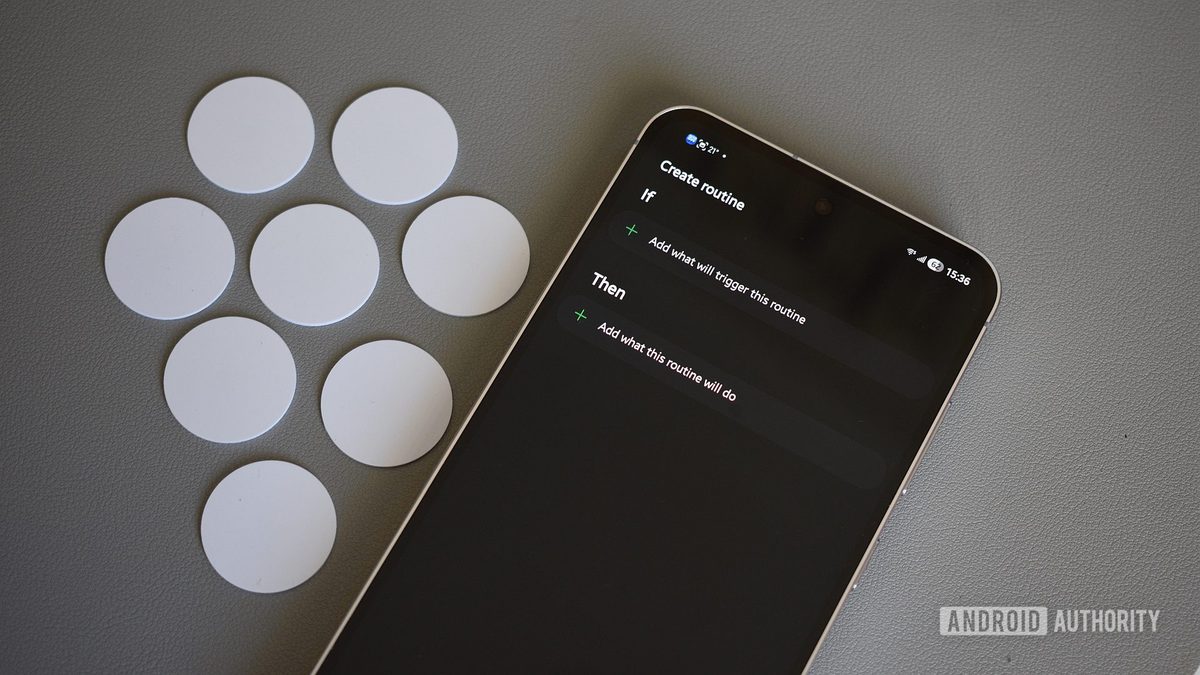
Photo: Android Authority
Quick answer
Samsung Routines в One UI автоматизирует Galaxy-смартфоны: 5 сценариев для утренних ритуалов, вождения, энергосбережения, чтения и оптимизации работы. Упрощает ежедневное использование без сложных настроек.
Many Galaxy smartphone users overlook the capabilities of Samsung Routines, sticking to basic settings like automatic app updates. However, this feature can automate dozens of daily processes, saving time and reducing cognitive load. For instance, the phone can automatically switch to driving mode when connected to a car’s Bluetooth or activate comfortable reading settings in low-light conditions.
One of the most popular scenarios is the morning routine. After the alarm is dismissed, the smartphone automatically restores sound to standard mode, opens the Samsung Now Brief summary with weather forecasts, calendar, and news. If the outdoor temperature drops below 5°C, the device reminds the user to wear warm clothing. Such small conveniences save minutes daily by eliminating the need to manually open multiple apps.
For drivers, Samsung Routines offers an alternative to Android Auto. When connected to a car’s audio system, the phone launches Google Maps, plays music on YouTube Music, and adjusts screen brightness for better visibility. Media volume is also increased, and screen timeout is extended for quick navigation access. These settings are ideal for users who prefer a minimalist interface without unnecessary features.
Battery management is another area where automation proves highly effective. Instead of aggressive power-saving modes that degrade performance, users can create custom scenarios. When the battery drops below 50% and Wi-Fi is unavailable (indicating the user is likely away from home), the phone switches to an energy-efficient mode: enabling dark theme, reducing screen refresh rate to 60Hz, and disabling Always On Display. These changes have minimal impact on performance but significantly slow battery drain.
For avid readers, Samsung Routines provides settings to enhance comfort. After 9 PM, when opening the Brave browser, the phone automatically activates dark mode, reduces brightness, and enables eye protection. A separate scenario is available for the Moon+ Reader app: upon launch, the screen switches to grayscale, reducing eye strain and minimizing distractions from entertainment apps.
Common questions
- Что такое Samsung Routines и как она работает?
- Samsung Routines — это функция автоматизации в One UI, которая настраивает смартфон под разные сценарии (например, вождение, чтение, энергосбережение) без ручного вмешательства. Активируется по триггерам: времени, местоположению, подключению устройств или действиям пользователя.
- Какие сценарии автоматизации доступны в Samsung Routines?
- Доступны сценарии для утренней рутины, вождения, энергосбережения, чтения и оптимизации работы. Например, автоматическое переключение в режим вождения при подключении к Bluetooth, настройка темного режима для чтения или экономия батареи при низком заряде.
- Как настроить Samsung Routines для утренней рутины?
- После отключения будильника смартфон может автоматически открывать сводку погоды, календарь и новости, а также напоминать о теплой одежде при низкой температуре. Настройки включают в себя запуск приложений и уведомления по времени.
- Можно ли использовать Samsung Routines вместо Android Auto?
- Да, Samsung Routines предлагает альтернативу Android Auto. При подключении к автомобильной аудиосистеме она запускает Google Maps, настраивает яркость экрана, увеличивает громкость медиа и продлевает время блокировки для удобной навигации.
Dzen feed: /feed/dzen.xml · RSS: /feed.xml