
How to Make Your iPhone Screen Even Dimmer for Night Use
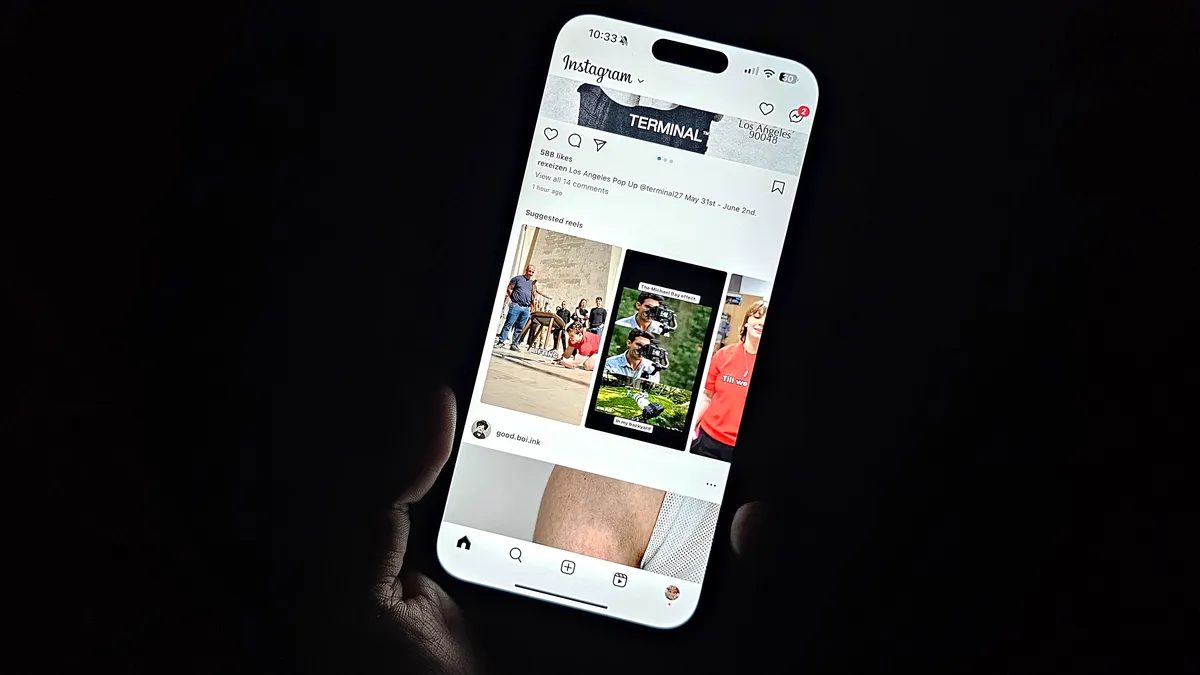
Photo: CNET
Quick answer
To make your iPhone screen dimmer at night, use Night Shift, Reduce White Point, and Zoom with the low-light filter.
Even at its lowest brightness settings, an iPhone screen can feel excessively bright in dark environments. This is particularly noticeable for users who frequently check their phones at night or work in low-light conditions. While modern Apple displays can dim to as low as one nit, this may still be too intense for some.
One of the easiest ways to make the screen more eye-friendly is to enable Night Shift. This feature automatically adjusts the display’s color temperature, adding warmer hues and reducing blue light. You can configure it via Control Center or in Settings → Display & Brightness → Night Shift. Here, you can set a schedule or manually adjust the warmth intensity.
For finer brightness control, use the Reduce White Point option in Accessibility settings. This reduces the intensity of bright colors, which is especially useful in the dark. Enable it in Settings → Accessibility → Display & Text Size. After activation, you can adjust the dimming level using the slider.
If the standard settings aren’t sufficient, try the Zoom feature with the low-light filter. Go to Settings → Accessibility → Zoom and select the Low Light filter. To quickly toggle this function, triple-press the side button on your iPhone. When active, a small indicator appears, and the screen brightness drops even further.
These settings ensure a more comfortable iPhone experience in low-light conditions, reducing eye strain without requiring third-party apps.
Common questions
- What is Night Shift on iPhone?
- Night Shift is an iOS feature that automatically shifts the display’s color temperature to warmer tones in the evening. This reduces blue light exposure, which can be beneficial for eye comfort in low-light conditions.
- How do I enable the Reduce White Point feature?
- Go to Settings → Accessibility → Display & Text Size and toggle on Reduce White Point. This lowers the intensity of bright colors on the screen.
- Can I make my iPhone screen darker than the minimum brightness?
- Yes, by using the Zoom feature with the low-light filter, you can further dim the screen even when brightness is set to its lowest level.
Dzen feed: /feed/dzen.xml · RSS: /feed.xml