How to Build a Wi-Fi Router with Raspberry Pi for Starlink and Solar Power Management
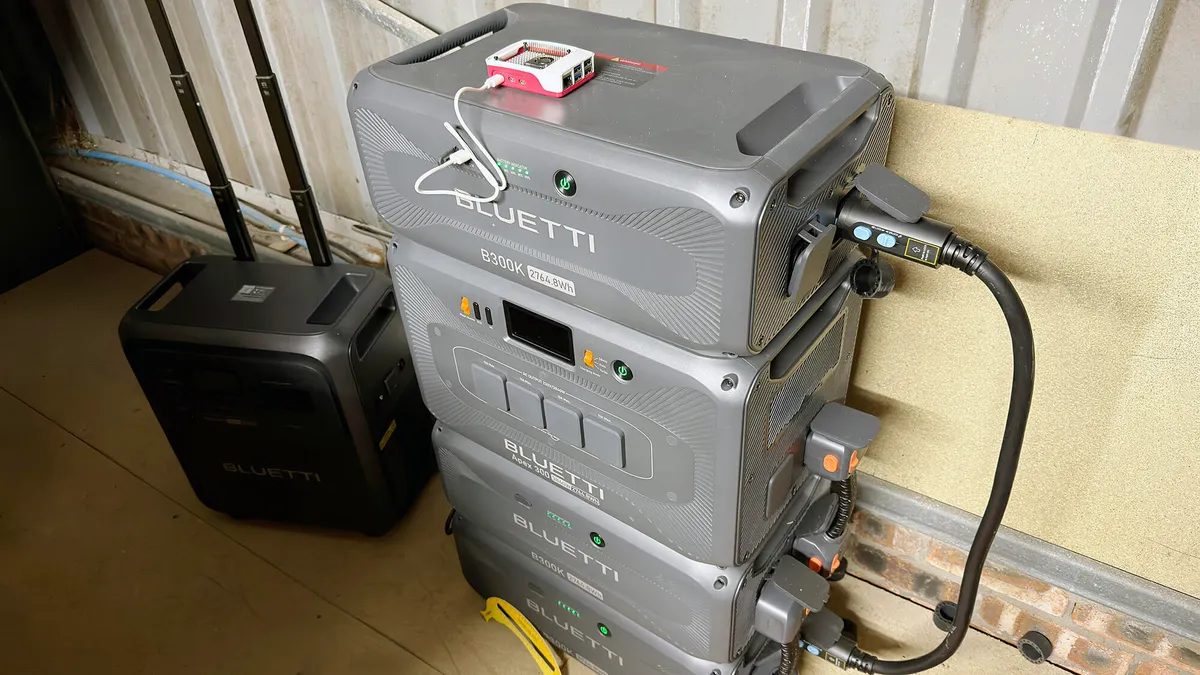
Photo: ZDNet
An engineer opted to build a custom Wi-Fi router instead of purchasing a ready-made device, using a Raspberry Pi as the foundation. The primary goal was to create a compact, energy-efficient solution capable of working with Starlink and managing an off-grid solar power station. The project not only proved cheaper than many mobile alternatives but also offered extensive customization options.
The build required a Raspberry Pi 5 with 2GB of RAM, available for $65 or at a lower price on the secondary market. The software foundation was RaspAP, a specialized distribution for creating access points. Installation involves writing the image to a microSD card using the official Raspberry Pi Imager tool. After booting, system settings are accessed via a web interface.
The finished device supports Starlink connectivity, bridge mode with existing networks, and even tethering a smartphone as an internet source via USB. Additional features include ad-blocking or VPN installation for enhanced security. To improve Wi-Fi coverage, a PCIe adapter with an Intel BE200 module can be used, significantly extending the network range. Autonomy is achieved by connecting to a power bank and a 10W solar panel.
The author notes that such DIY solutions are suitable not only for home use but also for projects like autonomous weather stations or surveillance cameras. For those unwilling to build their own, compact ready-made routers like the GL.iNet Mango ($30) are an option, though they offer less flexibility in configuration.
Dzen feed: /feed/dzen.xml · RSS: /feed.xml