
How to Create Custom Emoji from Pet Photos on iPhone in 4 Steps
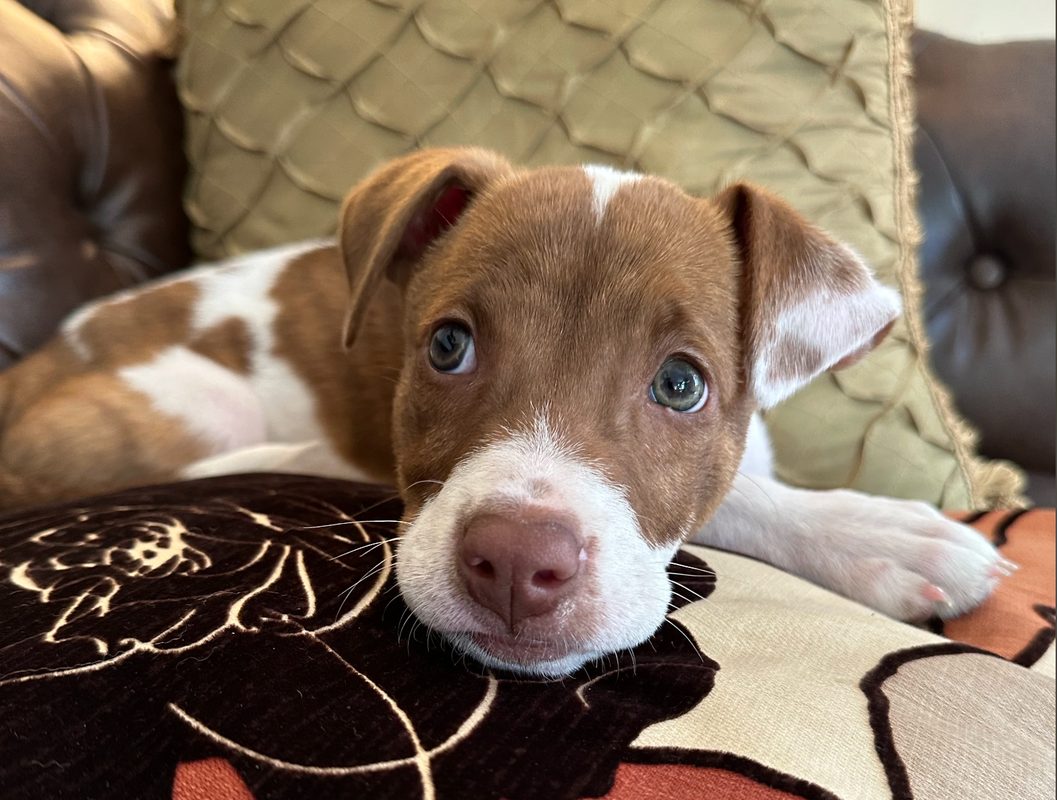
Photo: CNET
Quick answer
The Live Stickers feature in iOS 17 lets iPhone users create custom emoji and stickers from photos of pets, friends, or family.
With the release of iOS 17, Apple expanded image-editing capabilities by introducing the Live Stickers feature. Now users can turn photos of their pets, friends, or family into personalized emoji and stickers for easy sharing in messages.
The sticker creation process is straightforward. Simply open the Photos app, select the desired image, long-press the object until a white frame appears, and save it as a sticker. The sticker is then automatically added to the emoji keyboard and becomes available for use in Apple apps like Messages.
Additionally, you can apply various effects to stickers, such as adding a white frame or shadow to make them more noticeable. However, note that in some third-party apps like Slack* or TikTok*, these stickers may not display.
The Live Stickers feature is a natural evolution of the object-cutting tool introduced in iOS 16. Now users can not only share photos but also create unique visual elements for communication, adding emotional depth to their messages.
Common questions
- How do I create emoji from a photo on iPhone?
- Open the Photos app, select an image, long-press the object until a white frame appears, then tap 'Add Sticker.' Stickers are saved in the emoji keyboard and available in Apple apps.
- Can Live Stickers be used in third-party apps?
- Live Stickers primarily work in Apple apps. In some third-party services like Slack* or TikTok*, they may not be available.
- What effects can be added to stickers?
- After creating a sticker, you can add effects like a white frame or shadow to make it more expressive.
Dzen feed: /feed/dzen.xml · RSS: /feed.xml