
How to Conveniently Switch Between Multiple Google Accounts on Android
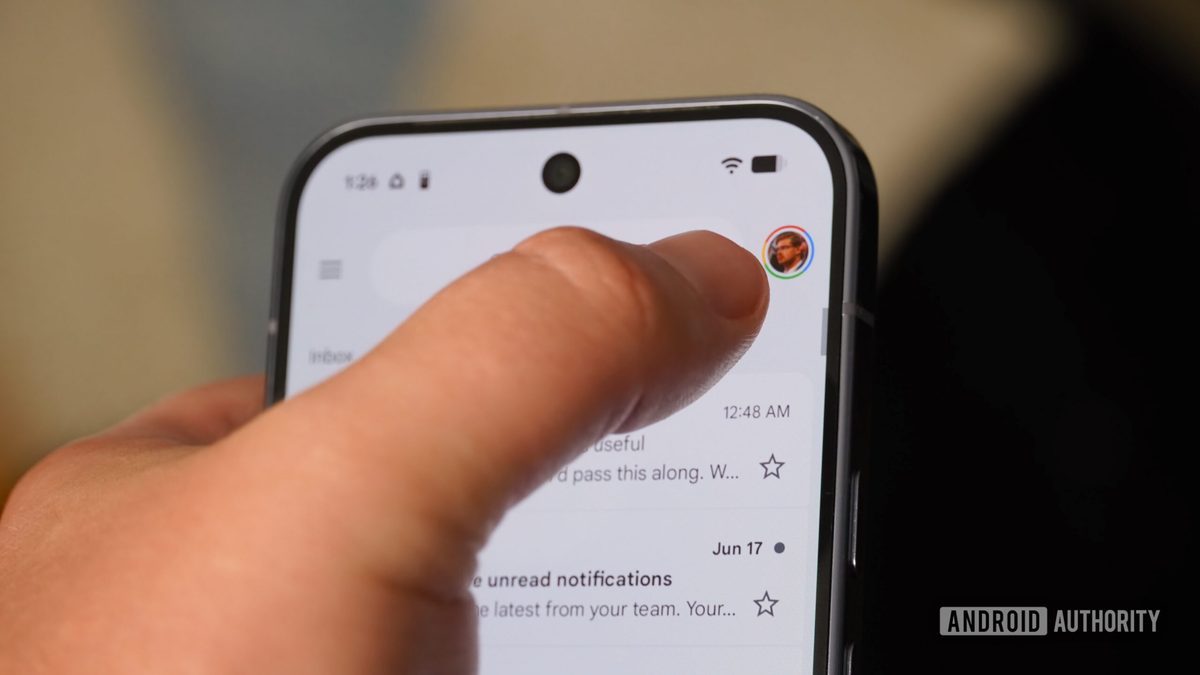
Photo: Android Authority
Quick answer
A simple swipe gesture on the account avatar in Google apps enables quick switching between multiple profiles on Android, saving time and simplifying workflows in Gmail, Drive, and other services.
Modern Android users often need to work with multiple Google accounts. These could be work, educational, or personal profiles, each used for different tasks—from email to cloud storage. However, switching between them via traditional menus can waste time, especially if done dozens of times a day.
It turns out there’s a more convenient method—a swipe gesture on the account avatar. Simply swipe up or down on the profile icon in Google apps to instantly switch to another account. This method works in Gmail, Google Drive, Google Photos, and other company services. If you have an Android Work Profile set up, you can also swipe left or right to switch between work and personal accounts.
The author notes that they previously wasted seconds switching via menus, but after mastering the gesture, managing multiple profiles became much easier. This trick is especially useful in Gmail, where users frequently check different inboxes. Google continues to improve multi-account integration, but for now, this gesture remains one of the most effective ways to optimize workflows with the company’s services on Android.
Common questions
- How can I quickly switch between Google accounts on Android?
- Simply swipe up or down on the account avatar in Google apps to instantly switch to another profile. This works in Gmail, Google Drive, Google Photos, and other services.
- Do work accounts support this gesture?
- Yes, if the work account is set up as an Android Work Profile, you can swipe left or right to switch. Standard work accounts support swiping up or down, just like personal accounts.
- Which Google apps support this gesture?
- The gesture is supported in most Google apps, including Gmail, Google Drive, Google Photos, Google Maps, Google Meet, and Google Home.
Dzen feed: /feed/dzen.xml · RSS: /feed.xml