
How to Enhance Photos Using Google Photos Tools Without Losing Naturalness
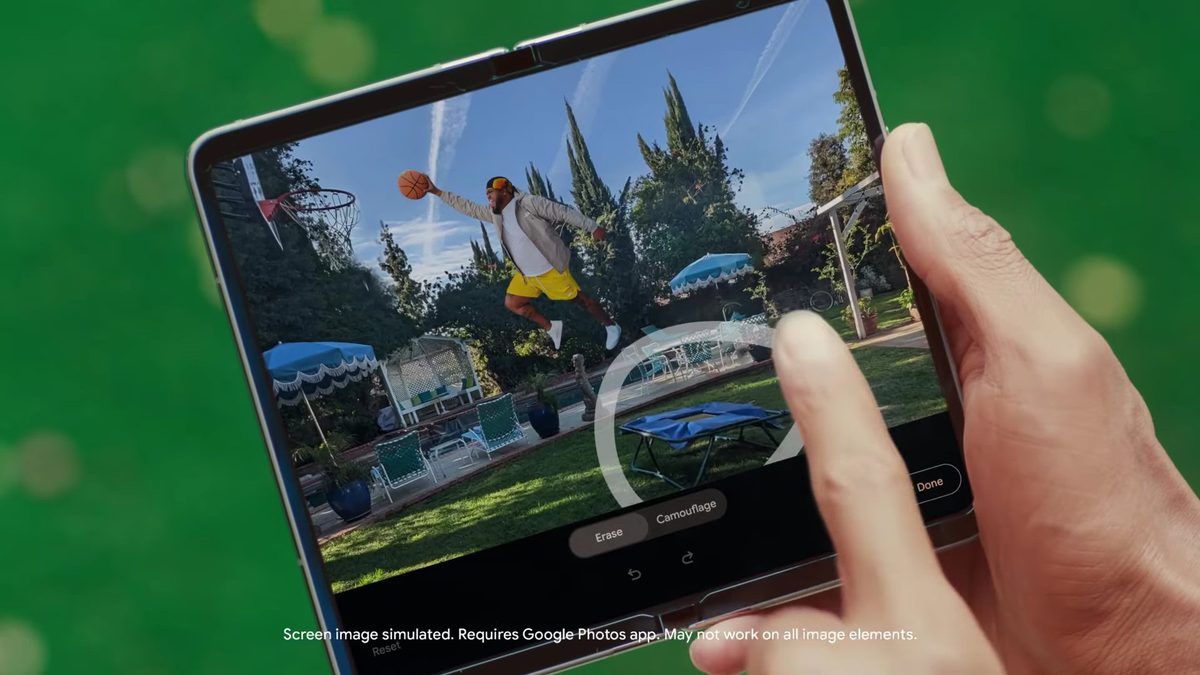
Photo: Android Authority
Quick answer
Google Photos давно перестал быть просто хранилищем фотографий — благодаря встроенным инструментам на базе искусственного интеллекта и гибким ручным настройкам он превратился в мощный редактор. Автор Android Authority рассказывает, как добиться эффектных результатов, избегая чрезмерной обработки. Главное правило: AI должен помогать, а не искажать реальность. Например, Magic Eraser легко удаляет лишние объекты, сохраняя естественность кадра, а инструмент Dynamic корректирует яркость без пересвета теней.
Google Photos has become an integral part of many users' workflows, combining a user-friendly interface with advanced editing tools. Even basic features like Enhance and Dynamic allow for quick improvements to photo quality. The former gently adjusts colors and contrast, while the latter is ideal for underexposed photos—though caution is needed, as overuse can lead to overexposure.
One of the most useful AI tools in Google Photos is Magic Eraser. It effectively removes unwanted objects, including shadows and reflections, with minimal traces of editing. However, the author emphasizes that radical changes that distort reality are excessive. For example, the Move tool, which allows repositioning elements within a frame, raises questions about its practicality.
To achieve the perfect balance between brightness and naturalness, the expert recommends manual adjustments. Increasing overall brightness, adjusting the White Point to preserve details in highlights, and slightly boosting contrast can make photos more expressive. Special attention should be given to the Skin Tone parameter—even a slight increase (up to 15 points) adds liveliness without compromising naturalness.
For more advanced editing, Google Photos offers integration with Snapseed, where users can apply ready-made presets or experiment with creative effects. For instance, the author uses a 'vintage' style to create Polaroid-like photos. This approach helps maintain a consistent visual style when publishing content on social media platforms like Instagram*.
Common questions
- Common questions
- Google Photos давно перестал быть просто хранилищем фотографий — благодаря встроенным инструментам на базе искусственного интеллекта и гибким ручным настройкам он превратился в мощный редактор. Автор Android Authority рассказывает, как добиться эффектных результатов, избегая чрезмерной обработки. Главное правило: AI должен помогать, а не искажать реальность. Например, Magic Eraser легко удаляет лишние объекты, сохраняя естественность кадра, а инструмент Dynamic корректирует яркость без пересвета теней.
Dzen feed: /feed/dzen.xml · RSS: /feed.xml