
How to Improve Your TV Sound for Free: Simple Settings and Hacks
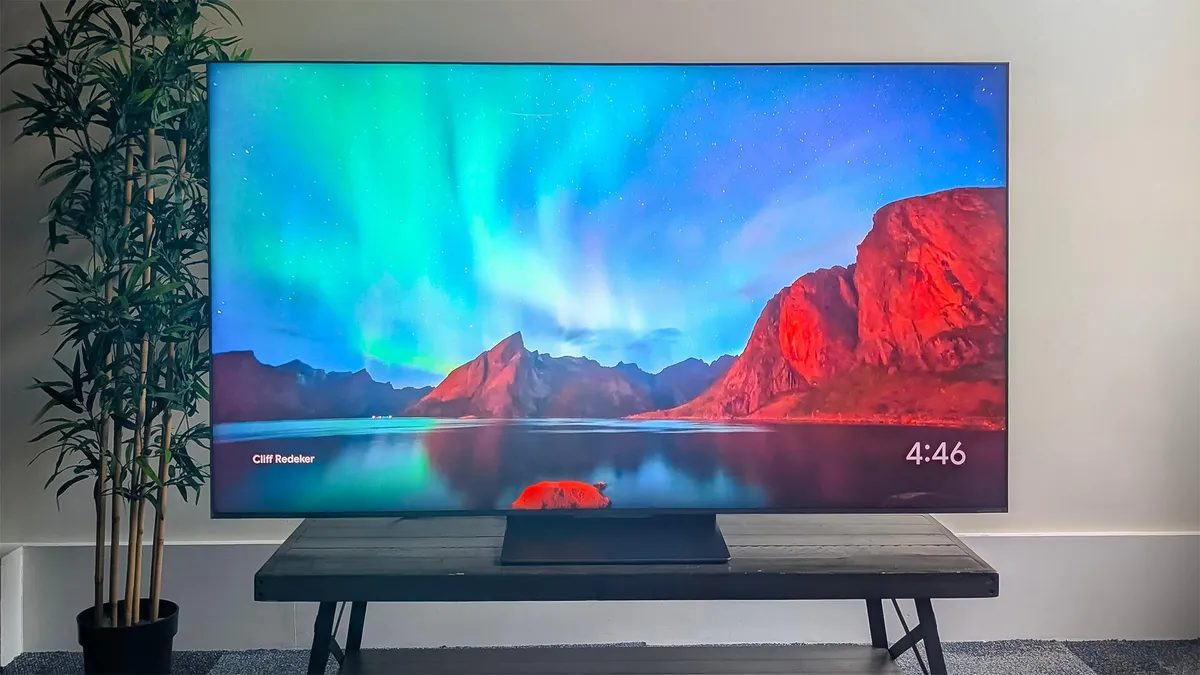
Photo: CNET
Quick answer
Улучшите звук телевизора бесплатно: настройте звуковые режимы, эквалайзер, расположение устройства и используйте стереоформат. Для лучшего результата — внешняя аудиосистема.
TV manufacturers acknowledge weak sound issues and integrate various audio modes into their devices. However, physical limitations of slim speakers prevent perfect sound. Still, proper settings can greatly improve viewing comfort.
Start by selecting the sound mode. Many models offer options like 'Clear Voice' or 'Speech Mode,' which emphasize dialogue frequencies. Also, check for speech enhancement features like 'Speech Boost' or 'Dialogue Enhancement.' If your TV has an equalizer, try reducing bass and boosting mid-range frequencies where voices are concentrated. In some cases, lowering both bass and treble can improve speech clarity.
Check your signal source settings. If using a set-top box, gaming console, or streaming device, ensure they transmit sound in stereo (PCM) rather than multi-channel mode. Some services, like Amazon Prime, offer built-in dialogue enhancement features. Also, consider your TV’s placement: sound travels better when the device is near a wall rather than in a corner or enclosed cabinet.
If these methods don’t yield desired results, consider purchasing an external audio device. Even a budget soundbar can drastically improve sound quality. For more demanding users, systems with separate speakers and a receiver deliver immersive surround sound.
Common questions
- Какие звуковые режимы лучше всего подходят для улучшения разборчивости диалогов?
- Выберите режимы «Чистый голос», «Режим речи» или активируйте функции «Speech Boost» и «Dialogue Enhancement». Также уменьшите басы и увеличьте средние частоты в эквалайзере.
- Почему звук телевизора становится лучше, если установить его у стены?
- Звуковые волны отражаются от стены, создавая более равномерное звуковое поле. Это улучшает распространение звука, особенно в диапазоне средних частот, где сосредоточены голоса.
- Можно ли улучшить звук без покупки дополнительного оборудования?
- Да, настройте звуковые режимы, эквалайзер, проверьте формат передачи звука (PCM) и правильное расположение телевизора. Эти методы не требуют затрат.
- Какой формат звука лучше использовать для приставок и игровых консолей?
- Используйте стереоформат (PCM) вместо многоканальных режимов. Это снижает нагрузку на встроенные динамики и улучшает разборчивость речи.
Dzen feed: /feed/dzen.xml · RSS: /feed.xml