
How to Reduce Smartphone Dependency Using Built-in Tools
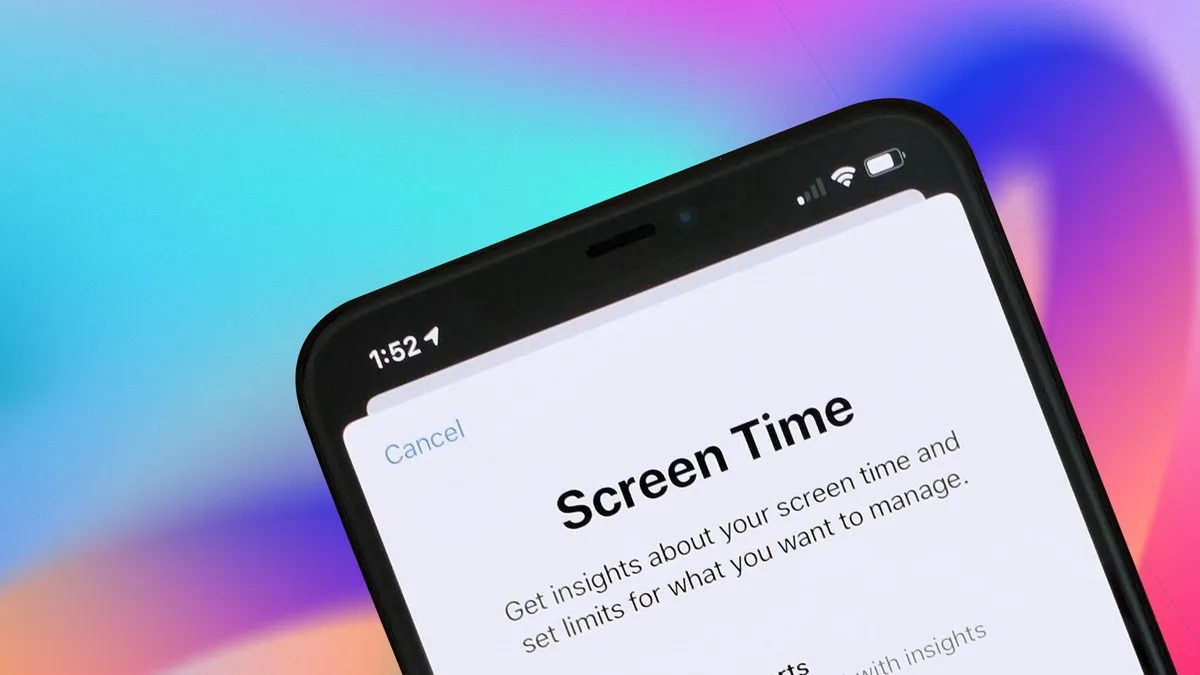
Photo: CNET
Quick answer
Узнайте, как уменьшить зависимость от смартфона с помощью встроенных инструментов iOS и Android: лимиты на приложения, режимы сна и блокировка уведомлений.
The average user unlocks their smartphone over 150 times a day, often spending far more time than intended. Both iOS and Android offer built-in tools to combat this dependency, though they remain underappreciated. These digital well-being features enable users to limit app usage, configure downtime periods, and even mute notifications at night.
In iOS, starting with version 12, the "Screen Time" feature allows setting limits on individual apps or app categories. For example, you can restrict social media usage to 30 minutes per day. Once the limit is reached, the system blocks access, reminding users to take a break. Android offers similar tools: under "Digital Wellbeing" settings, daily app limits can be set, resetting at midnight.
Another useful feature is "Downtime" in iOS and "Bedtime mode" in Android. These allow scheduling periods where most apps are restricted, and notifications are muted—ideal for evenings when excessive device use can disrupt sleep quality. Android also enables automatic sleep mode activation when the device is charged at a set time.
Experts note that such tools not only reduce smartphone usage but also lower anxiety linked to constant notification checks. However, achieving results requires not just setting limits but adhering to them, resisting the temptation to manually extend app usage.
Common questions
- Какие встроенные инструменты помогают снизить зависимость от смартфона?
- В iOS и Android есть функции цифрового благополучия: лимиты на приложения, режимы «Время отдыха» и «Режим сна», блокировка уведомлений в ночное время.
- Как настроить лимиты на использование приложений в iOS?
- В iOS используйте функцию «Экранное время» (Настройки > Экранное время), чтобы установить дневные лимиты для отдельных приложений или категорий.
- Можно ли автоматически ограничивать доступ к смартфону в ночное время?
- Да, в Android есть режим «Режим сна», который автоматически ограничивает доступ к приложениям и приглушает уведомления в заданное время.
- Помогают ли такие инструменты снизить уровень стресса?
- Эксперты отмечают, что ограничение времени в смартфоне помогает уменьшить тревожность, связанную с постоянной проверкой уведомлений.
Dzen feed: /feed/dzen.xml · RSS: /feed.xml