
How to Install iPadOS 27 Right Now: Compatible Models & Guide
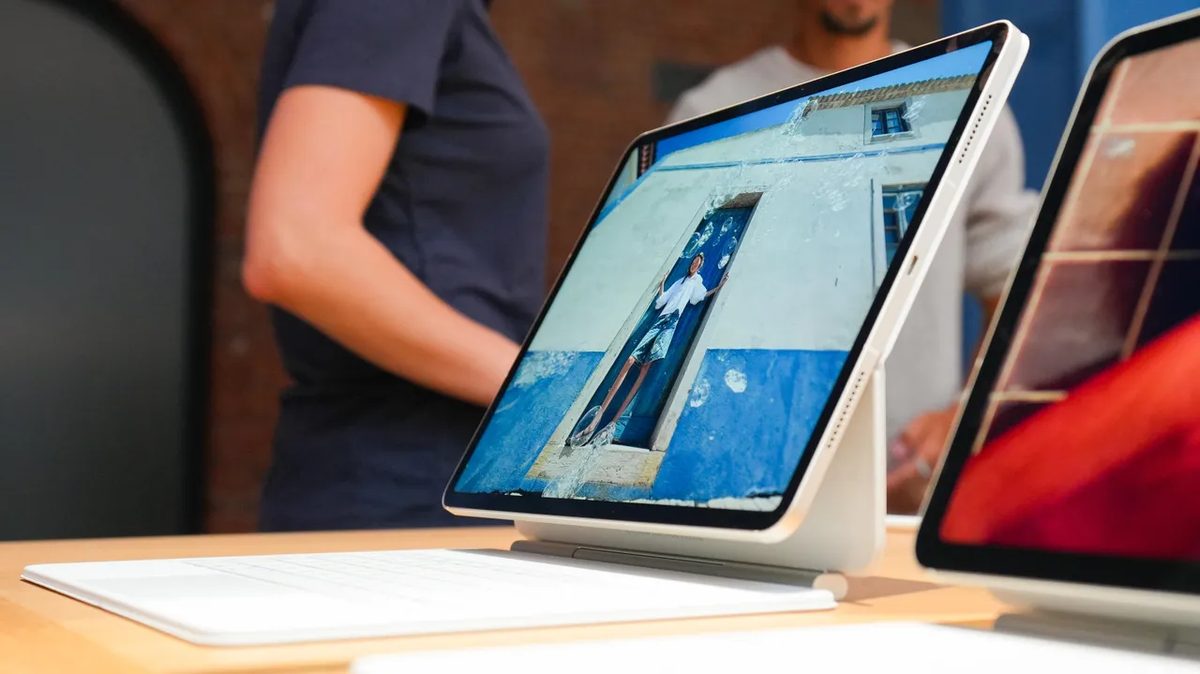
Photo: ZDNet
Quick answer
Apple has released the public beta of iPadOS 27 for testing ahead of its official launch in fall 2026. The update includes improvements to Siri, new Safari features, and advanced image editing tools.
At WWDC 2026, Apple unveiled iPadOS 27, highlighting key innovations for tablets. These include Apple Intelligence integration, enhanced Siri performance, expanded image editing capabilities, and an updated Safari browser. Users can already test the system via the public beta release, though beta builds may be unstable and contain bugs.
Before installing the beta, it’s recommended to back up your data to prevent potential data loss. The installation process is straightforward: navigate to Settings, select General, then Software Update, and enable beta updates. The system will then prompt you to download iPadOS 27 Public Beta. Access to the developer beta requires registration in the free Apple Developer Program for beta testing.
This update is supported on several iPad models, including iPad Pro with M4 chips and later, iPad Air with M2 and later, as well as the latest generations of iPad and iPad mini. The official release of iPadOS 27 is scheduled for fall 2026, likely in September, following Apple’s typical release pattern. Beta testers can submit feedback via the Feedback Assistant app, which automatically collects diagnostic data and crash logs.
Common questions
- Which iPad models support iPadOS 27?
- iPadOS 27 is compatible with iPad Pro (M4 and later), iPad Air (M2 and later), iPad (9th generation and later), and iPad mini (6th generation and later). The full list of supported models is available in the article.
- When will the official version of iPadOS 27 be released?
- The official release of iPadOS 27 is expected in fall 2026, likely in September, aligning with Apple's annual update cycle.
- How do I install the iPadOS 27 beta?
- To install the public beta, go to Settings → General → Software Update and enable beta updates. Access to the developer beta requires registration in the Apple Developer Program.
Dzen feed: /feed/dzen.xml · RSS: /feed.xml