
How to Stop Android Keyboard Tracking: Two Ways to Disable Surveillance
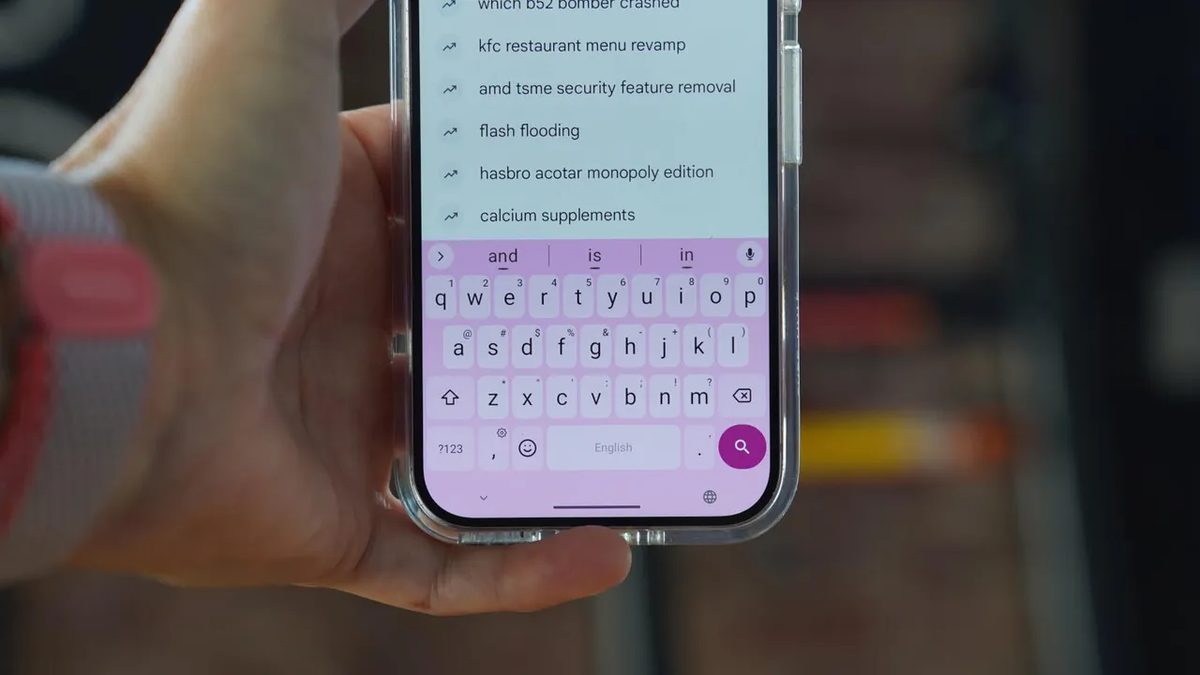
Photo: ZDNet
Quick answer
Gboard on Android collects user data for autocorrect and predictive typing, sending it to Google's servers.
The default Gboard keyboard, preinstalled on most Android devices, collects user activity data by default. This includes not only typed text but also voice commands, which are analyzed to improve autocorrect and predictive typing. The issue is that this data is sent to Google's servers, and many privacy settings are either hidden or require manual intervention.
The first way to reduce risks is to disable data collection in Gboard settings. To do this, go to the "Languages & input" section in system settings, select Gboard, and navigate to the "Privacy" subsection. Here, you can deactivate usage statistics, personalization, shared improvements, and audio recordings. However, even after this, some data may still be collected, as full isolation of keyboard functions is not guaranteed.
A more reliable option is to replace Gboard with an alternative keyboard, such as FUTO Keyboard. This open-source solution processes all data locally on the device, without sharing it with third parties. FUTO supports similar features, including autocorrect, themes, and gestures, while offering enhanced privacy settings. Installation takes just a few minutes, and the interface is nearly identical to Gboard, making the transition seamless.
FUTO Keyboard also offers additional features, such as customizable actions for the key next to the spacebar. By default, it opens the emoji picker, but it can be reassigned to voice input, language switching, or clipboard management. Additionally, users can configure gestures for the Backspace and spacebar keys, such as deleting entire words or moving the cursor.
For those who prioritize privacy, FUTO Keyboard is the optimal choice: it retains Gboard's functionality while eliminating data transfers to external servers. It can be installed via the Google Play Store* using the standard app setup process.
Common questions
- Why does the Android keyboard track users?
- Gboard collects data to enhance autocorrect, predictive typing, and voice input. These features require text analysis, which is processed on Google's servers.
- How can I disable tracking in Gboard?
- In Gboard settings, you can disable usage statistics, personalization, shared improvements, and audio recordings. This reduces data collection but doesn't guarantee full privacy.
- Why is FUTO Keyboard better than Gboard?
- FUTO Keyboard is an open-source alternative that processes all data locally on your device, avoiding external server transfers. It supports similar features like autocorrect and themes while prioritizing privacy.
Dzen feed: /feed/dzen.xml · RSS: /feed.xml