
Microsoft Copilot Now Analyzes Windows Settings and Answers PC Questions
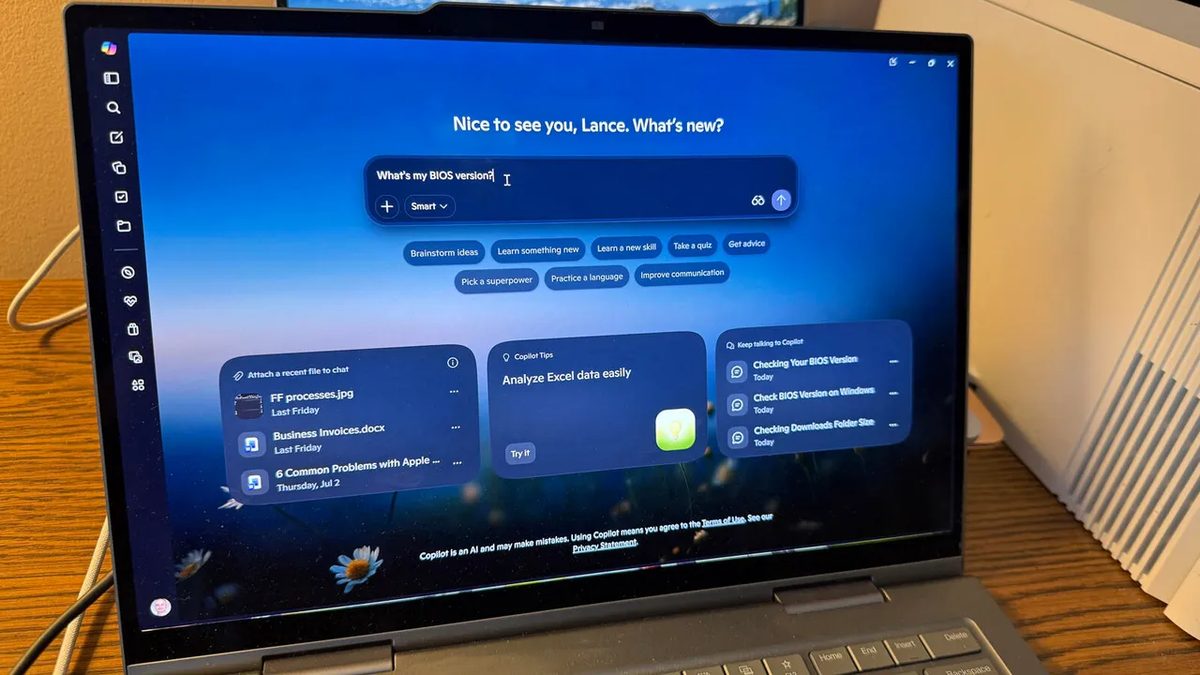
Photo: ZDNet
Quick answer
Microsoft added PC Insights to Copilot for Windows, allowing users to query system status via AI. The feature provides details on battery health, BIOS version, CPU load, network adapters, and more through natural…
Microsoft is expanding the capabilities of its AI assistant Copilot by introducing the PC Insights feature for analyzing Windows settings. Users can now ask questions about their hardware and software status without spending time manually searching through system menus.
The feature allows users to check the BIOS version, battery level, current CPU load, list of network adapters, and other parameters. PC Insights requires permission to access system data, which can be granted for a single query or on a permanent basis. Access sessions remain active until the app is closed or the computer is restarted.
While Copilot does not store personal files or use them for training, it cannot automatically resolve issues or modify settings. After analysis, users must manually perform the necessary actions. The feature is gradually rolling out in the Copilot for Windows app, with availability varying by region and device.
Common questions
- What system data can Copilot analyze in Windows?
- With PC Insights, Copilot can provide information on battery status, BIOS version, CPU load, network adapters, free storage space, and connected device status, such as printers.
- Can Copilot automatically fix Windows issues?
- No, Copilot only provides information and explains potential causes of problems. Users must manually perform actions to resolve them.
- Is PC Insights safe for system analysis?
- Microsoft states that Copilot does not store or use personal files to train AI models. Users can revoke system data access permissions at any time.
Dzen feed: /feed/dzen.xml · RSS: /feed.xml