
Microsoft to Restrict Office 2019 Features on Older Macs and iPhones Starting July 13
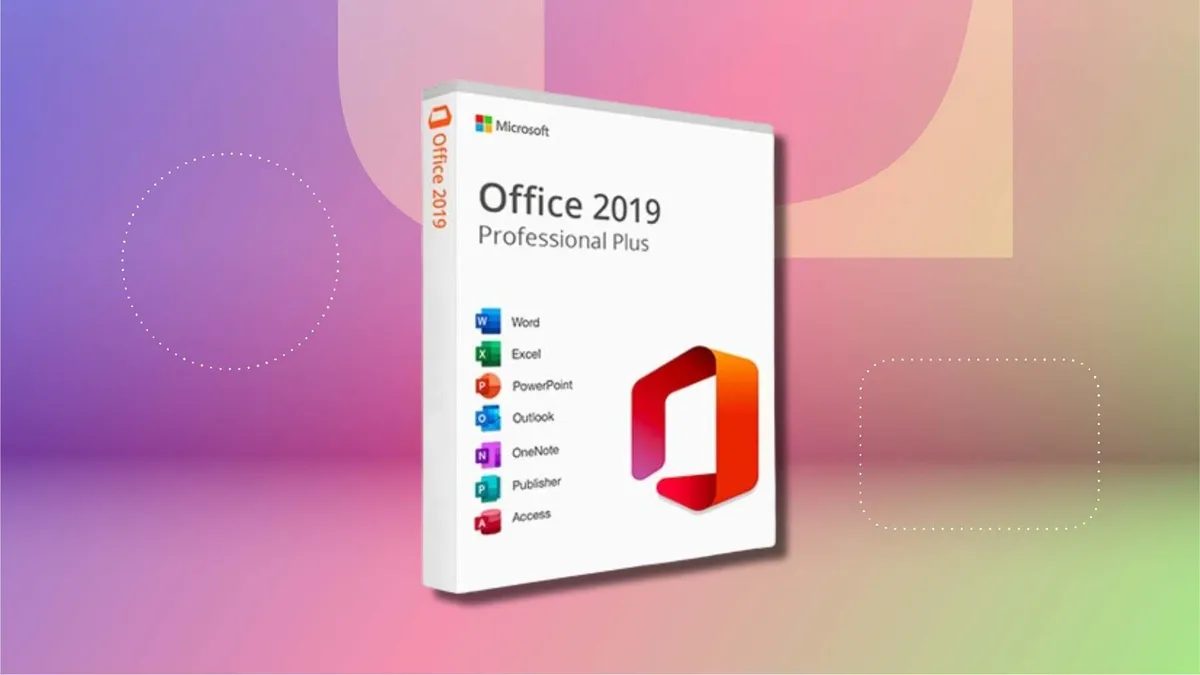
Photo: CNET
Quick answer
From July 13, Microsoft will disable editing in Office 2019 on macOS and legacy iOS/iPadOS due to an expired security certificate. The software will switch to a 'read-only' mode.
Starting July 13, Microsoft will impose restrictions on Office 2019 users on macOS, as well as outdated versions of iOS and iPadOS. Applications like Word, Excel, PowerPoint, Outlook, and OneNote will switch to 'read-only' mode: editing, saving, and creating documents will become unavailable. Users will still be able to view and print files.
The changes are due to the expiration of a security certificate that validates Office licenses. Microsoft updated the certificate for supported software versions but not for Office 2019, which stopped receiving updates in October 2023. The company cites technical limitations preventing updates to unsupported software.
To retain full functionality, users are advised to upgrade to Office 2021 (one-time purchase) or Microsoft 365 (subscription). Newer versions require macOS 12 (Monterey) or later, as well as iOS/iPadOS 17.0 or higher. Alternatively, the free web version of Microsoft 365 can be used.
Office 2019 was released in September 2018 and officially supported for five years. The next one-time purchase version, Office 2024, is upcoming, while Office 2021 will be supported until October 2026.
Common questions
- Why will Office 2019 stop working on Mac?
- Due to the expiration of a security certificate that was not renewed for the unsupported software version. Microsoft ended support for Office 2019 in October 2023.
- Which functions will be unavailable in Office 2019 after July 13?
- Editing, saving, and creating new files. Only viewing and printing documents will remain available.
- How can I avoid limitations in Office 2019?
- Upgrade to Office 2021 or switch to a Microsoft 365 subscription. For macOS, macOS 12 (Monterey) or later is required.
Dzen feed: /feed/dzen.xml · RSS: /feed.xml