
Netflix Launches 4K Support in Chrome: How to Set It Up
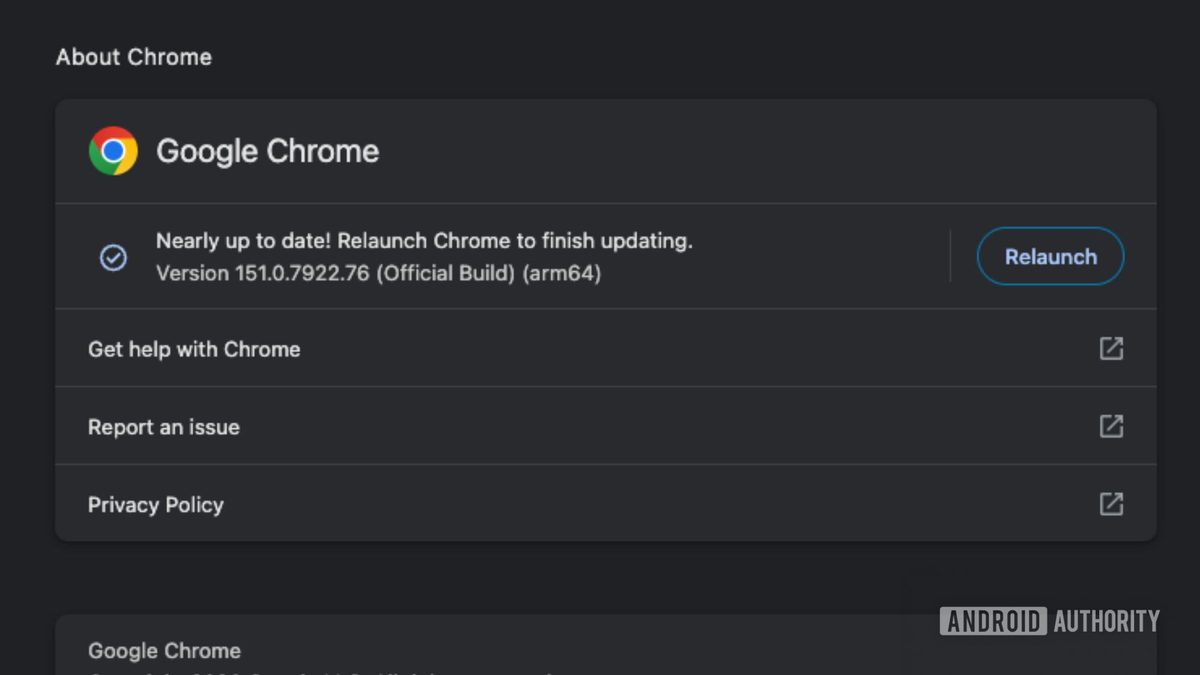
Photo: Android Authority
Quick answer
Netflix has enabled 4K streaming in Chrome for Windows users. Requirements include a Premium subscription, Chrome 117+, Windows 11, a compatible GPU (Nvidia GTX 1050+/AMD RX 400+), a 4K display with HDCP 2.
Netflix has finally added 4K streaming support in Chrome, eliminating the need for users to switch to Microsoft Edge or Safari. However, enabling this feature requires meeting several conditions: updating the browser to version 117 or later, using Windows 11, and subscribing to the Premium plan, which includes Ultra HD.
Beyond software requirements, hardware compatibility is critical. For 4K playback, supported GPUs include Nvidia GeForce GTX 1050 or newer, AMD Radeon RX 400 or newer, as well as Intel and AMD processors with hardware decoding support. The display must support 4K resolution at 60Hz and HDCP 2.2. In some cases, installing Microsoft’s HEVC Video Extensions may be necessary.
After configuring the hardware, select 'Auto' or 'High' playback quality in Netflix settings. To check the current resolution, use the shortcut Ctrl + Alt + Shift + D, which displays playback statistics. Note that 4K support in Chrome is currently available only for Windows—macOS users remain limited to 1080p.
For users with compatible devices, this new feature streamlines the viewing experience by removing the need for additional browsers. However, MacBook owners must still use Safari to access Ultra HD content.
Common questions
- Which browsers support 4K streaming on Netflix?
- On Windows: Chrome 117+ and Microsoft Edge. On macOS: only Safari. Chrome on macOS is limited to 1080p.
- What hardware is needed for 4K streaming in Netflix via Chrome?
- A GPU like Nvidia GTX 1050 or newer, AMD Radeon RX 400 or newer, a 4K display with HDCP 2.2 support, and Windows 11. HEVC codecs may also be required.
- Why doesn’t Netflix stream in 4K on Chrome for Mac?
- Netflix currently restricts 4K streaming in Chrome to Windows only. On macOS, Chrome remains limited to 1080p resolution.
Dzen feed: /feed/dzen.xml · RSS: /feed.xml