
Neural Expressive Update for Gemini Now Available on Samsung Smartwatches
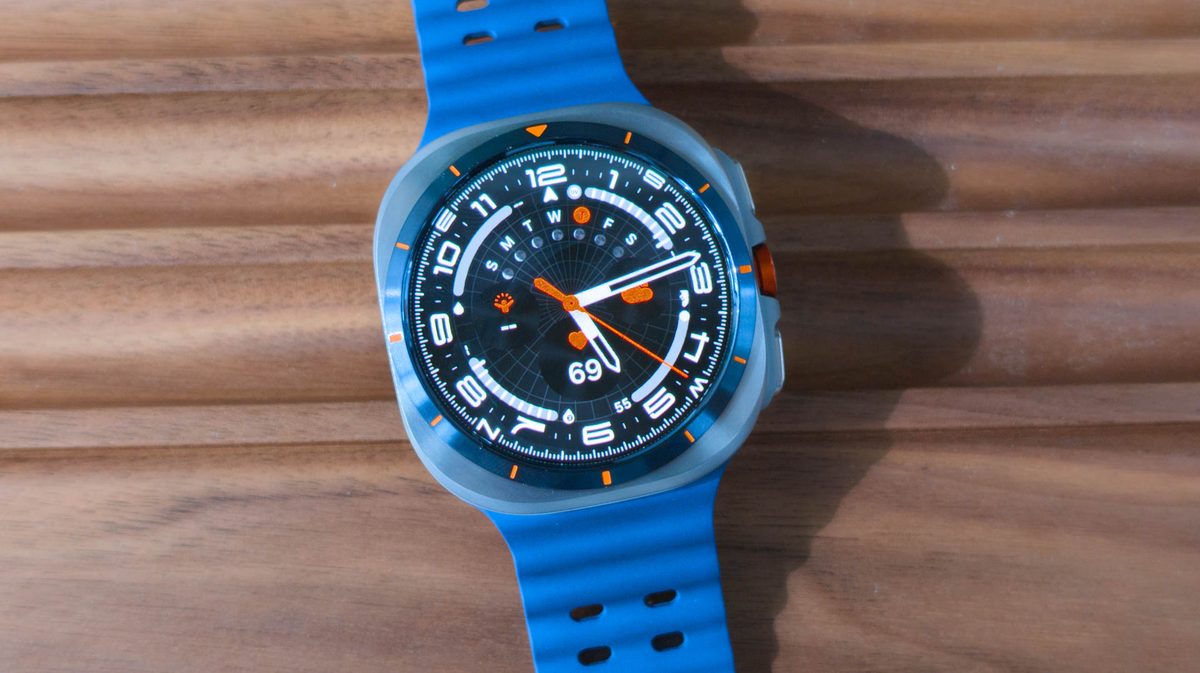
Photo: Android Authority
Quick answer
Google’s Neural Expressive update, which adds a gradient visual effect to the watch face, is now available on Samsung Galaxy Watch Ultra with Wear OS 6.
Google has begun rolling out its Neural Expressive visual update for the Gemini assistant to smartwatches beyond the Pixel Watch lineup. According to reports, the gradient effect—previously exclusive to Google devices—is now available on first-generation Samsung Galaxy Watch Ultra smartwatches running Wear OS 6 (or One UI 8 Watch in Samsung’s terminology).
The update activates when users say the voice command “Hey Google,” displaying the gradient effect over the watch face. If users manually launch Gemini by holding the Home button, the effect appears against a black background. However, new AI features announced for Wear OS 7 are not yet available on the device—these are expected to arrive in a future update.
Google introduced Neural Expressive as part of a new design language for Gemini on wearable devices. The visual changes are server-side and do not depend on the app version. Users with Pixel Watch and Galaxy Watch are advised to check for updates, as the effect may appear soon.
Common questions
- What is Neural Expressive in Gemini?
- Neural Expressive is a visual update for the Gemini assistant on Wear OS, adding a gradient effect over the smartwatch face during AI interactions.
- Which devices support the Neural Expressive update?
- The update was first available on Pixel Watch and is now accessible on Samsung Galaxy Watch Ultra with Wear OS 6. Expansion to other Wear OS devices is expected.
- Will new AI features be added to Gemini for Wear OS?
- Google announced enhanced Gemini Intelligence capabilities for Wear OS 7, but these features are not yet available even on Pixel Watch. The current update only includes the visual effect.
Dzen feed: /feed/dzen.xml · RSS: /feed.xml