
Google Health Permission Error Blocks Pixel Watch Sensor Data Collection
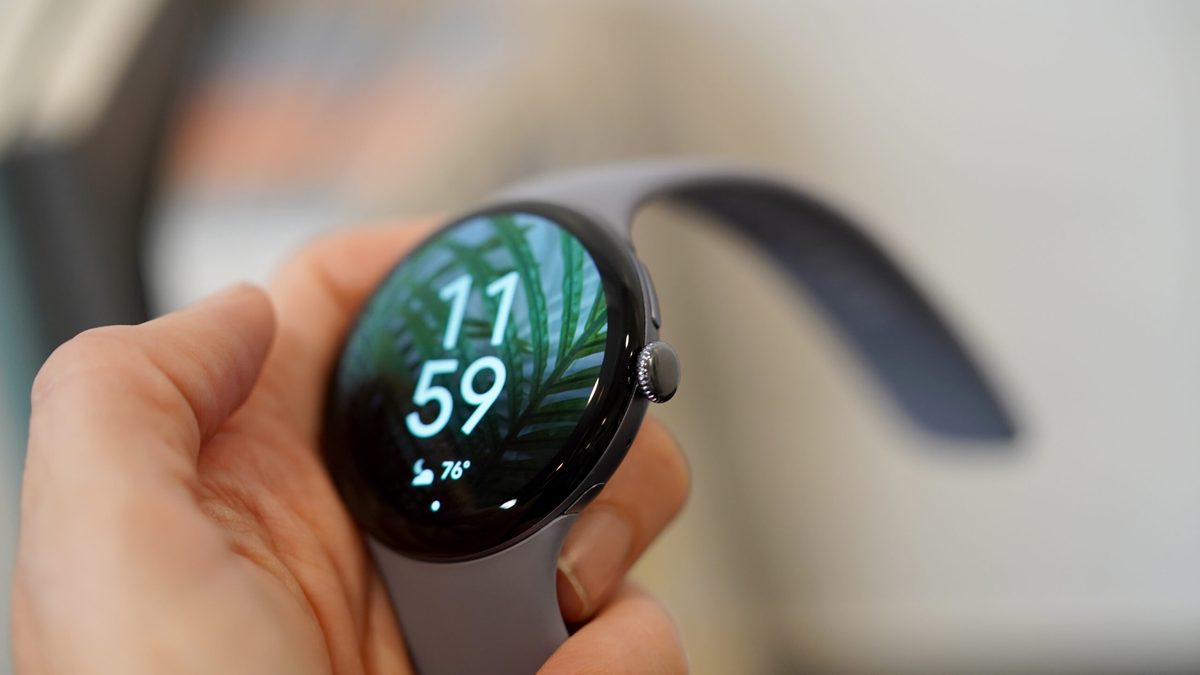
Photo: Android Authority
Quick answer
A growing number of Pixel Watch users report Google Health permission errors blocking sensor data access. The issue persists post-factory reset and is suspected to stem from a recent Google Health update, though no…
Google Pixel Watch owners are encountering an unexpected technical issue with the Google Health app, where devices display error messages demanding sensor data access despite all permissions being properly enabled. Some users continue to view collected data in the app, raising doubts about the notification's accuracy.
The situation is exacerbated by the fact that standard troubleshooting methods—including device reboots and factory resets—fail to resolve the issue. The error persists even after restoring factory settings, strongly suggesting a bug introduced in the latest Google Health update. User complaints emerged within weeks of the app's recent patch release.
As of now, Google has not issued any official statements regarding this problem. The company has neither acknowledged the issue nor provided temporary workarounds for affected users. A fix is expected in the near future, though no specific timeline has been confirmed.
Common questions
- What issue are Pixel Watch users facing with Google Health?
- Users see permission error messages for sensor data access in Google Health, despite having granted all required permissions. Some lose data collection entirely, while others experience inconsistent behavior.
- Does a factory reset fix the Google Health permission error?
- No, the error persists even after a full factory reset, indicating a systemic issue rather than a user configuration problem.
- What might be causing this error?
- Users suspect the issue stems from a recent Google Health update, but Google has not yet confirmed or addressed the problem officially.
Dzen feed: /feed/dzen.xml · RSS: /feed.xml