
Pixel 11 to Feature HiLight: Reviving LED Notifications
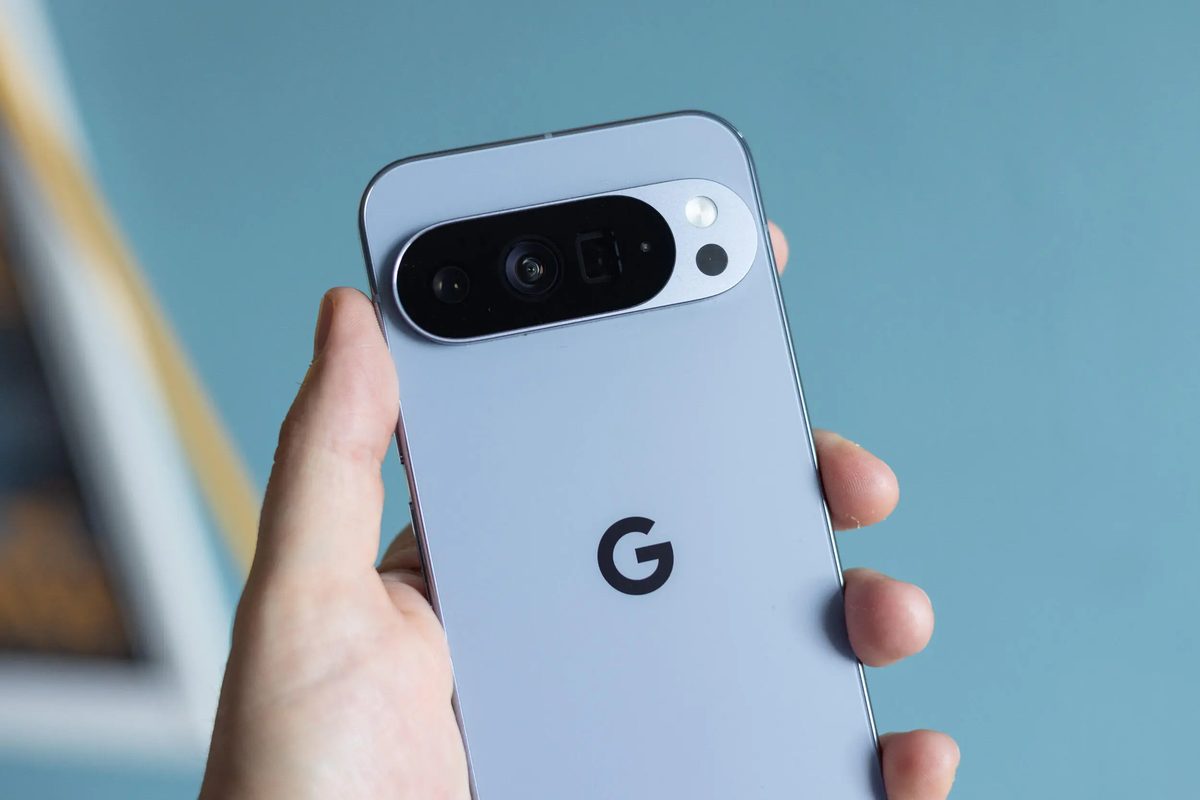
Photo: CNET
Quick answer
Google integrates HiLight into Pixel 11—a tiny rear-panel display replacing traditional LED notifications with color-coded alerts for contacts and Gemini interactions.
At the upcoming Made by Google event on August 12, the company will unveil its new Pixel 11 smartphone lineup, with one of the standout features being HiLight—a modern reinvention of the LED notifications popular in the early 2000s. Unlike traditional LED indicators, HiLight is a small display on the device’s rear panel capable of showing color-coded alerts.
According to leaks, HiLight will integrate with Google Contacts and the Gemini assistant. Users can assign specific colors to priority contacts, enabling quick identification of incoming calls or messages. The feature supports nine colors: blue, cyan, green, orange, pink, purple, teal, white, and yellow. HiLight replaces the temperature sensor previously found on the rear panel of Pixel devices, a feature that saw limited adoption.
Notably, HiLight activates when the smartphone is placed face-down. This could benefit users who prefer keeping their device in this position to avoid screen distractions. However, Google may not allow users to fully disable HiLight if it’s enabled by default. It remains unclear whether third-party developers will integrate support for HiLight, which could limit its functionality in the near term.
The event will also introduce the Pixel Watch 5 smartwatch, spotted in an unusual location—the Caribbean coast—but the spotlight will undoubtedly be on the Pixel 11 lineup, including the foldable Pixel 11 Pro Fold.
Common questions
- What is HiLight in Pixel 11?
- HiLight is a new feature in Pixel 11 smartphones, featuring a small rear-panel display that shows color-coded notifications for priority contacts and Gemini assistant interactions.
- What colors does HiLight support?
- HiLight supports nine colors: blue, cyan, green, orange, pink, purple, teal, white, and yellow, which can be assigned to different contacts.
- Will HiLight replace the always-on display?
- No, HiLight does not replace the always-on display but complements it by showing notifications on the rear panel when the screen faces down.
Dzen feed: /feed/dzen.xml · RSS: /feed.xml