
Samsung Introduces New Security Layer in One UI 9 Power Menu
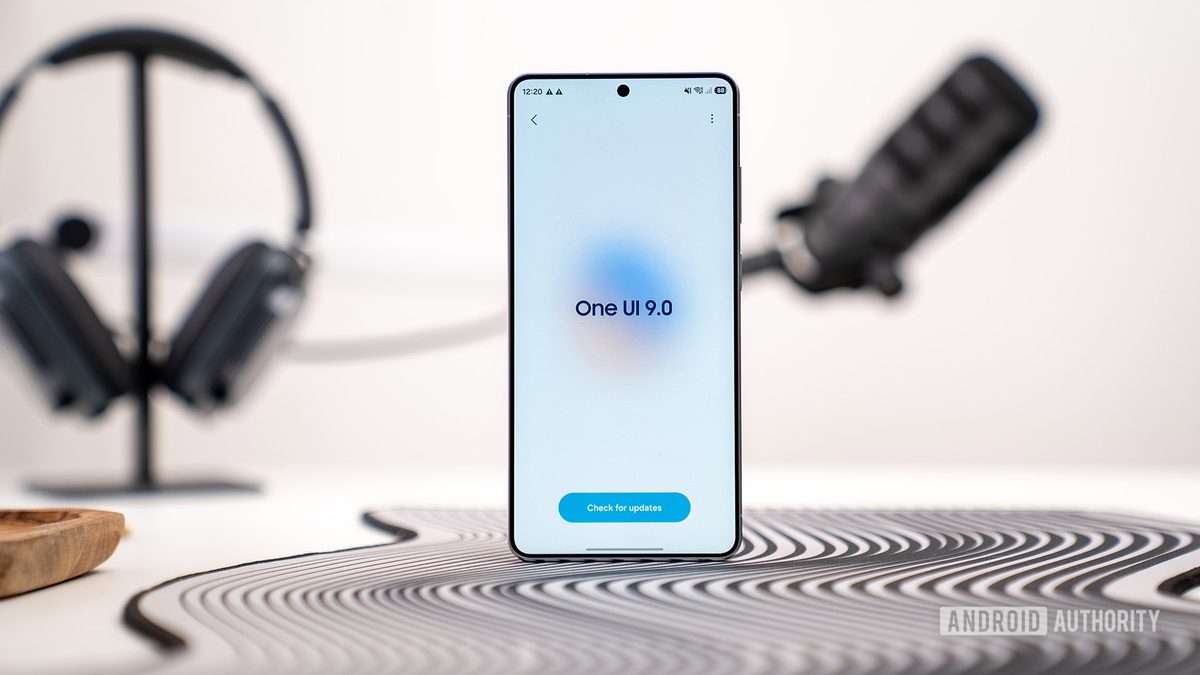
Photo: Android Authority
Quick answer
Компания Samsung оптимизирует механизмы безопасности в новой версии своей оболочки One UI 9. В бета-версии системы обнаружено изменение, при котором вызов меню питания автоматически активирует режим блокировки устройства. Это исключает возможность использования биометрических данных для разблокировки и требует ввода PIN-кода или пароля даже для выключения или перезагрузки смартфона. Такое решение направлено на защиту пользователей от принудительного доступа к устройству, например, во время сна или в других уязвимых ситуациях.
In the One UI 9 beta, currently being tested on Samsung Galaxy devices, the company has implemented a significant security enhancement. Now, when the power menu is accessed (via a long press of the power button), the system automatically locks the smartphone, returning the user to the password entry screen.
Previously, in One UI 8.5, users had to manually select the lockdown option from the power menu. This feature is now integrated directly: opening the menu disables biometric unlock methods (fingerprint scanner and facial recognition) and hides notifications on the lock screen. Accessing the device or powering it off requires entering a PIN or password.
Experts believe this change lowers the barrier for users who may have been unaware of the lockdown mode. Automatic protection activation minimizes risks of unauthorized access, particularly in situations where the device owner cannot monitor its use, such as during sleep. Unlocking the smartphone is sufficient to return to the last opened app.
The update is already available in the One UI 9 beta for select Samsung Galaxy models. The stable release is expected in the coming months.
Common questions
- Common questions
- Компания Samsung оптимизирует механизмы безопасности в новой версии своей оболочки One UI 9. В бета-версии системы обнаружено изменение, при котором вызов меню питания автоматически активирует режим блокировки устройства. Это исключает возможность использования биометрических данных для разблокировки и требует ввода PIN-кода или пароля даже для выключения или перезагрузки смартфона. Такое решение направлено на защиту пользователей от принудительного доступа к устройству, например, во время сна или в других уязвимых ситуациях.
Dzen feed: /feed/dzen.xml · RSS: /feed.xml