
Samsung to Release Software Fix for Galaxy S26 Ultra Red Screen Issue
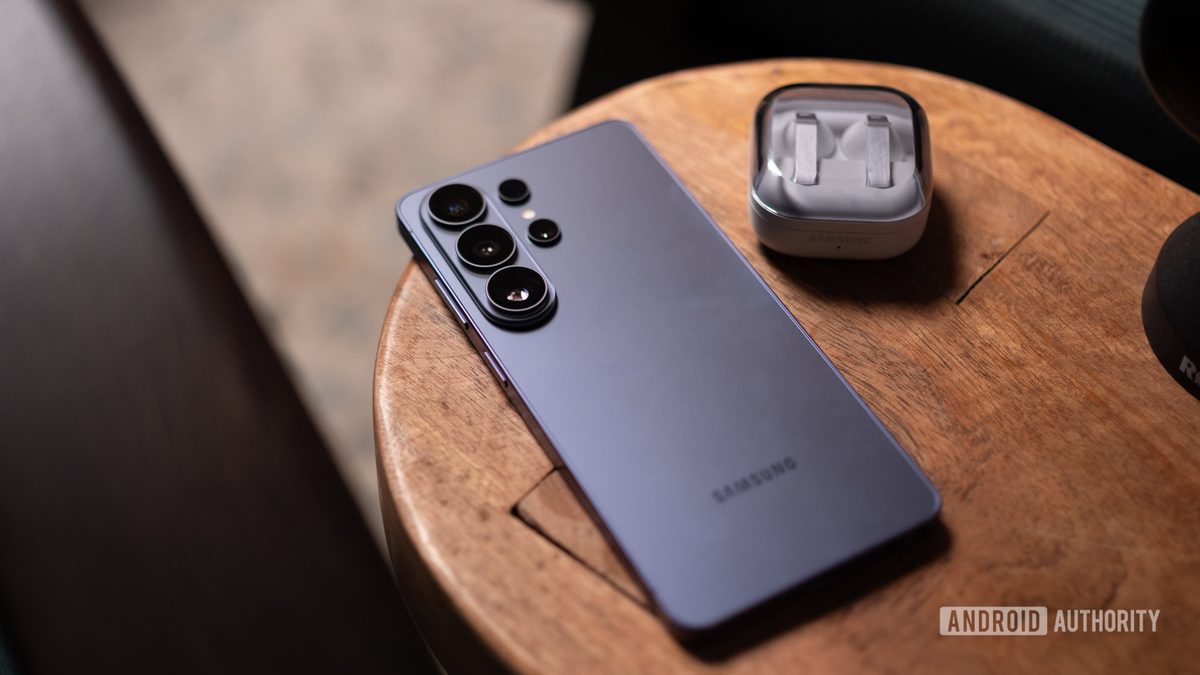
Photo: Android Authority
Quick answer
Samsung confirmed that the red screen issue on the Galaxy S26 Ultra stems from a software error in color correction, not hardware failure.
Owners of Samsung’s flagship Galaxy S26 Ultra have reported an unexpected issue: some devices display red patches on their screens. Many users feared this indicated a hardware defect, such as premature OLED display wear. However, the company has officially stated that the cause lies in a software error, not a malfunction in the device’s hardware.
According to South Korean media reports, Samsung has confirmed that the problem arises from incorrect operation of color correction algorithms at maximum screen brightness and under bright light conditions. A company representative noted that the defect can be resolved with a software update. It remains unclear why the red tint affects only part of the display rather than the entire screen.
For now, the fix is available exclusively through Samsung’s official service centers. The company plans to release the update for all users in the near future. Galaxy S26 Ultra owners experiencing the issue are advised to visit a service center to receive the patch.
Common questions
- Why is the Galaxy S26 Ultra screen turning red?
- The issue is caused by a software error in the color correction system. Samsung has confirmed it’s not a hardware defect and is preparing a fix.
- How can I fix the red screen on my Galaxy S26 Ultra?
- Currently, the update is only available through Samsung service centers. A broader release via standard update channels is planned for the future.
- Is this an OLED display issue?
- No, Samsung has ruled out premature wear or burn-in of the OLED panel. The defect is purely software-related.
Dzen feed: /feed/dzen.xml · RSS: /feed.xml